Your whole app, in one place.
Pages, workflows, a database and sign-in, all in one app. Change any part, and go live when it’s ready.
Free to build. Your first live app is free too, on your own domain.
One app, six views
See the whole app.
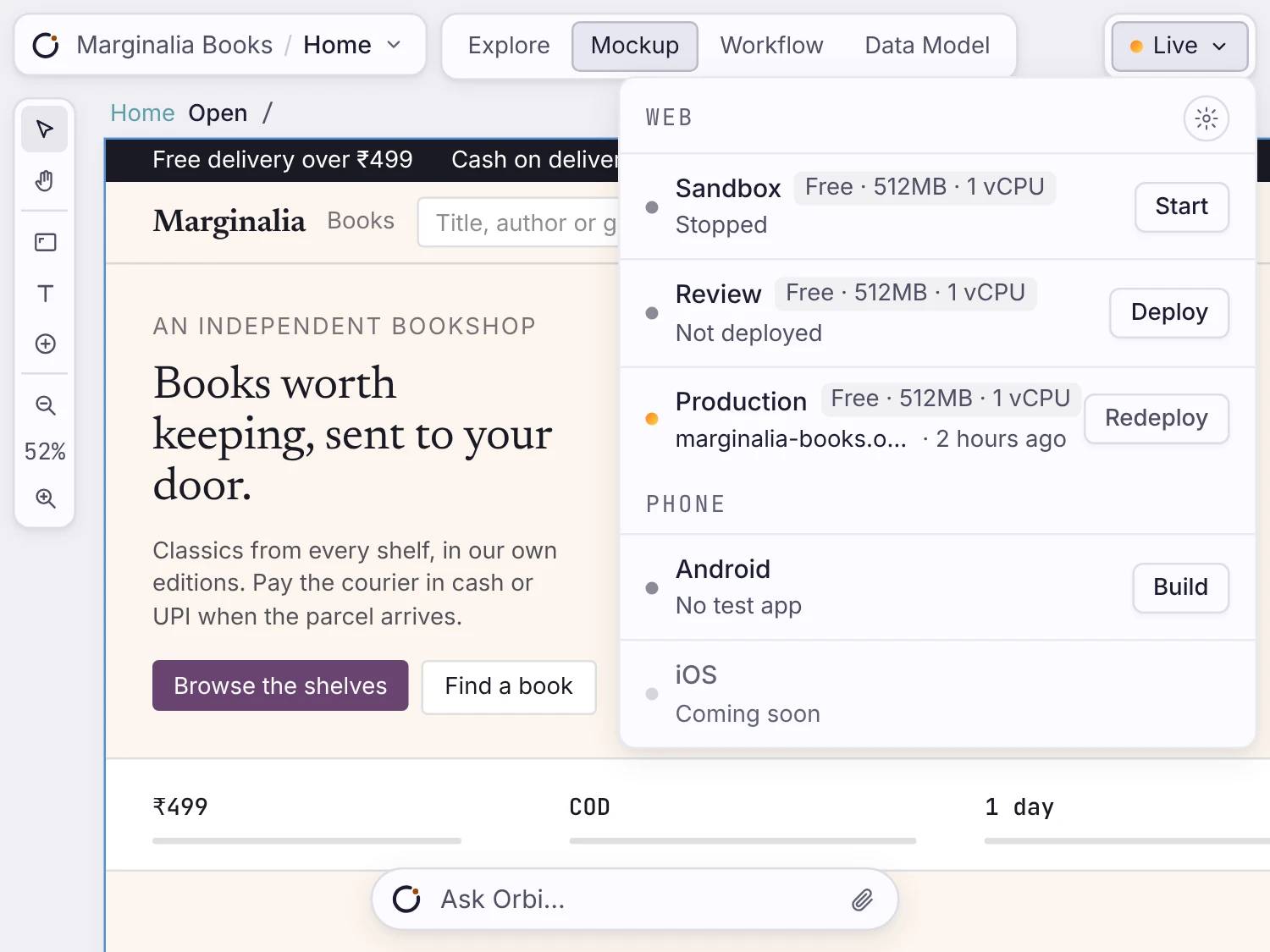
Marginalia Books is an online bookshop. Its notes, pages, workflows, tables and launch settings all live in one app.
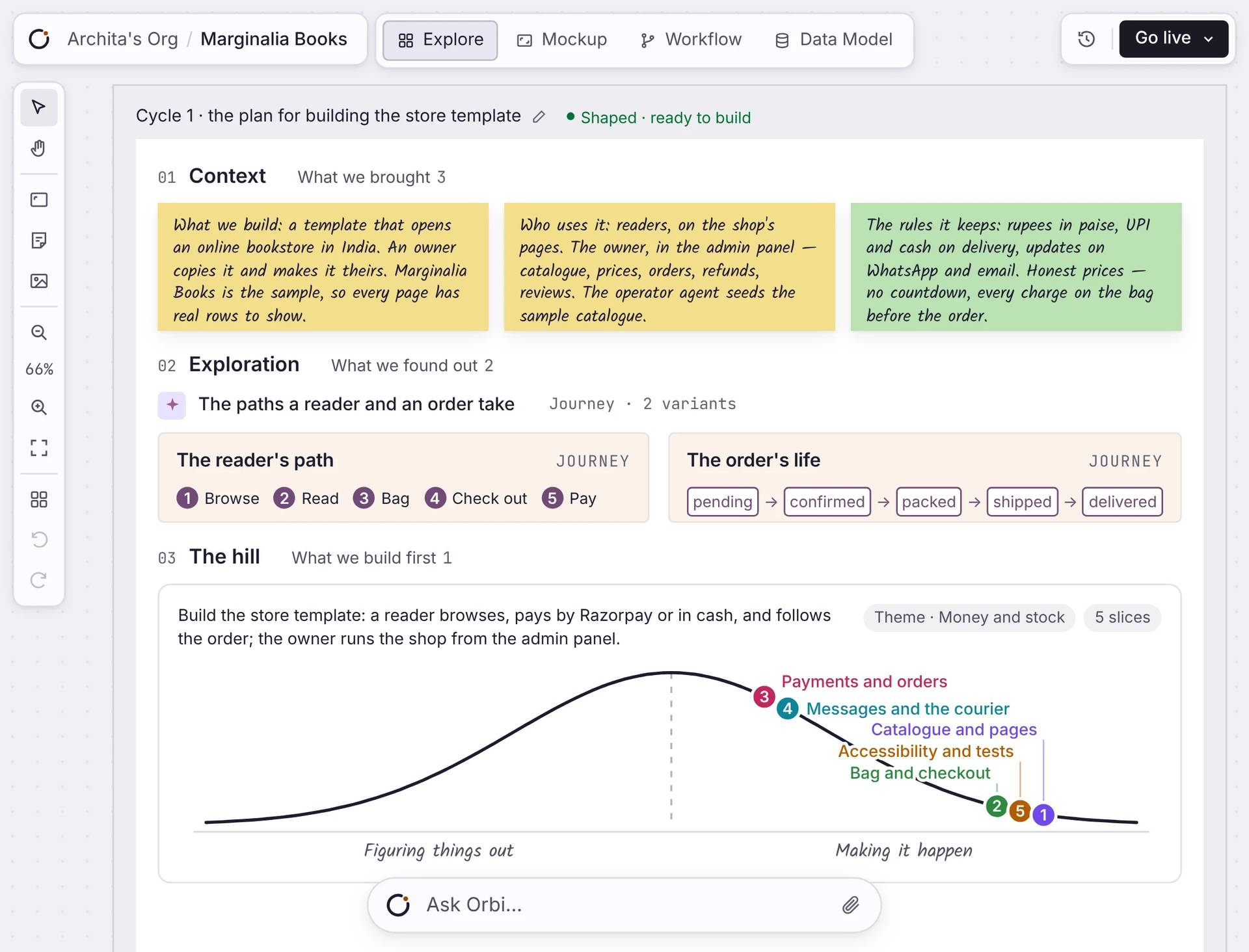
Your notes, what you found, and what to build first.
View the full surface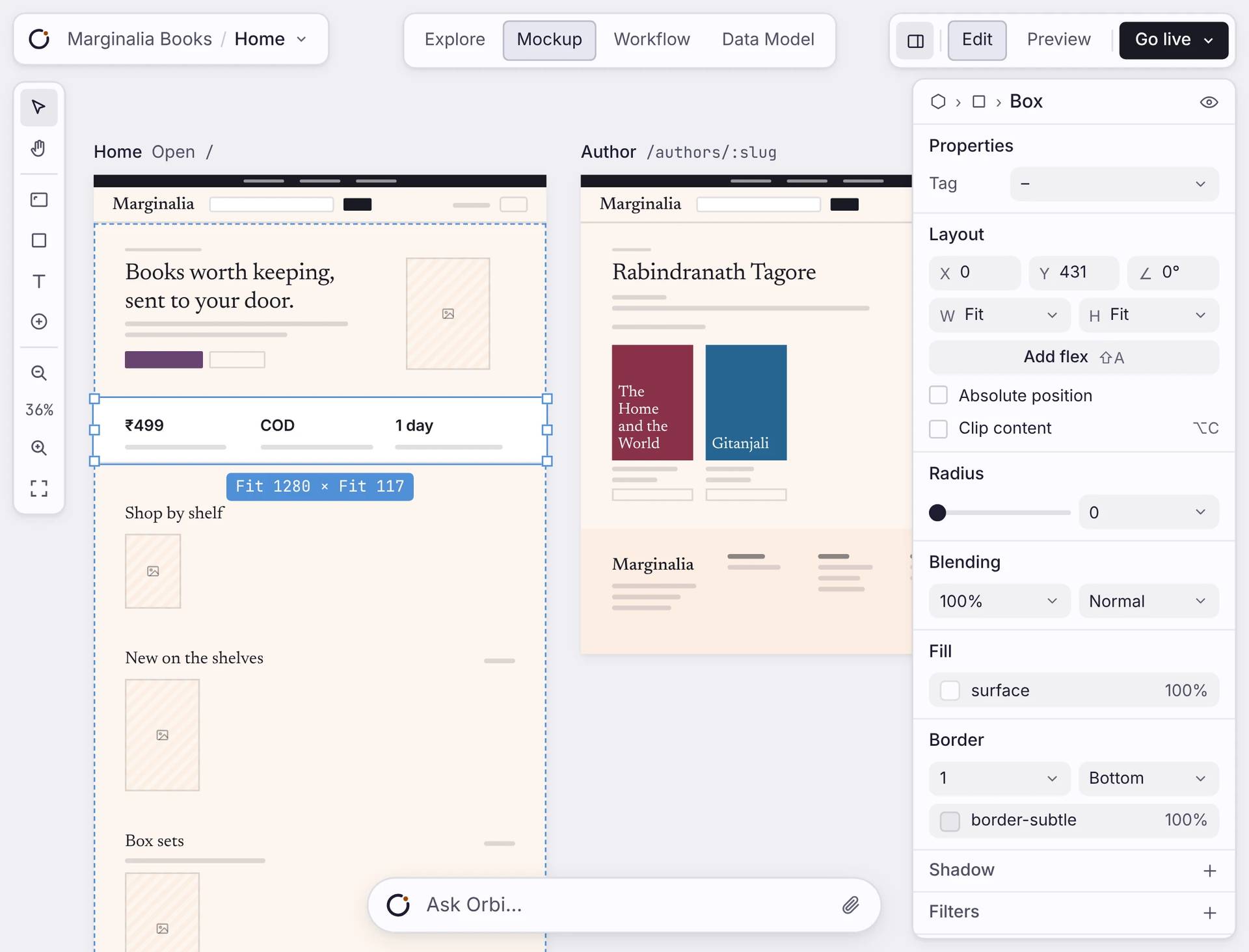
The pages people use, showing your data.
View the full surface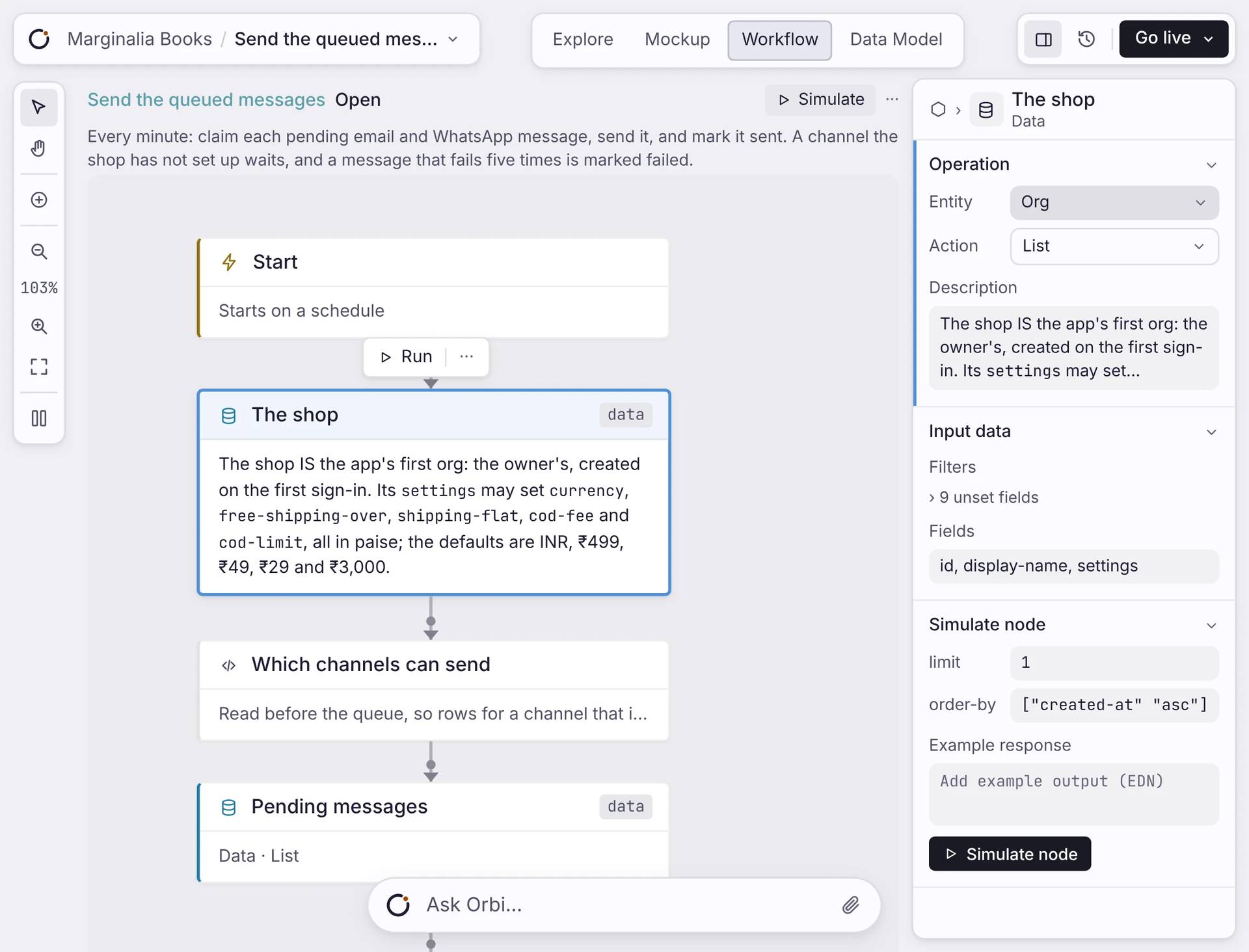
The steps that run on the server.
View the full surface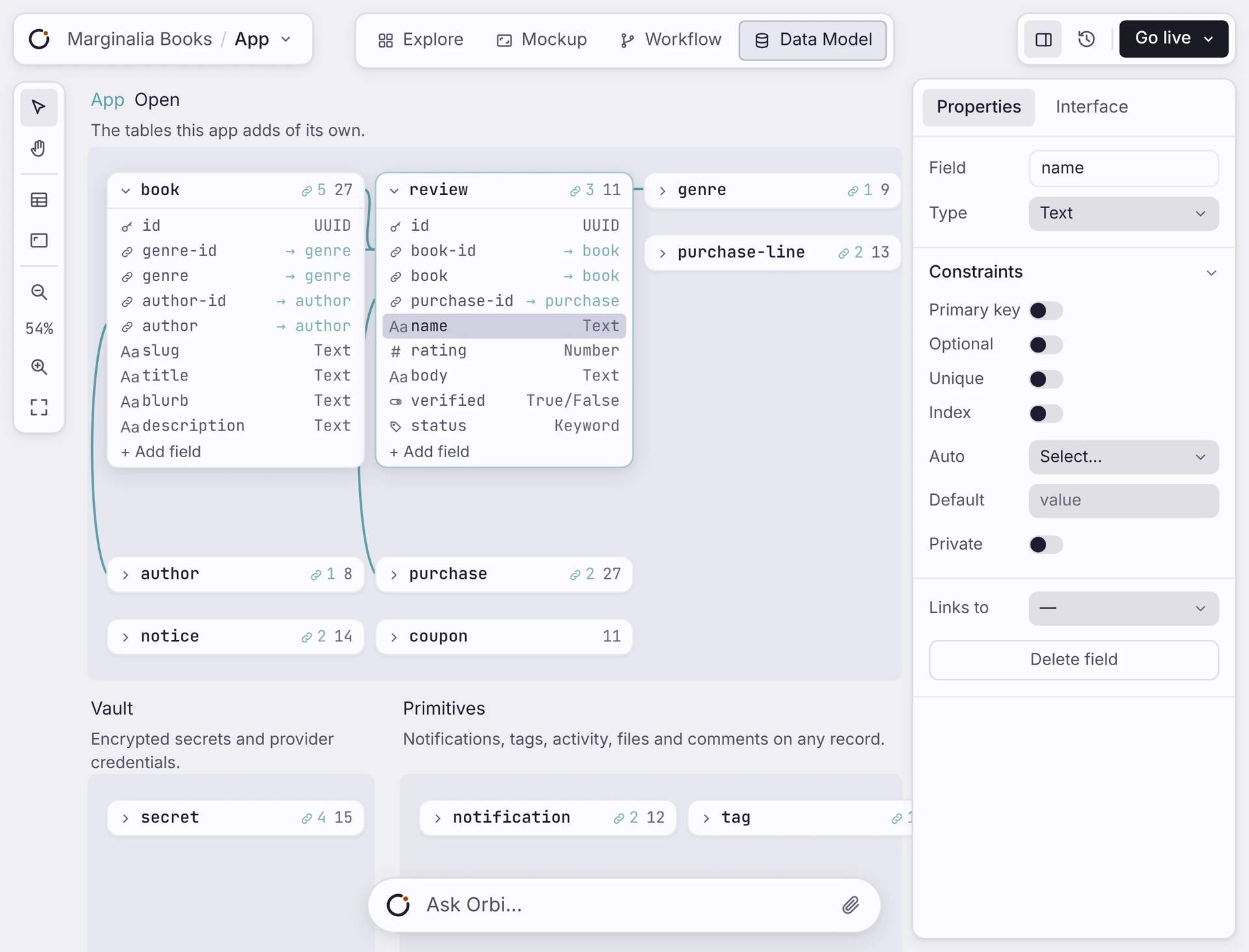
Your tables, running as Postgres.
View the full surface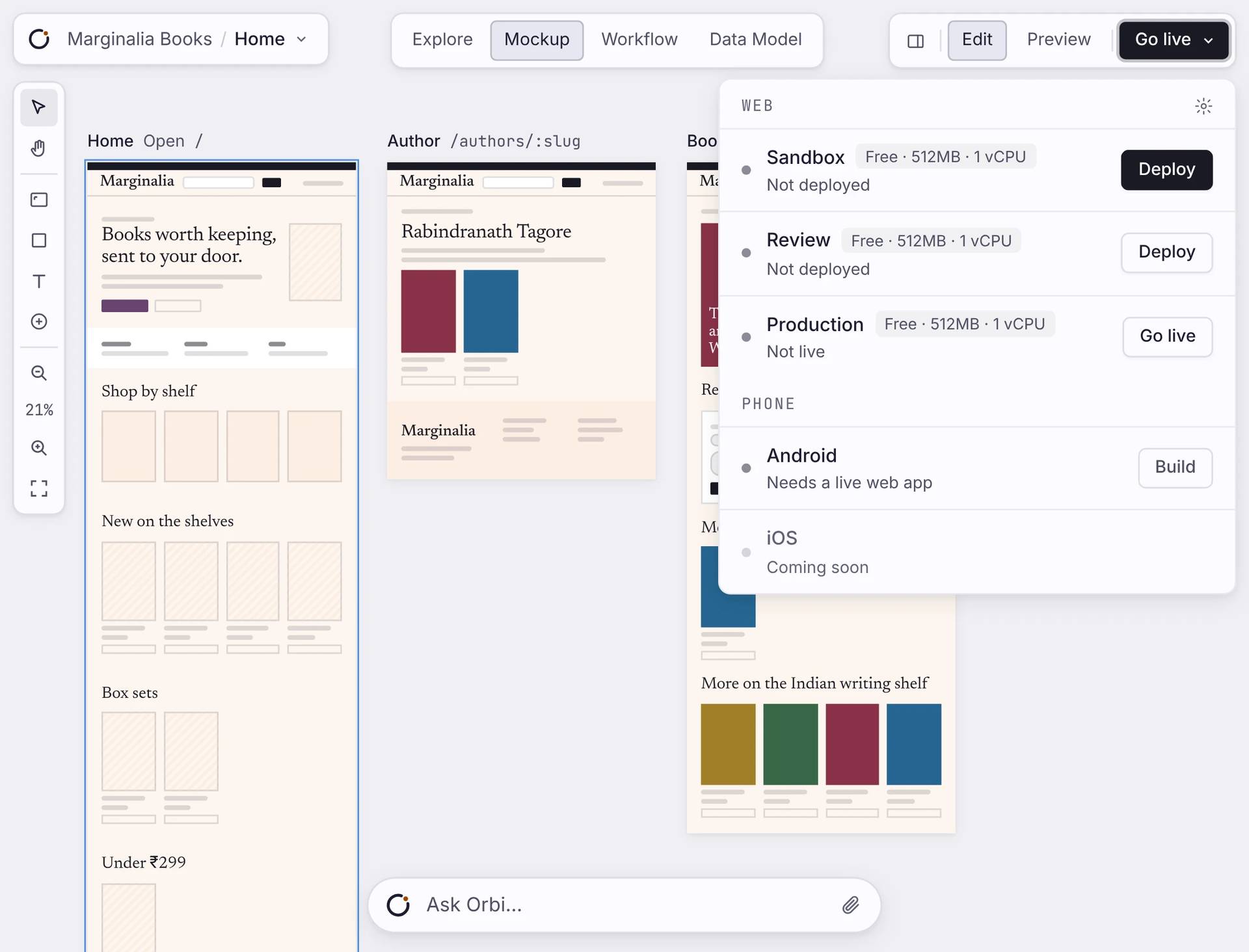
Sandbox, Review and Production, each with its own address.
View the full surface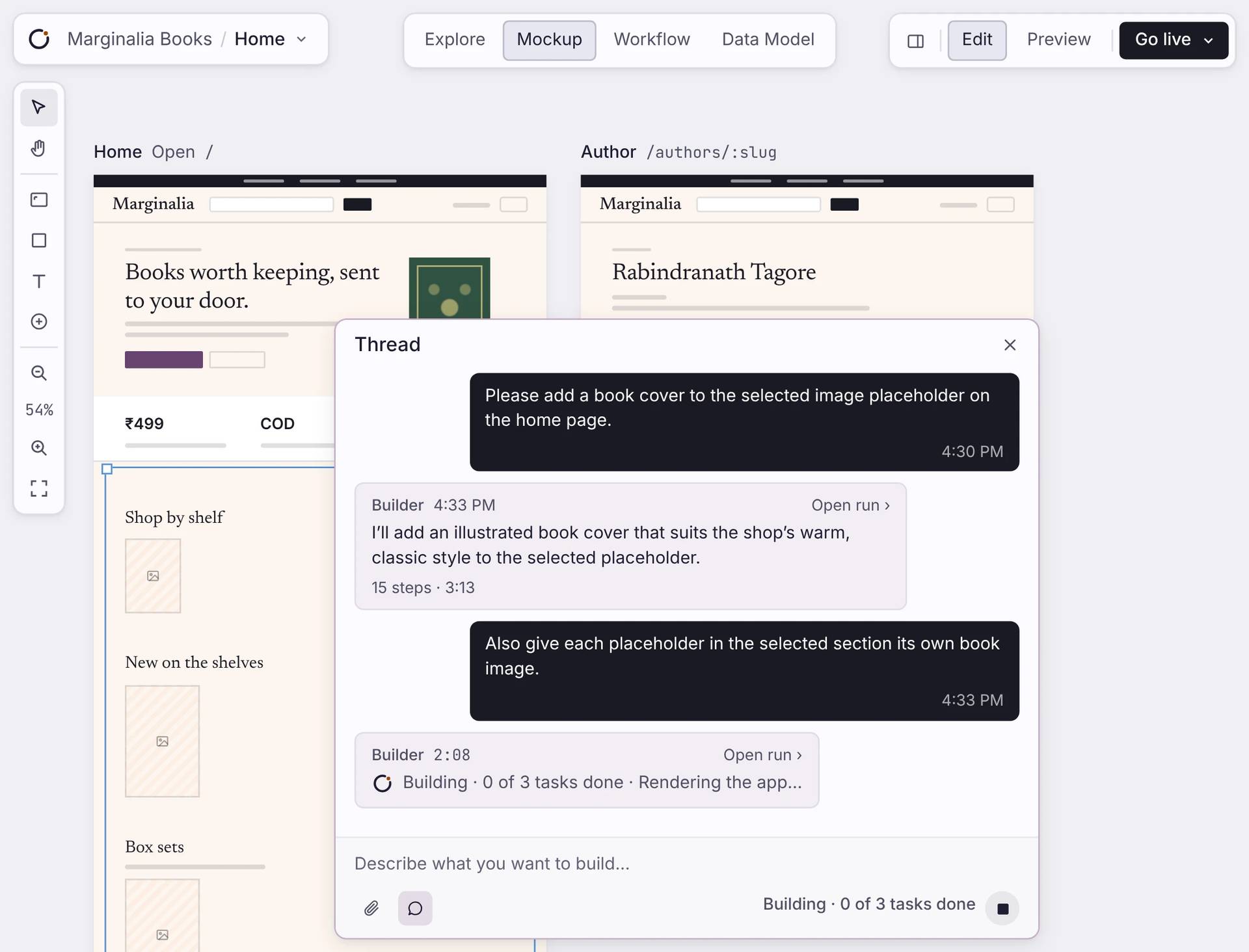
Ask for a change in the Thread, and see it on the canvas.
View the full surfaceYours, in one piece
One app. Change one part, the rest follows.
Your pages, tables, workflows and launch settings are connected. Change one, and the rest of the app uses the change.
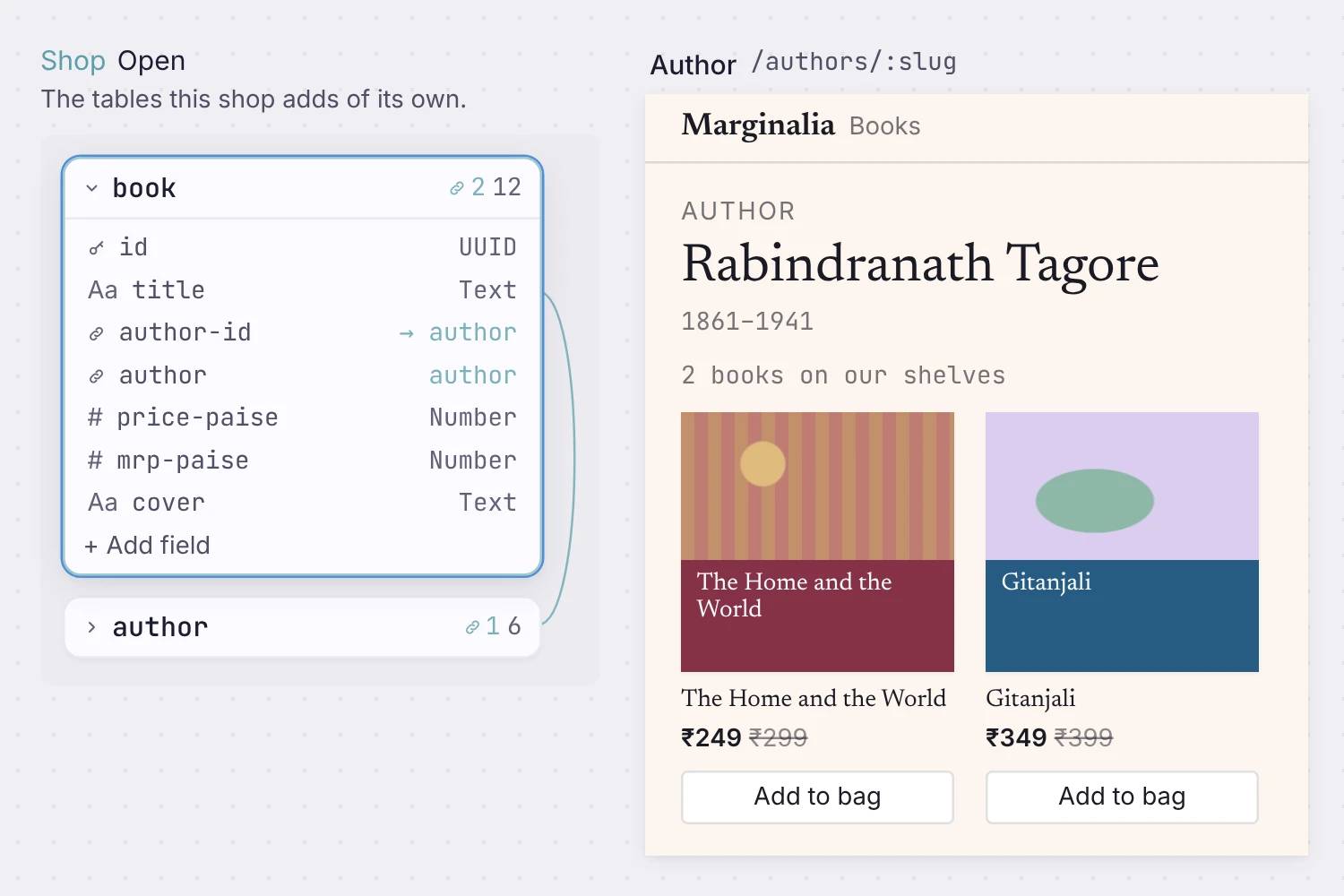
A database you can read
Your app has its own Postgres database. One table holds a record, and every page that needs it shows it.
Online with sign-in
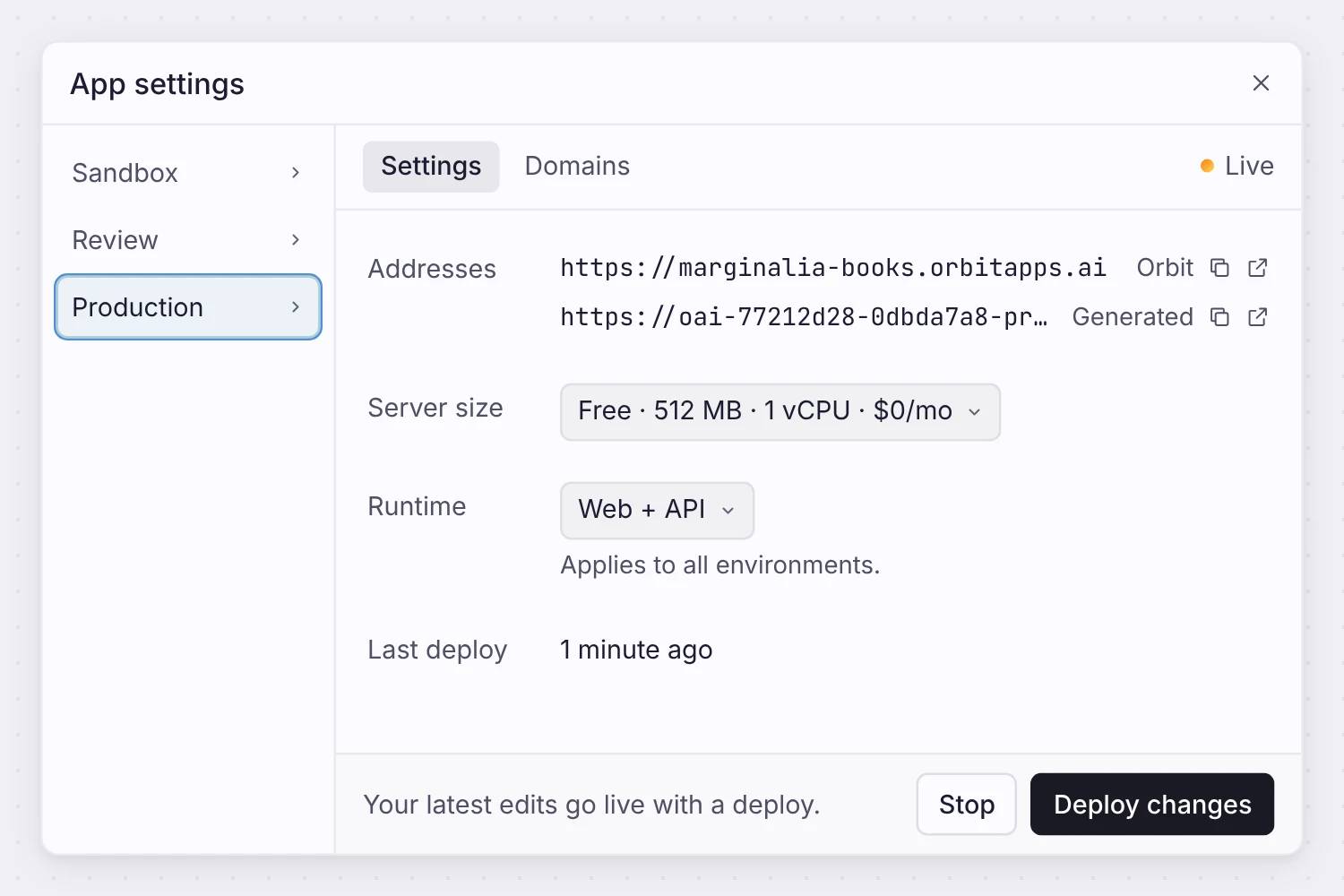
Your app runs at its own address with HTTPS and sign-in. App settings shows the address, the server size and the last deploy.
Straight answers
Your backend, your control.
Does the app have a backend, or only screens?
A backend. Every app gets its own Postgres database, workflows that run on a server, and sign-in, built from your data model. The screens sit on top of it.
Can I see and change every part of it?
Yes. The data model, the workflows, the screens, and the hosting are each their own surface. Choose any one, see what is there, and change it. Nothing is sealed.
What happens when I change the app after launch?
You edit the surface and redeploy. Safe changes, like adding a field, migrate on their own. Orbit does not drop your data, and it blocks a change that would.
Do I own the code? Can I move my app elsewhere?
Orbit runs your app on managed hosting, so there is no code export in the product. You control your data model, your data, and your domain, and you change the app yourself. If you need the code or a repository for a client, ask and we set it up by hand.
Is there a built-in analytics dashboard?
No. Your information is your app's own data, which you can read and query. For product analytics you would add your own tool.
Which integrations can the workflows reach?
A set that ships today: Gmail, Google Calendar, GitHub, Linear, and Resend for actions, plus Claude, GPT, and Gemini for agent steps. Stripe is read-only, for financial signals. You can also run custom code in a sandbox to reach any HTTP API.
Start
Build a product that runs.
Describe what you want, then change any part yourself, from the first minute.
Free to build. Your first app launches free, on your own domain.

