The Orbit flywheel
Good software is never one prompt.
A first version is one turn. Getting to production takes the ones after it, and Orbit is built for that loop.
One idea, all the way round.
Each turn works on the same app, so nothing you build gets thrown away.
Get the idea out of your head.
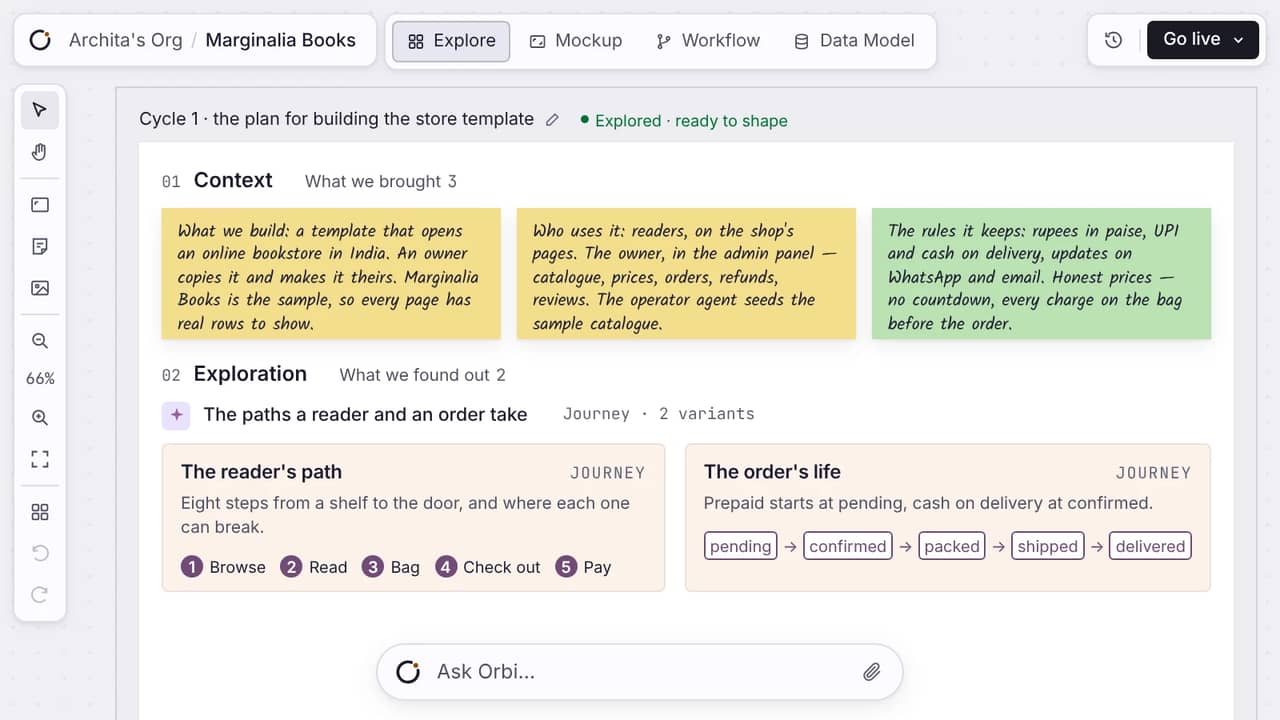
Gather the notes, links, and open questions on one canvas. Research the ones you can't answer yet. Everything the idea is made of sits in one place instead of in your head, where it stays vague and changes shape every time you look at it.
- You do
- Drop the notes, links, screenshots and unanswered questions onto Explore, then wire the cards that belong together.
- Hands over
- Shape gets a pile of material with the open questions marked, and a record of where each one came from.
Pitch it, then scope it.
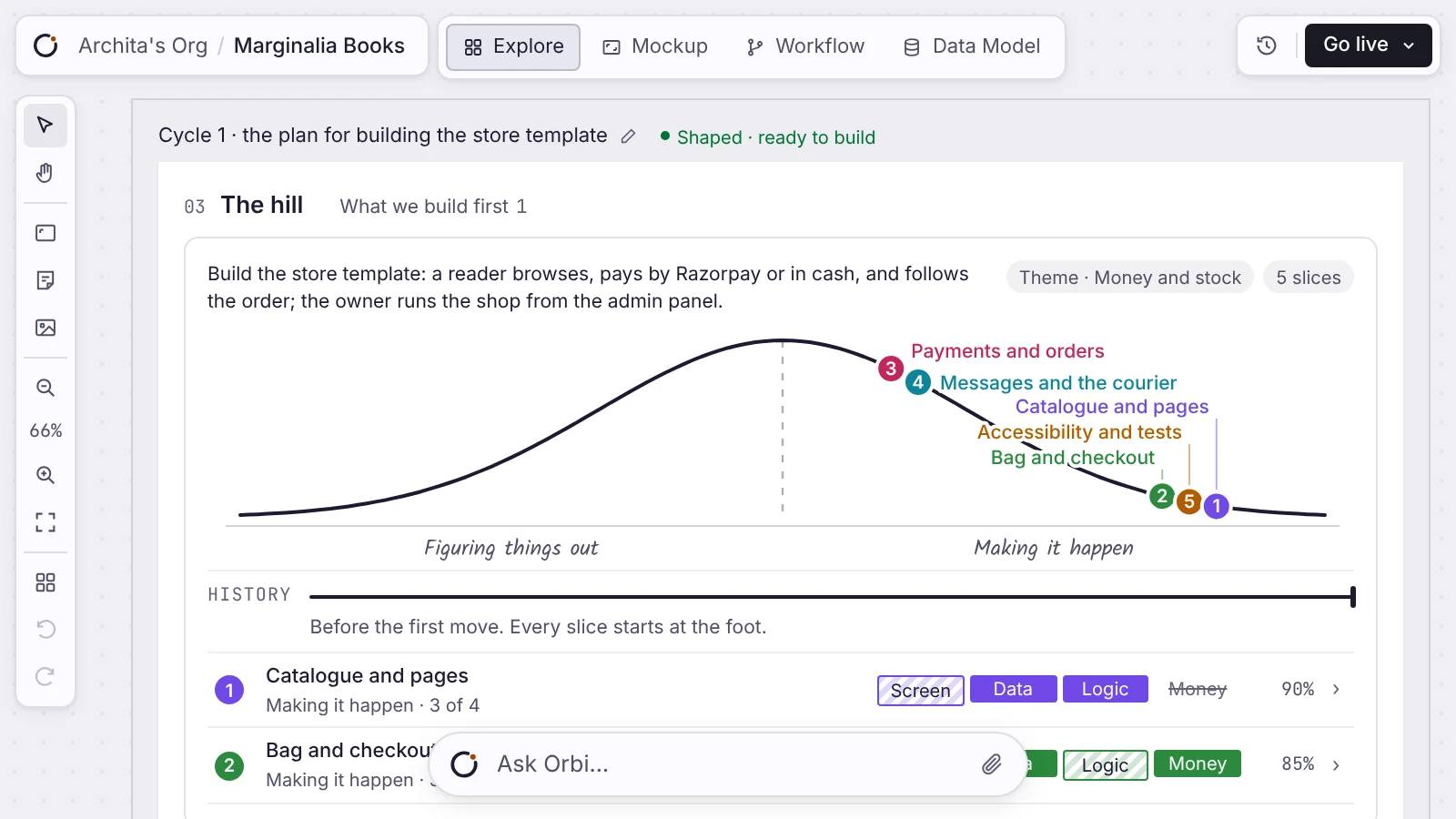
The idea becomes a pitch and a scope you can read: what gets built, in what order, and what is still open. You settle it while changing your mind is free. Changing your mind here costs a sentence. Changing it after launch costs a migration.
- You do
- Write the pitch and the scope on the same board as the material: what gets built, in what order, and what you are not building.
- Hands over
- Build gets an order of work, and the decisions you already made, so it does not reopen them.
Build from the data up.
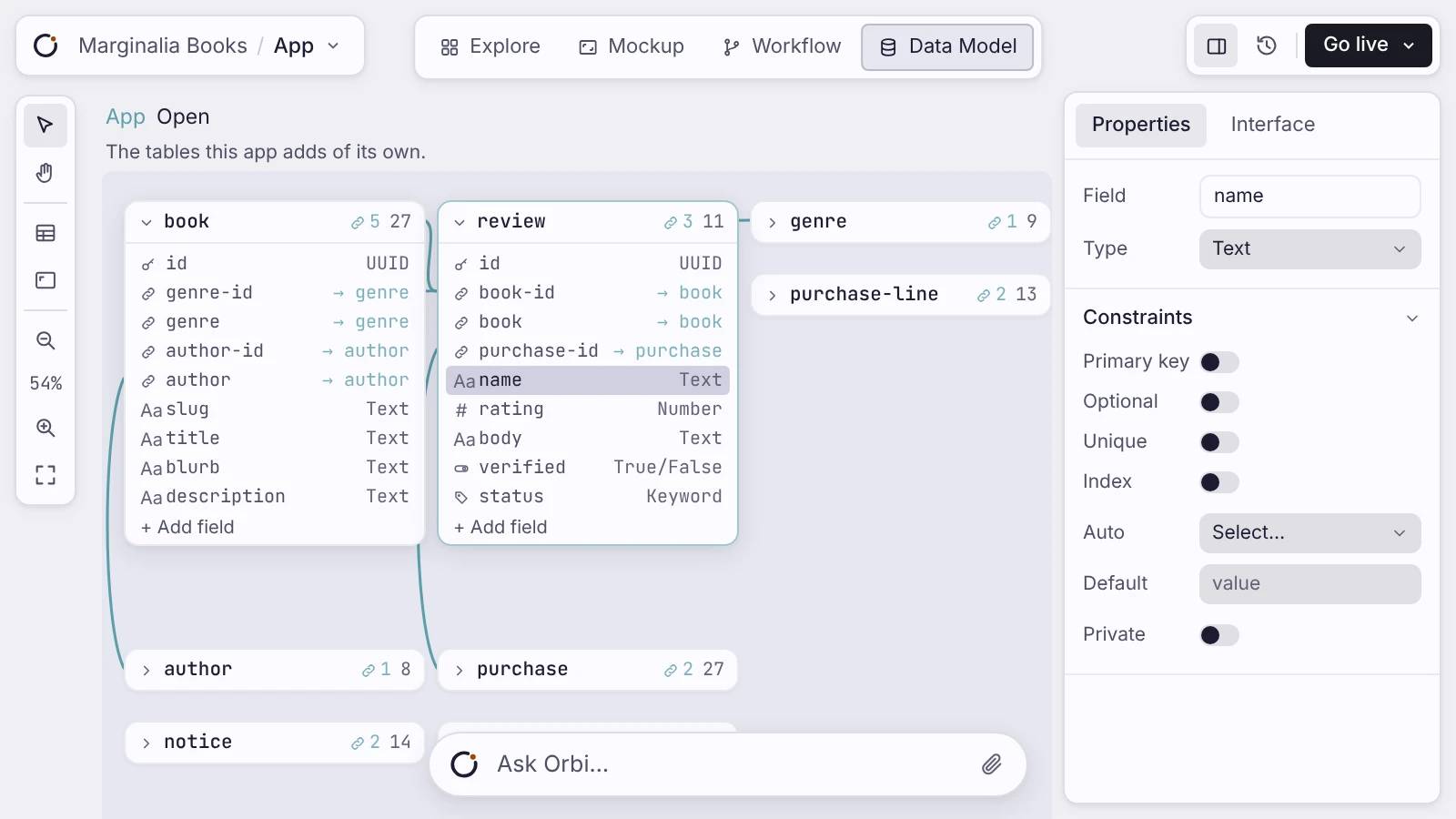
The data model, the workflows, and the screens go up as layers. Build the data first and everything above it has something to stand on. The data model is the one layer a later change cannot route around, which is why it goes first.
- You do
- Draw the tables and the fields, wire the logic that runs on a server, then compose the screens on top of both. Each is its own surface, and you can open any of them again.
- Hands over
- Launch gets a working app with a Postgres database of its own, and data that survives every deploy after this one.
Meet the people you built it for.
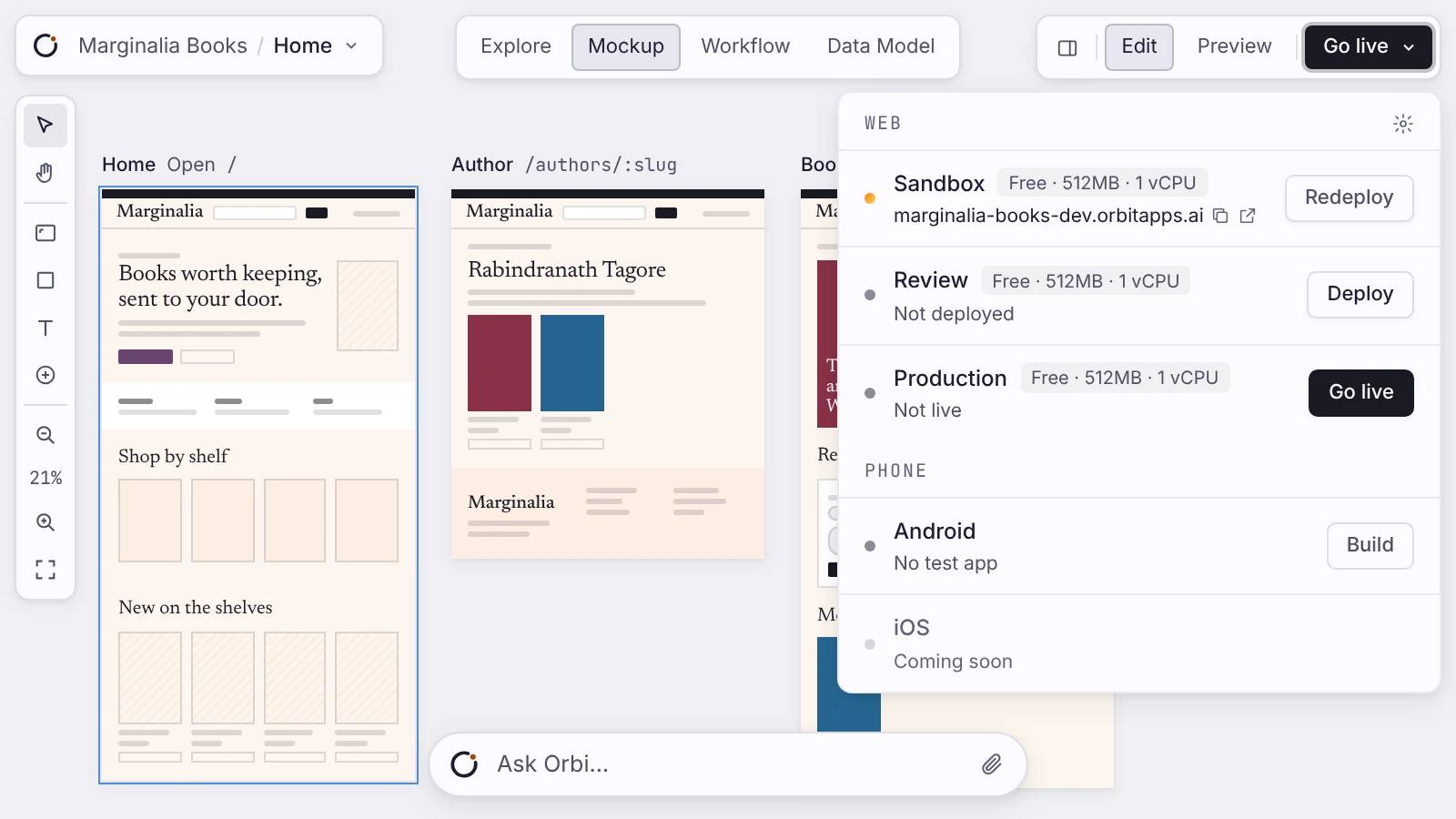
Strangers sign in, save their work, and find the corners you never tested. Each one is something to fix or build next. One deploy gives the app a URL over HTTPS, a database, and sign-in. Your first live app is free.
- You do
- Deploy it, point your own domain at it, and give the link to somebody who was not in the room while you built it.
- Hands over
- Grow gets real accounts and real rows, plus the corners you never tested, found by the people who use it.
Feed what you learn back in.
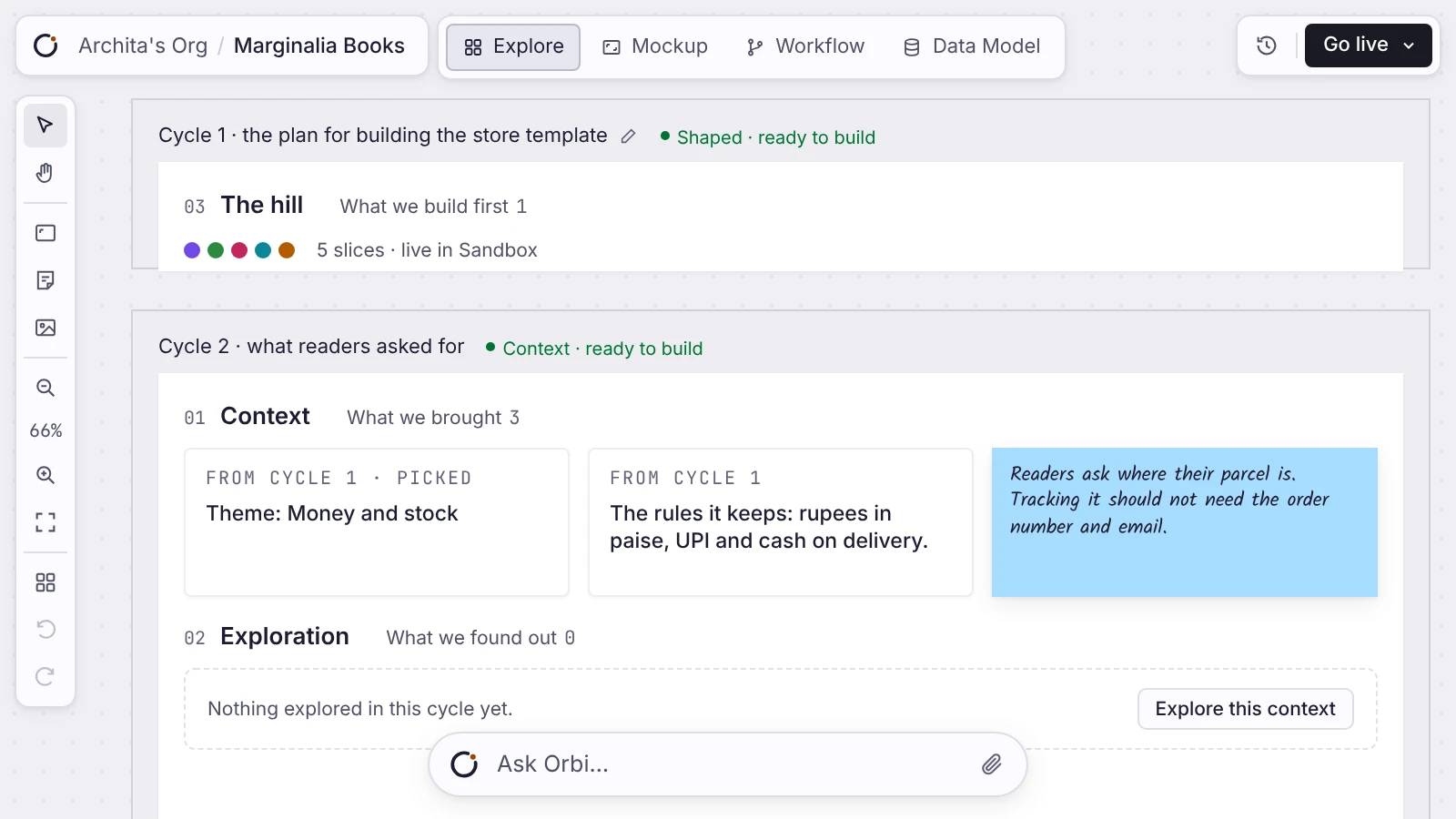
A live app reaches people who weren't there when you built it. What they ask for becomes the next turn. You edit the surface and redeploy: adding a field migrates on its own, and a change that would drop your data is refused rather than run.
- You do
- Read what people actually did, in the app's own data. There is no analytics dashboard here; the data is yours to query. Pick the one change that answers the most of it.
- Hands over
- Explore gets one question worth a whole turn, asked by somebody who uses the thing rather than somebody who imagined it.
Round again.
Grow feeds Explore, and the wheel keeps the work you already did. A prototype gets you round once. Turn two is where it charges you, because a prototype skips four things and every one of them is load-bearing.
- Database
- A real Postgres of the app's own. You read how it is structured, change it, and your rows survive every deploy.
- Server
- The workflows are a node graph that runs on a server. A scheduled one fires whether or not anybody has the app open.
- Accounts
- Sign-in over HTTPS on a domain that is yours. People get accounts of their own, not a shared preview link.
- Migrations
- Adding a field migrates on its own. A change that would drop your data is blocked instead of run.
Skip those four and turn two is a rebuild. Keep them and turn two is an edit.


The first turn
One prompt starts the flywheel.
"A CRM for investor outreach." From that one prompt you get a first version, live on a URL. You are looking at something real inside an hour, and every question you had is now a question about a thing that exists.
You don't need it all figured out.
You have an idea and a stack of questions. That is exactly where the loop starts. Describe it, get a first version live, and let the questions become edits.