Your app, on your phone, without Android Studio
Turn the app you built into an Android app. The build runs on our servers, so you install nothing. Test it on your phone, then put it on Google Play.
How it works
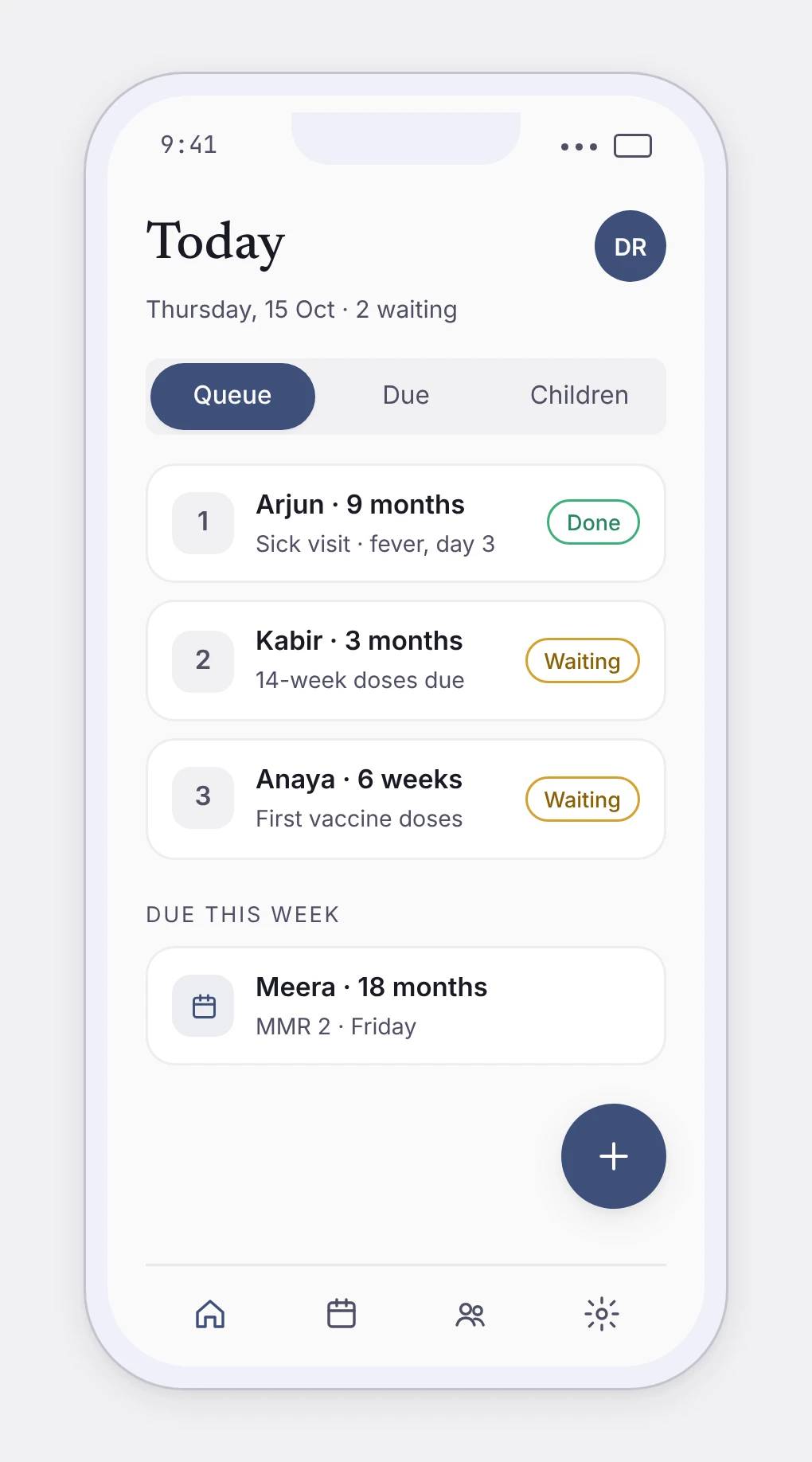
The app you built, now on Android.
Build a test app, install it on your phone, then send it to Google Play. Your web app and your Android app use the same data.
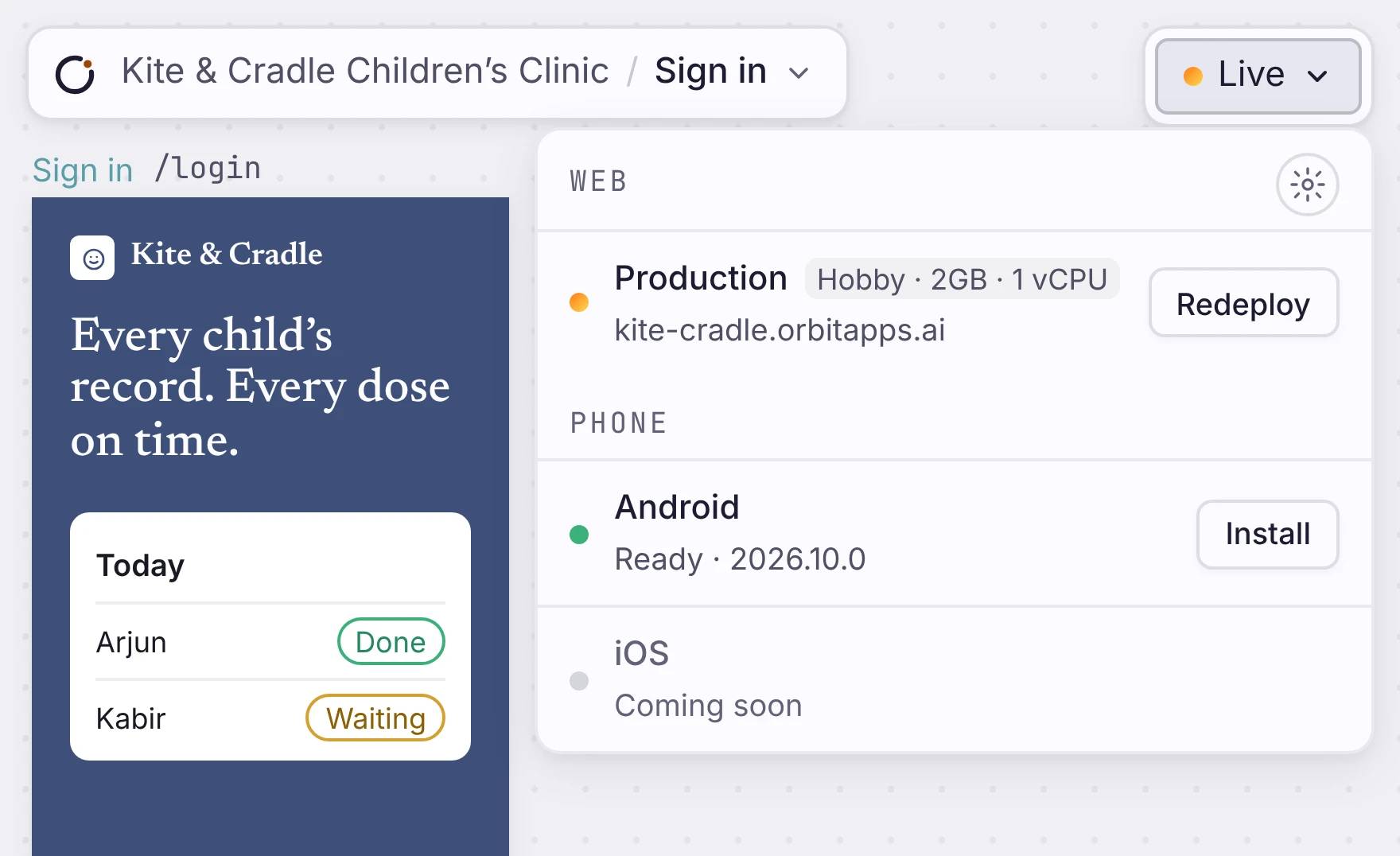
Built in the cloud
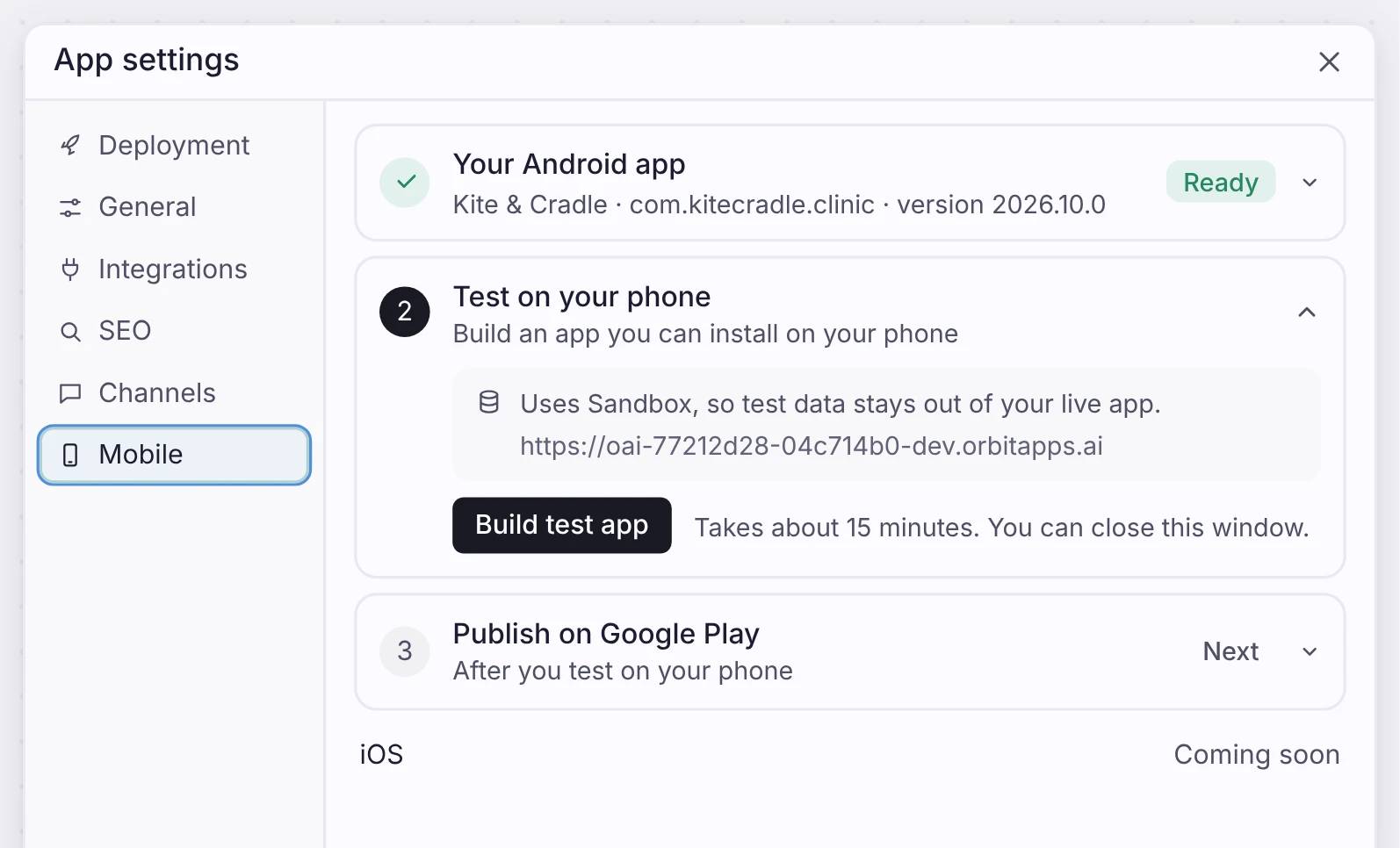
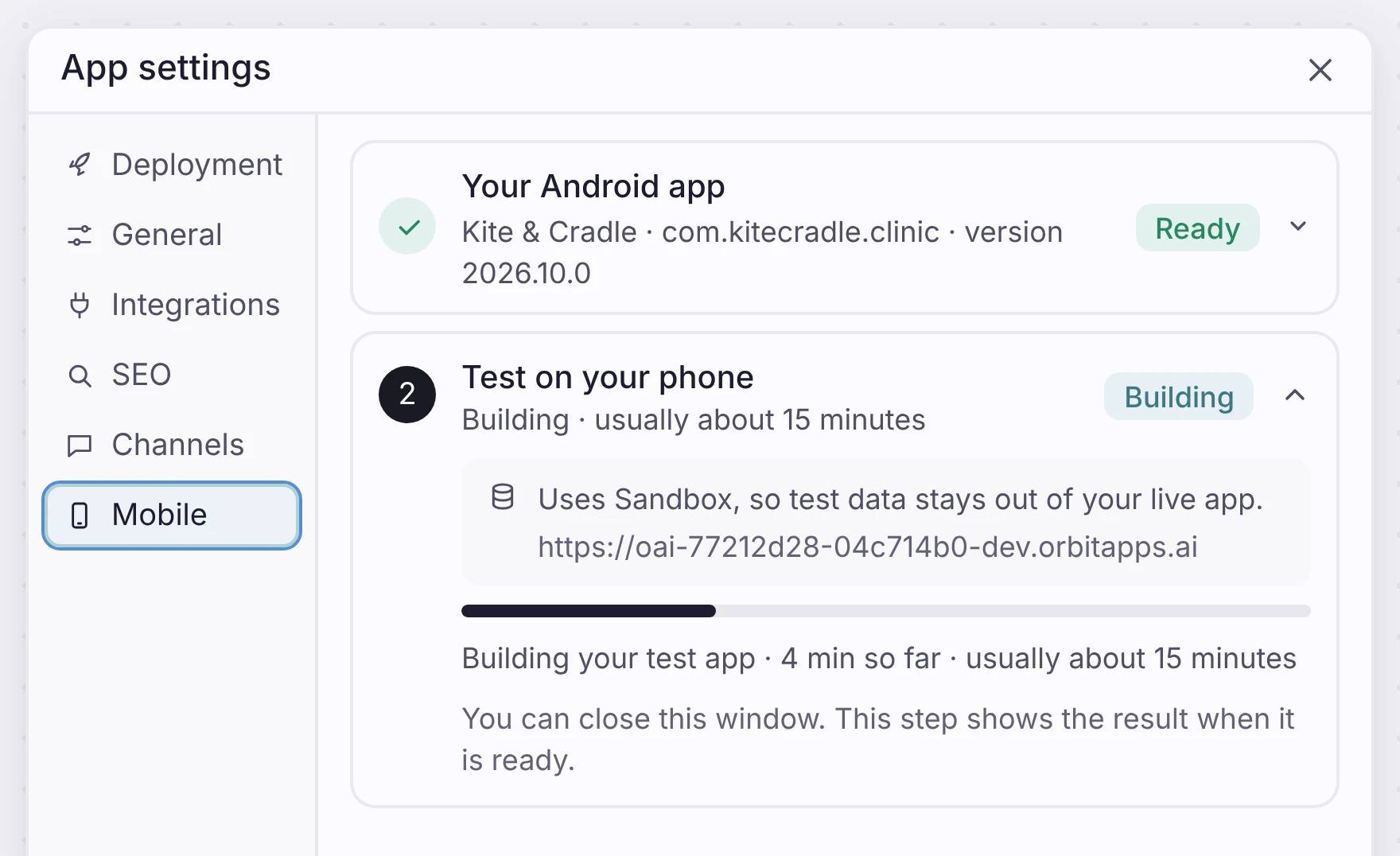
Open App settings, go to Mobile, and click Build test app. The build runs on our servers and takes about 15 minutes. You can close the window, because the step shows the result when it is ready. The test app uses Sandbox, so your test data stays out of your live app.
Test it, then Google Play
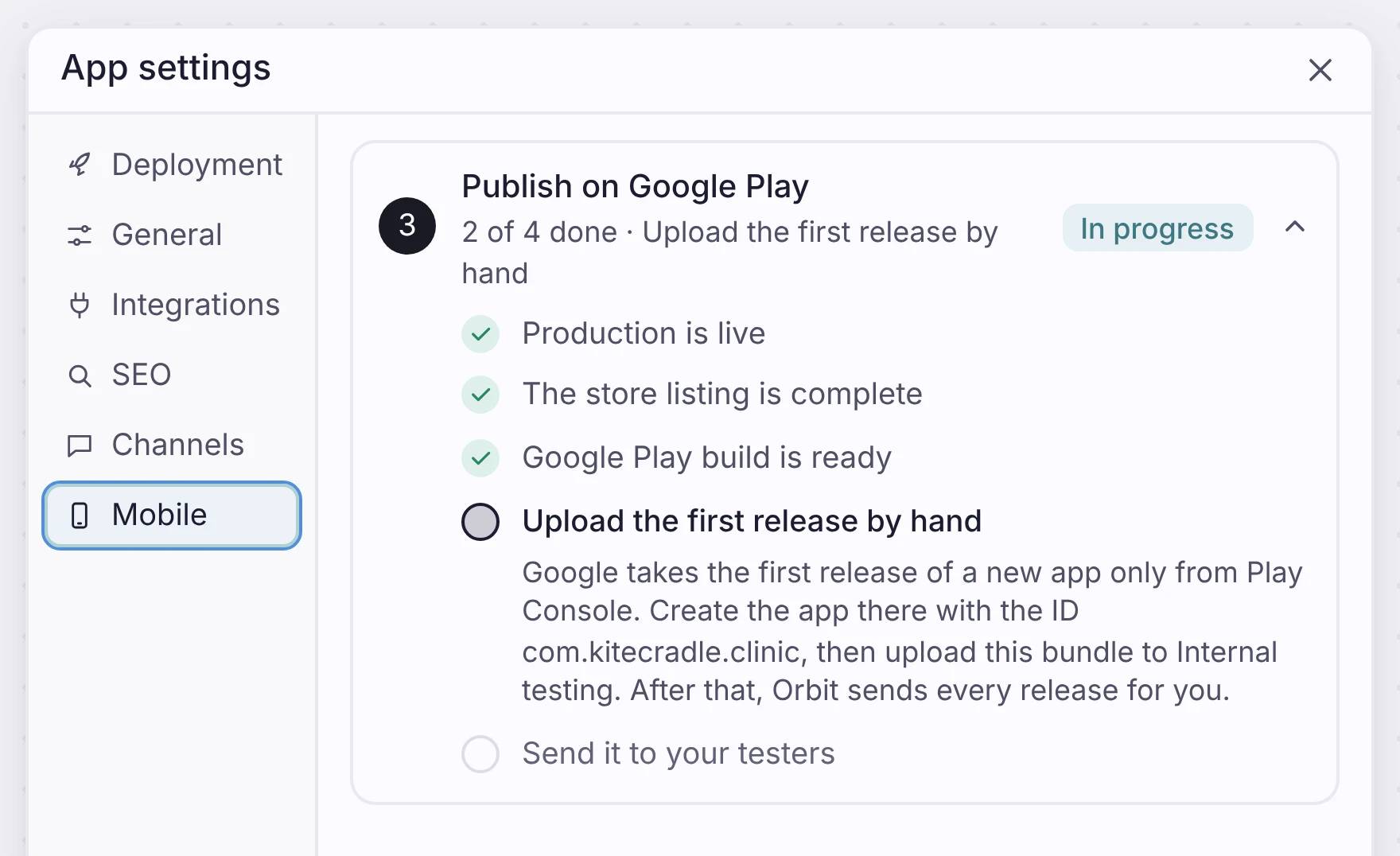
Install the test app and check three things: sign-in works, your main screens look right, and your data is still there after you reopen the app. Then the studio walks you through Google Play, one step at a time.
One manual step: Google takes the first release of a new app only from Play Console, so you upload it once by hand. After that, every new release goes to Google Play from the studio.
One app, web and phone
Your Android app uses the same data and the same logic as your web app. You change one app, and both get the change.
One limit: the native build is Android only for now. iOS is coming. Until then, iPhone users can open your app from a link.
Where it fits
One app, more places to open it.
Your app works in a browser, from a link, and on Android. You build it once.
Put your idea on a phone
Build your app once, then turn it into an Android app. Nothing to install.

