The macOS app
Soon, build an app on your Mac
A native Mac window for the whole builder, on the same account and the same apps as the browser. It is the next way in we are opening.
Build in any browser today; the Mac app is on the way.
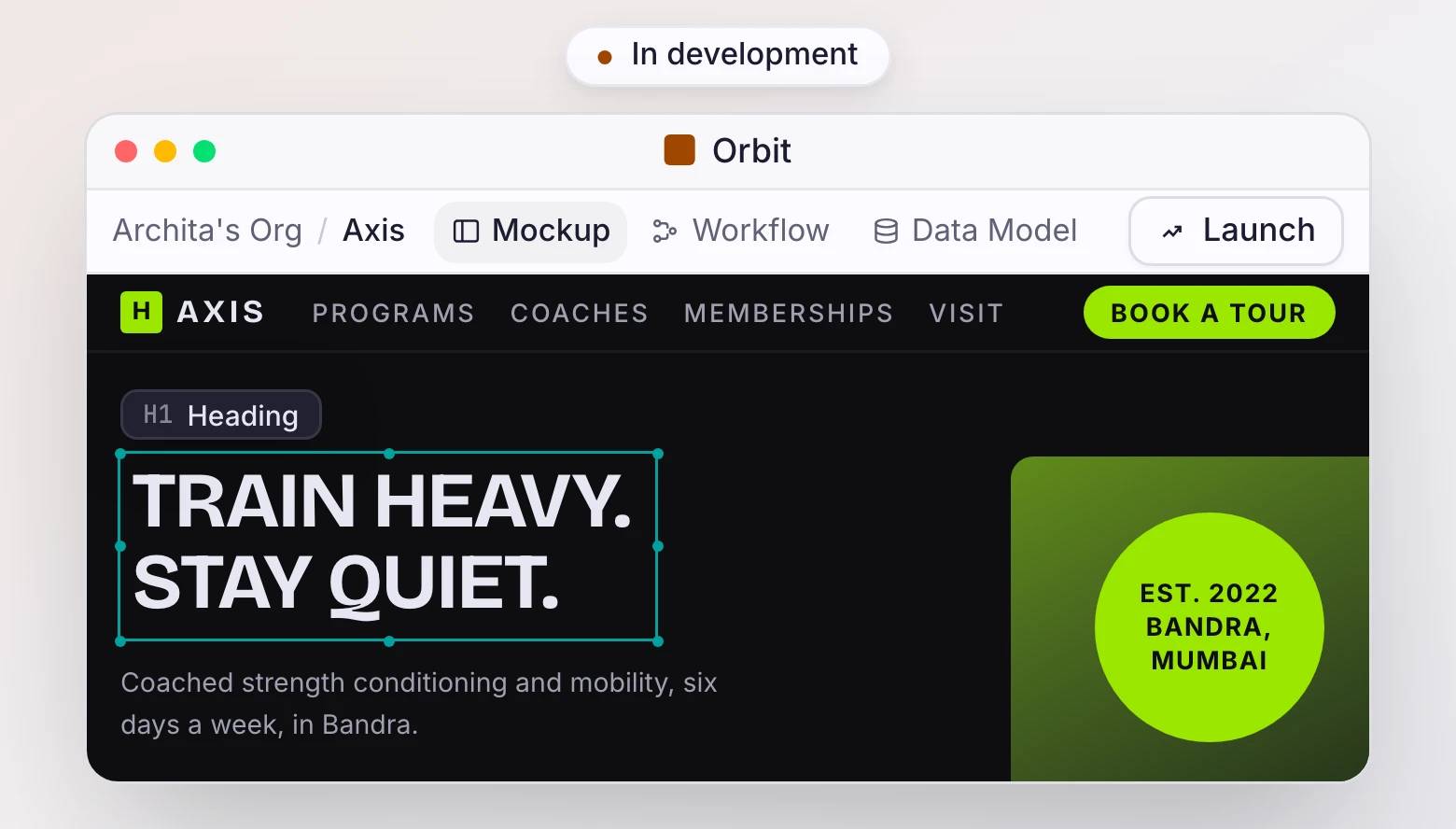
What the Mac app will be
The browser studio in a native Mac window: your screens, your data, and the live preview, with window memory and native copy and paste. It will load the same account, so what you build there is the same app everywhere else.
The browser is the whole builder today
Every part of Orbit runs in the browser right now, on any machine. The Mac app adds a window of its own, and Windows and Linux come after it.
Questions, answered
Will the desktop app differ from the website?
No. It will be the same builder and the same account in a native window, so your apps stay identical whether you open the app or the site.
What about Windows or Linux?
They come after macOS. Until then the browser studio is the full builder on any platform.
Will the app cost anything?
No. The app will be free, and only AI usage and deployments past the first cost money.
Can I build on my Mac today?
Yes, in the browser. Everything the Mac app will do, the browser studio already does, and your apps carry over unchanged when it ships.
Start in the browser today
Open the studio in any browser and build now. The Mac app arrives later.
Build in any browser today; the Mac app is on the way.

