Build it in plain sight.
The plan is ready. Now Orbit builds it across surfaces you can open and shape: the data it holds, the logic it runs, and the screens people use. Not a black box you can't change. A whole app, visible all the way down.
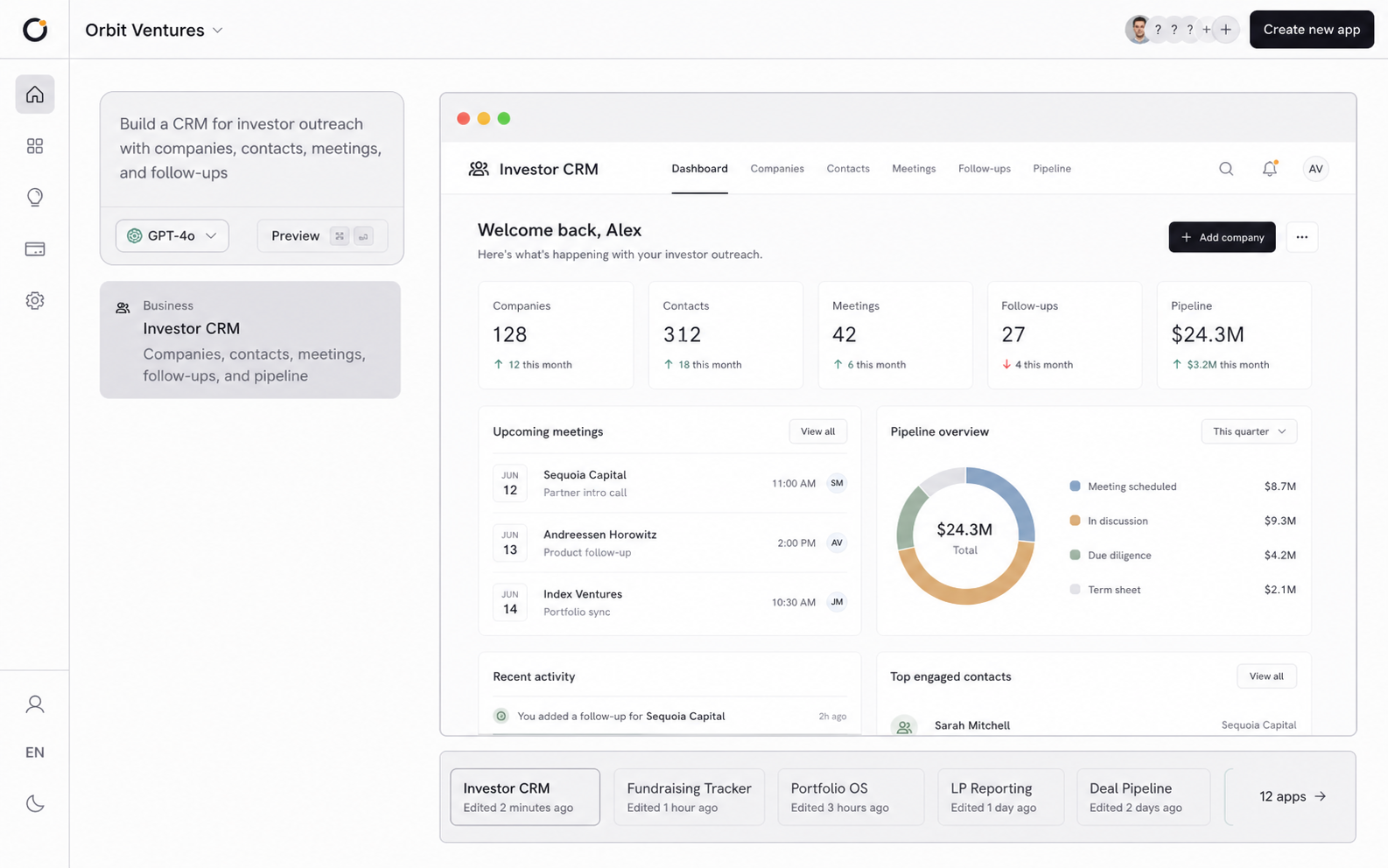
The black box
How to build the first version.
A prompt gets you something that looks like an app. You click through and it feels finished, but you can't see what's underneath, so you have no way to tell what holds and what is faked. Sign in and your work is gone. The button does nothing. The second person to open it breaks it. It was a picture of an app. Building the first version means the parts under the screen work, and stay open enough that you can see they do: the data, the logic, and the way they hold together.
Demo or app
From the front, they look the same.
A demo and your app can show you the identical screen. The difference is underneath, where Orbit lets you look: data that stays, logic that runs, and a spine that holds them together. A demo only pretends to have them.
Your work vanishes on refresh.
Your work is saved, and there in the morning.
The button looks right and does nothing.
The button runs logic on a server.
The second person to open it breaks it.
The second person signs in, and it holds.
The outside world is faked.
Gmail, Stripe, and GitHub do the work.
Same screen. Open it up, and only one is an app.
Under the screen
Three surfaces you can see into.
Each one is its own surface, open to see and shape, over one shared data model.
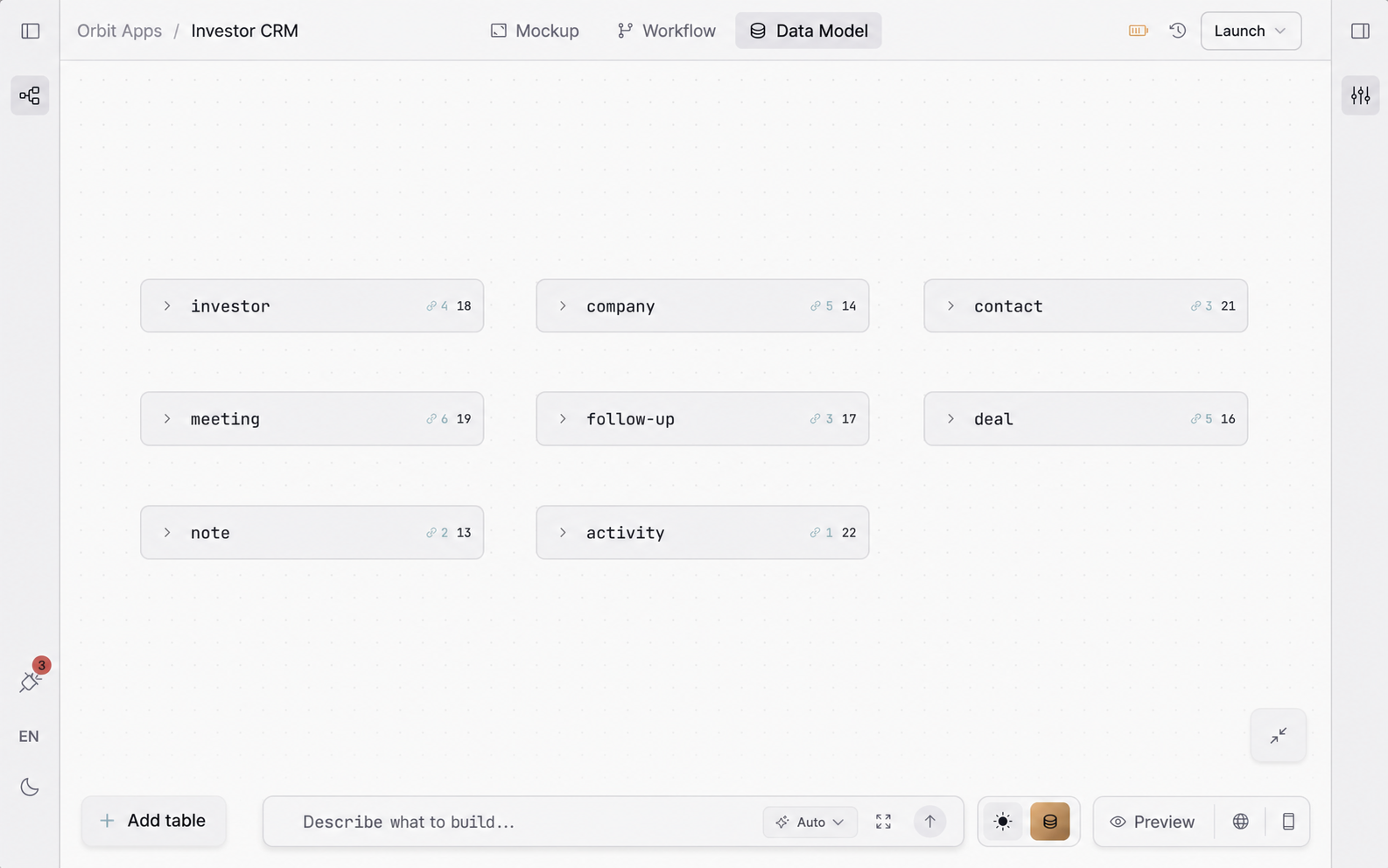
A database of its own.
Every app gets a Postgres database, built from the shape of your data. Draw a field and its column, its index, and an API for it are generated. Your work is saved, and it survives every deploy.
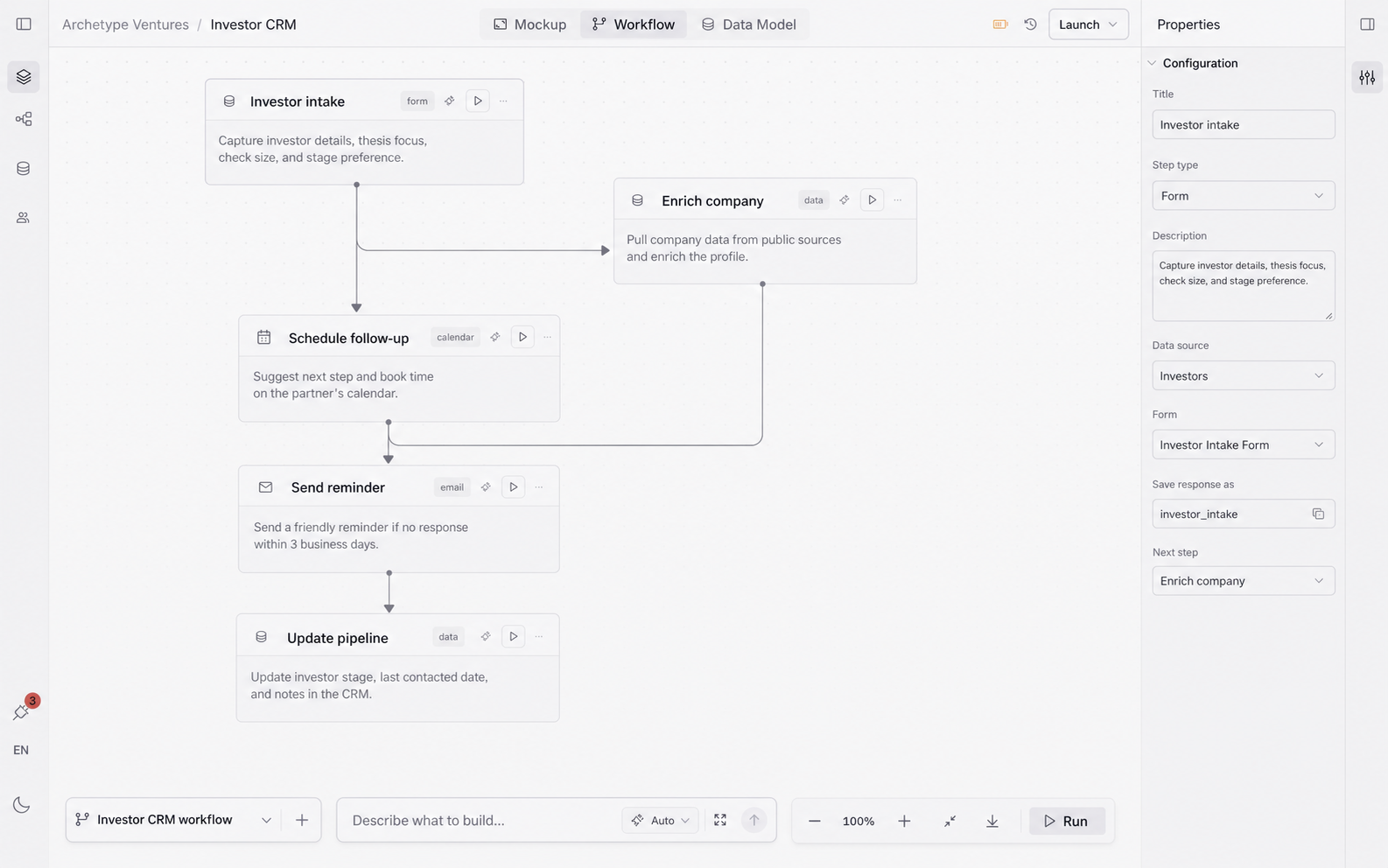
Work that runs on its own.
Workflows run on a server, on a schedule, and keep going after a restart. They read and write your data and reach out to Gmail, Stripe, or GitHub. The rules run whether or not anyone has the app open.
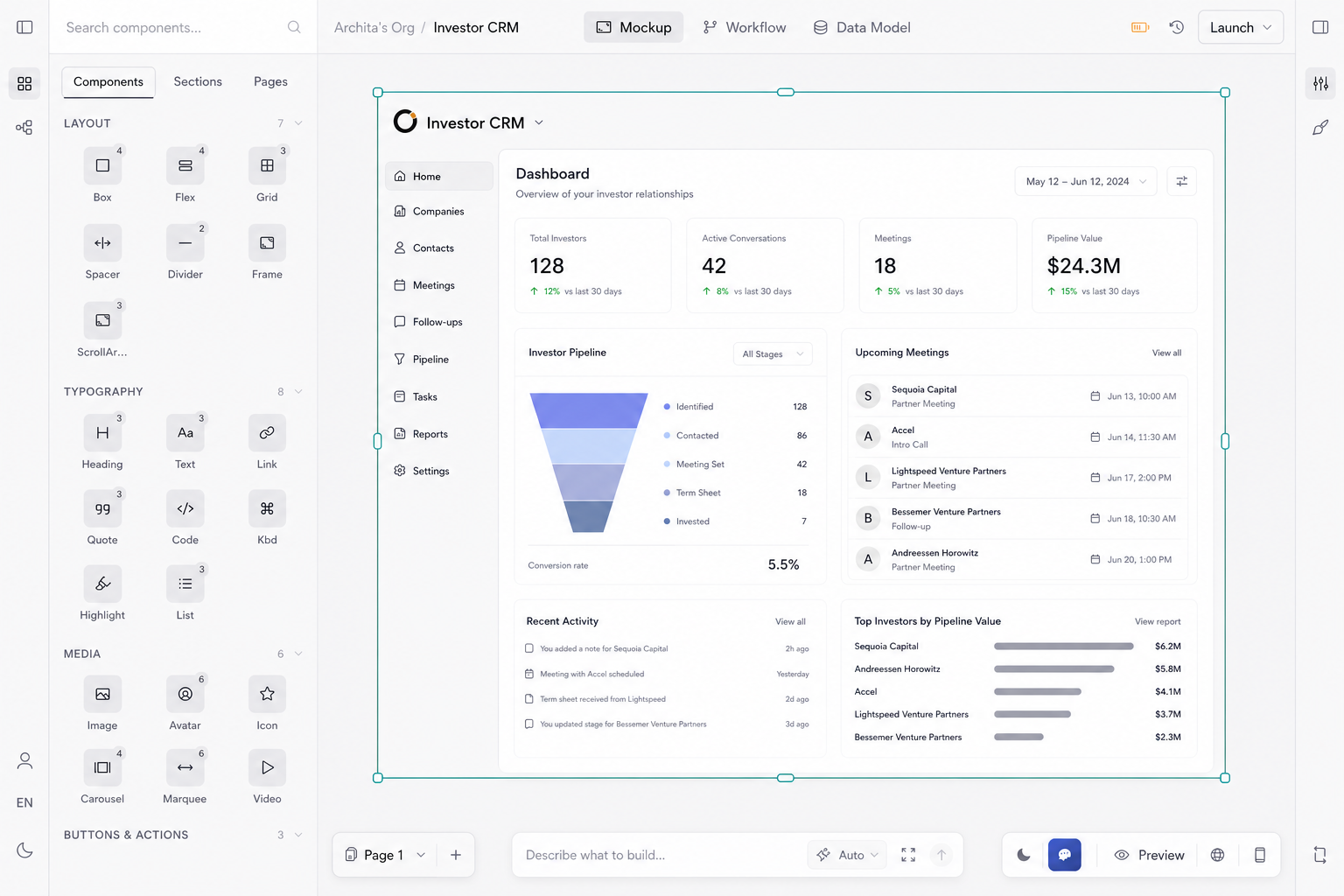
Screens that ship, not mockups.
The screens are the ones people use, wired to your data. Orbit builds them from your plan as a preview you can edit, and what you approve goes live.
Next in the loop
Now put it in front of people.
You have an app that holds data and runs logic, not a demo. Launch puts it online with a database, plus your own domain and sign-in when you want them, so the people you built it for can use it.
The honest test
Is it an app, or a picture of one?
Is the backend a mock?
No. Every app gets its own Postgres database, generated from your data model: tables, indexes, security, and a REST API. Your data persists and survives deploys.
How do I build the first version without a developer?
You describe the app and shape its data and logic. Orbit builds the screens from your plan and stands up the database and workflows underneath. You review and approve. Nothing here asks you to write code.
Does the app do work, or only show screens?
It does work. Workflows run on a server: they read and write your data, reach services like Stripe and Gmail, run on a schedule, and keep going after a restart. The logic runs even when no one has the app open.
What does the build agent generate?
The screens, as an editable preview you approve before it goes live. The database and workflows are surfaces you shape alongside it, all sharing one data model.