散らかったアイデアから、ビルド計画へ。
メモ、リンク、スクリーンショットを 1 枚のキャンバスに集めます。そこで、明確な提案とビルド計画の形に整えます。
作るのは無料です。最初の 1 本も、自分のドメインで無料で公開できます。
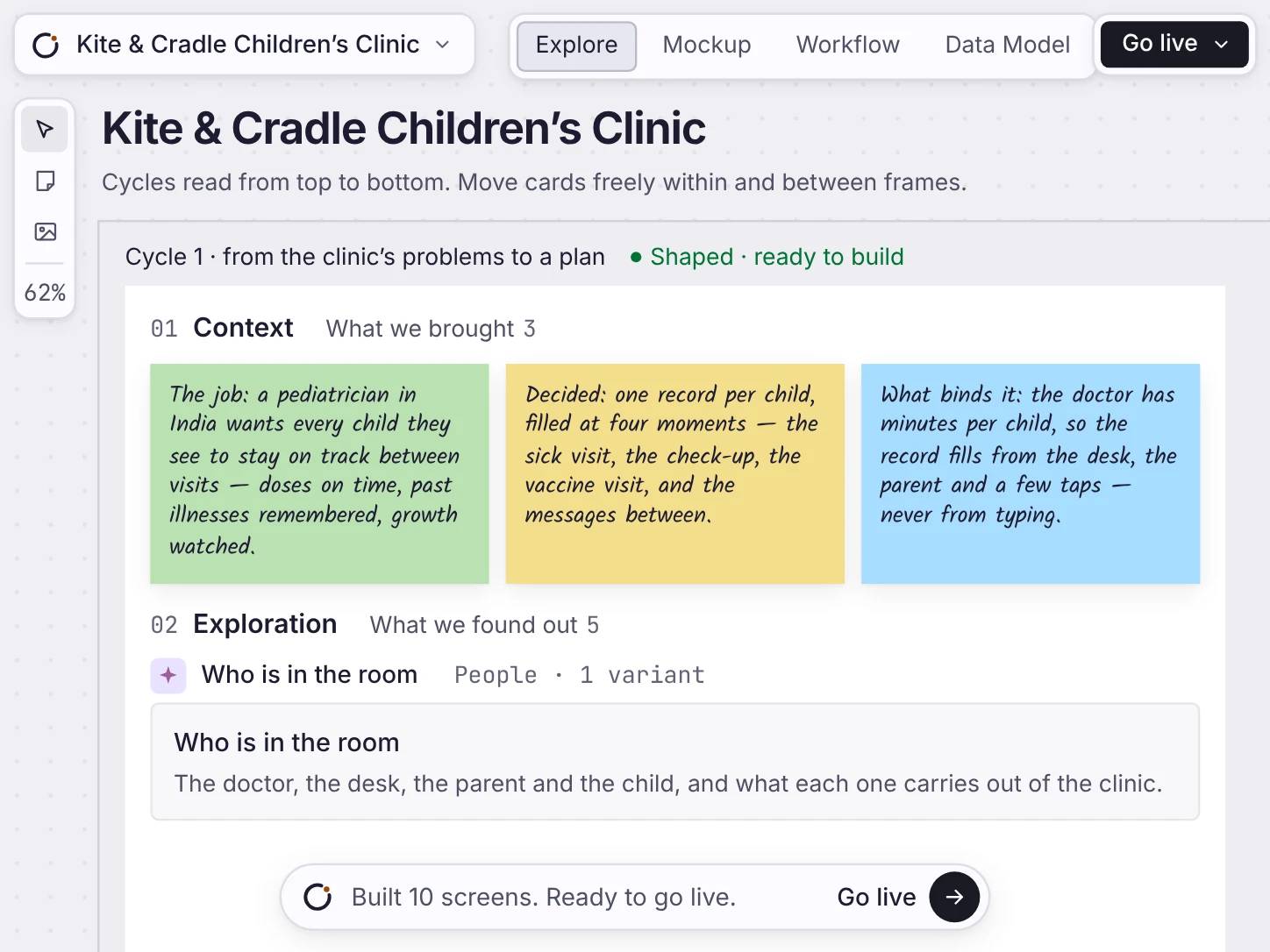
キャンバスの上で
Drop it in, explore it, read what it found
Write down what you know. Orbit researches what you don’t, and shows you what it found.
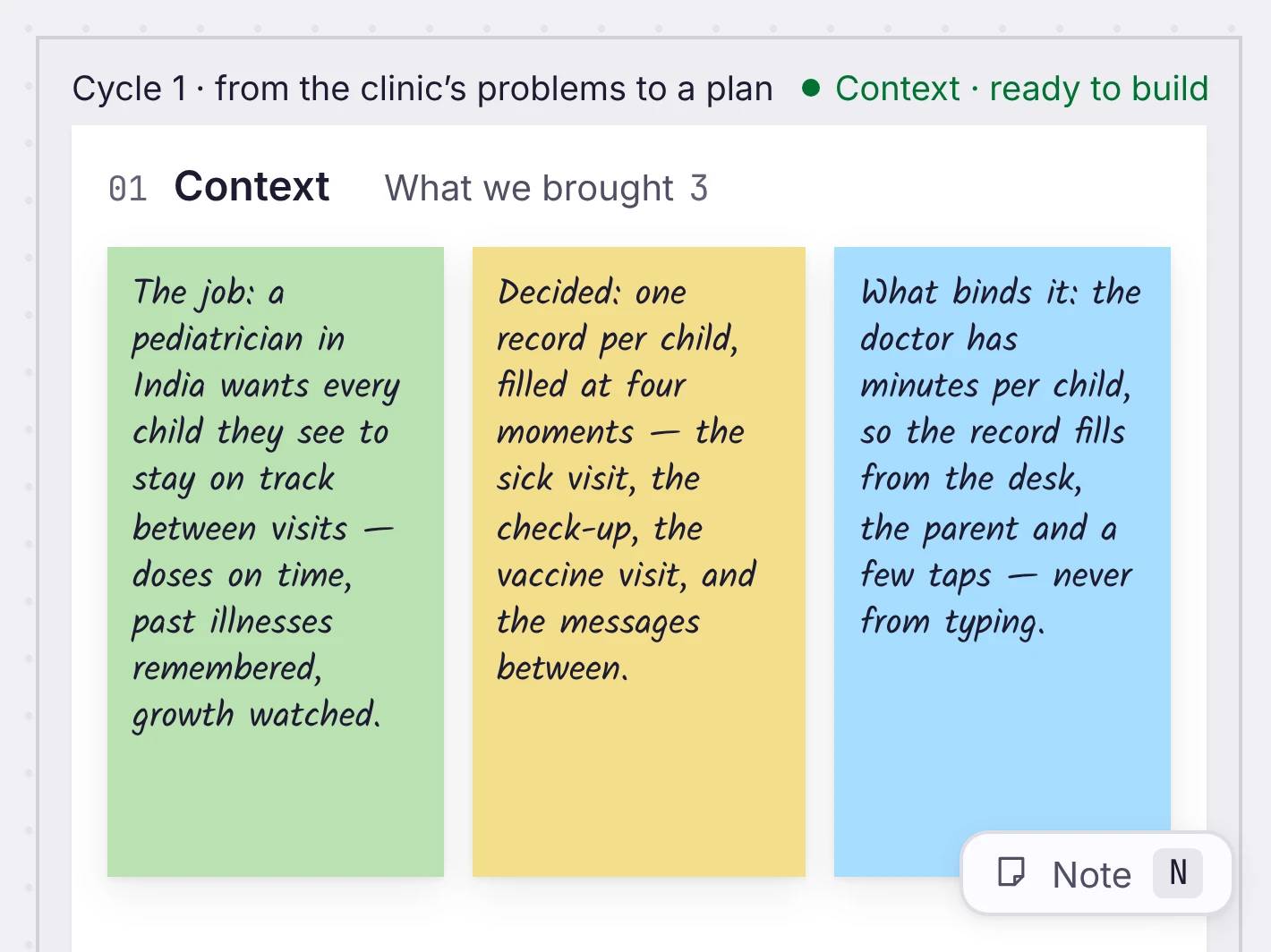
Drop in your context
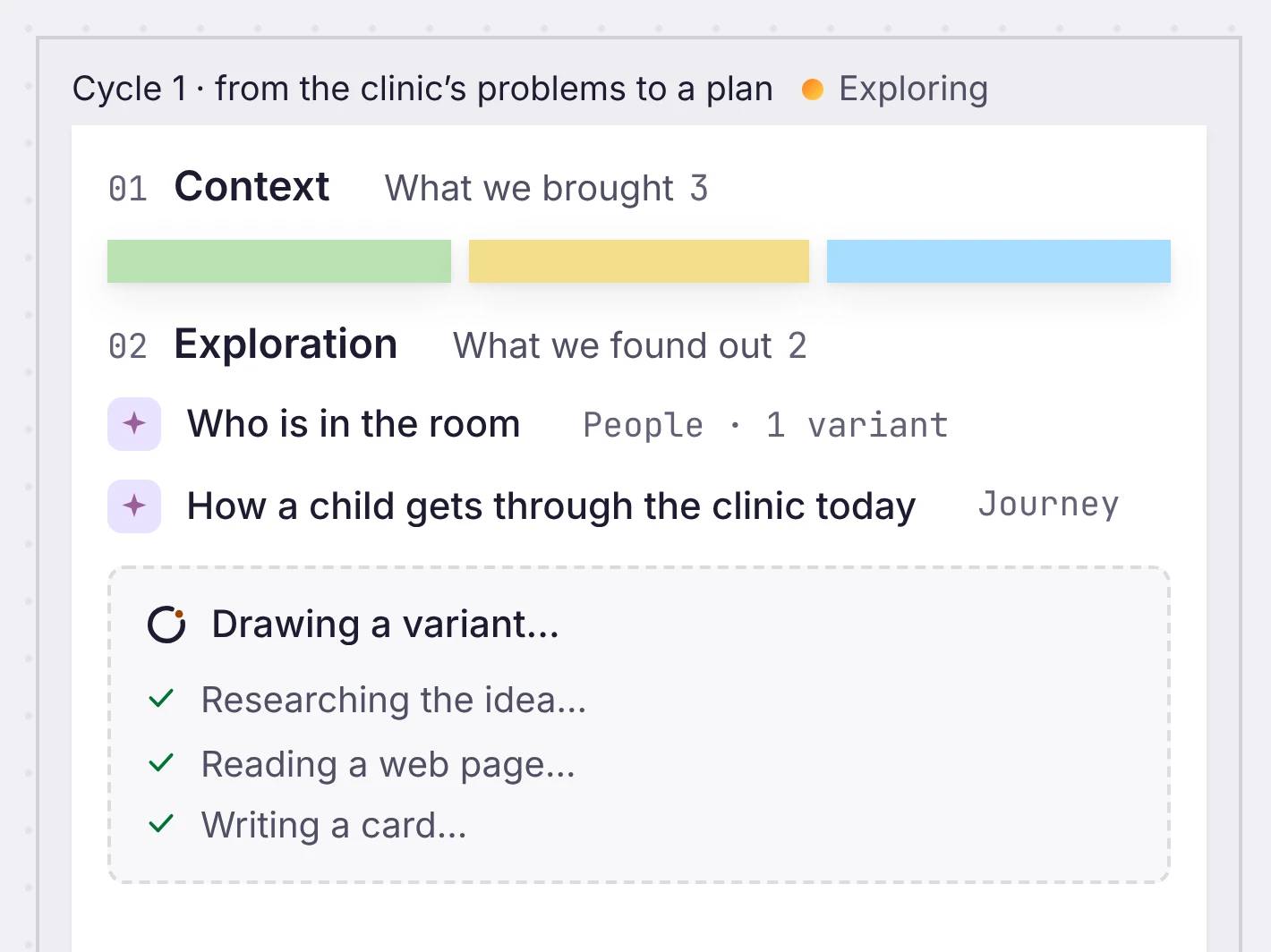
Explore the idea
Write what you know
Notes in your own words. Orbit reads them before it does anything else.
Orbit does the research
It answers the questions you couldn’t, and shows you every source.
進めながら保存
ボードに足したものは、すべて進めながら保存されます。
You pick what to build
Keep what you agree with, and shape it into a plan.
そして、形にする
提案と計画の形に整える。
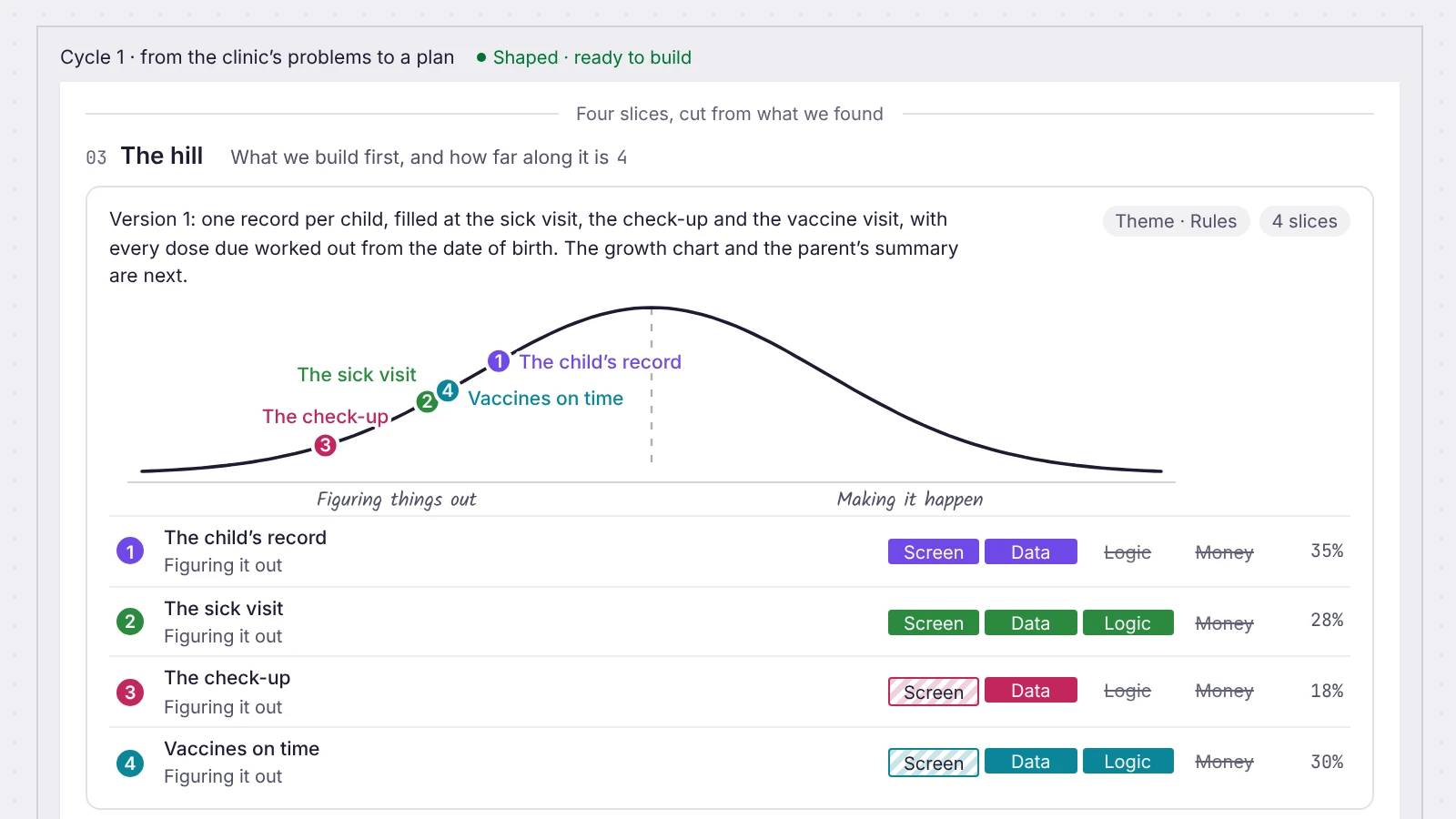
アイデアがまとまったら、それを提案に整え、範囲に分け、それぞれを hill chart で追います。問題、計画、そしてまだ問いのままのもの。
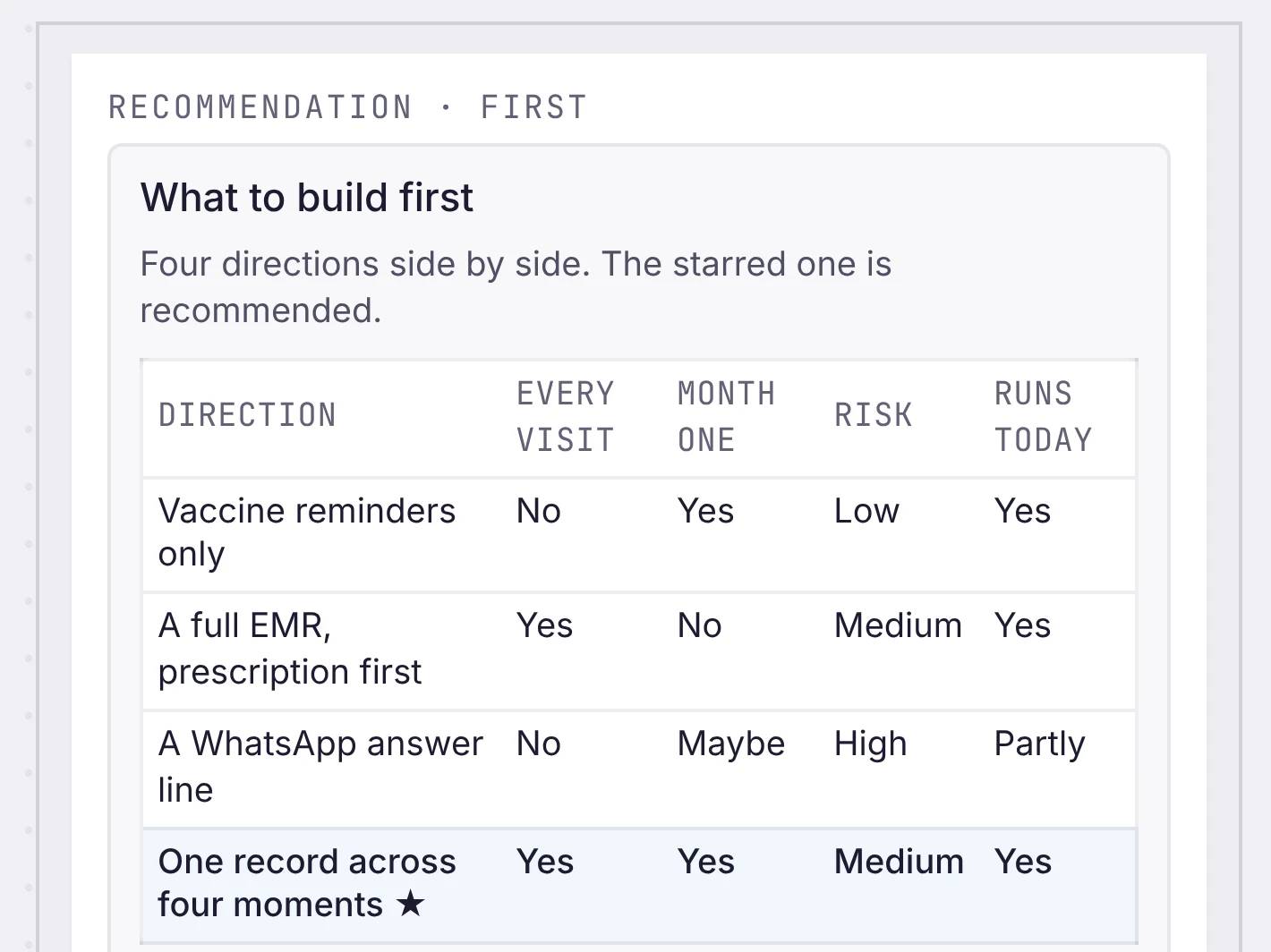
Review what you found
Shape the plan
The plan
One paragraph: what you build first, and what comes next.
Slices
Pieces of the work that each finish on their own.
hill chart
Each slice goes from figuring it out to making it happen. Drag it when that changes.
率直な答え
キャンバスについて。
キャンバスには何を置けますか。
メモ、リンク、画像、そしてデータの一部を、動かしてつなげるカードとして置けます。リンクを貼れば、それだけでカードになります。
エージェントが、代わりに考えてくれるのですか。
あなたと並んで働きます。Orbit がウェブを検索し、参考資料を集め、データを読める形に変えるので、より多くを前に置いて判断できます。
そのアイデアは、次にどこへ行きますか。
まとまったら、同じキャンバスの上で提案と計画の形に整えます。そこから、エージェントがそれを作ります。
作業内容が消えることはありますか。
ありません。キャンバスは進めながら保存します。タブを閉じて明日戻っても、ボードは置いたままの状態です。
提案と hill chart とは何ですか。
提案とは、問題、解き方、そして範囲の外にあるものです。hill chart は、計画の各部分を「考えて解く」から「仕上げる」まで追います。どちらもキャンバスにあるものから始まり、あなたが編集します。

