From a messy idea to a build plan.
Add your notes, links, and screenshots to one canvas. Shape it there into a clear pitch and build plan.
Free to build. Your first live app is free too, on your own domain.
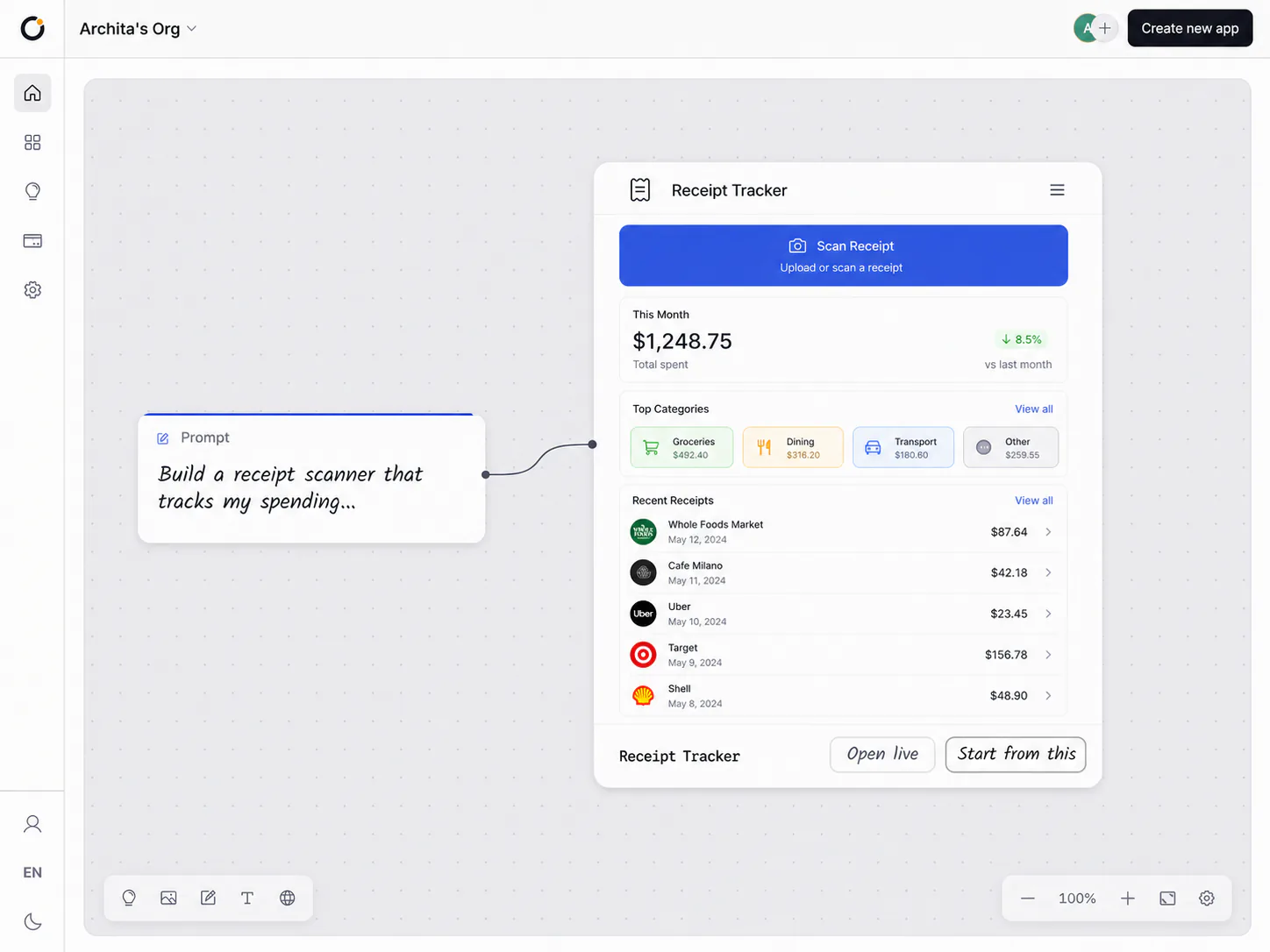
On the canvas
Type a prompt, then preview the app.
Scratchpad keeps the idea and the generated screen in one readable path, so every next edit is obvious before you build.
Cards for everything
Notes, links, images, and data land as cards you can move and connect.
An agent on the board
Orbit can search, pull references, and turn raw material into a readable view.
Saved as you go
Everything you add to the board saves as you go.
See it before you build
Preview the app on the board before you commit to a build.
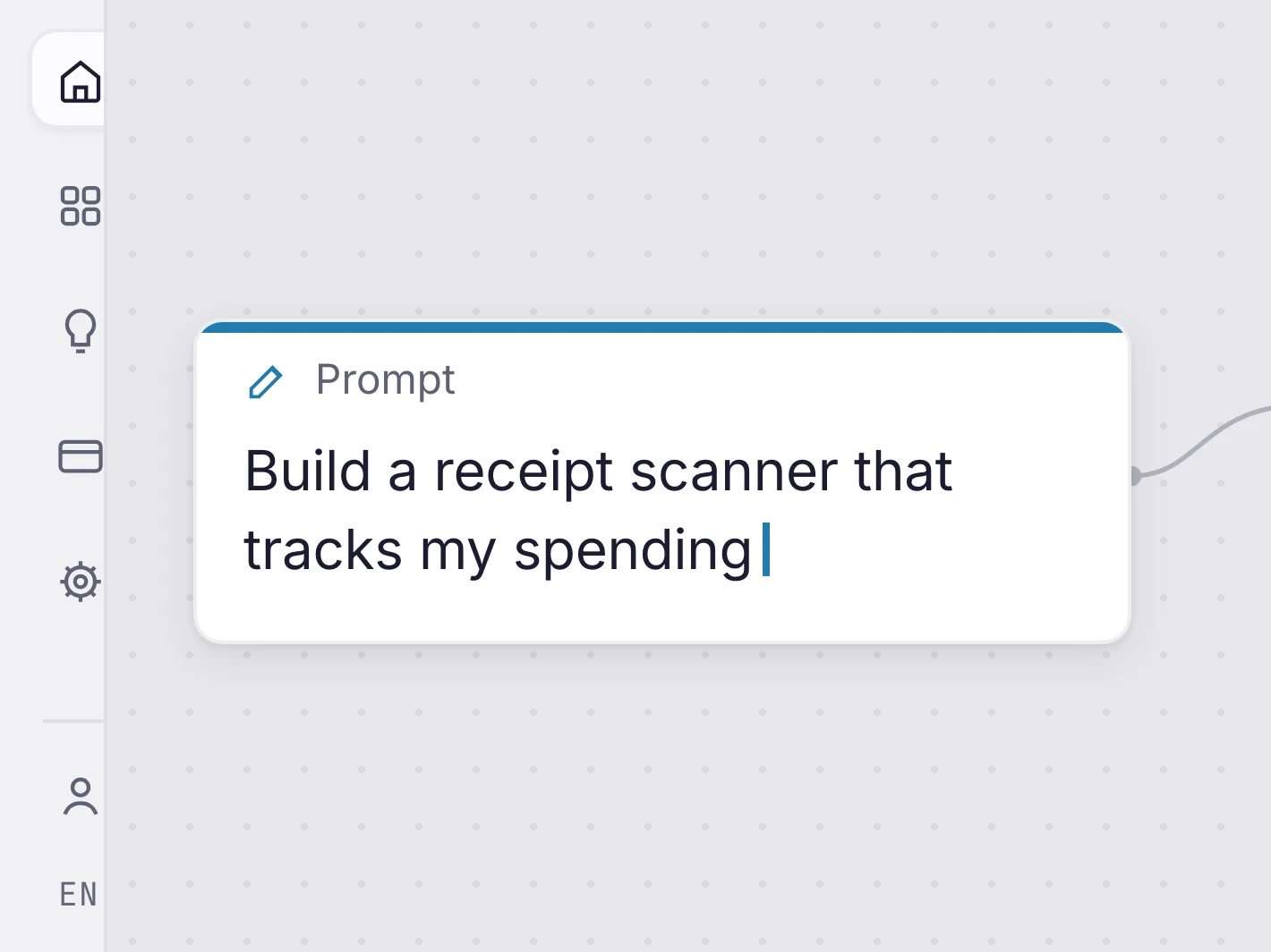
Type the prompt
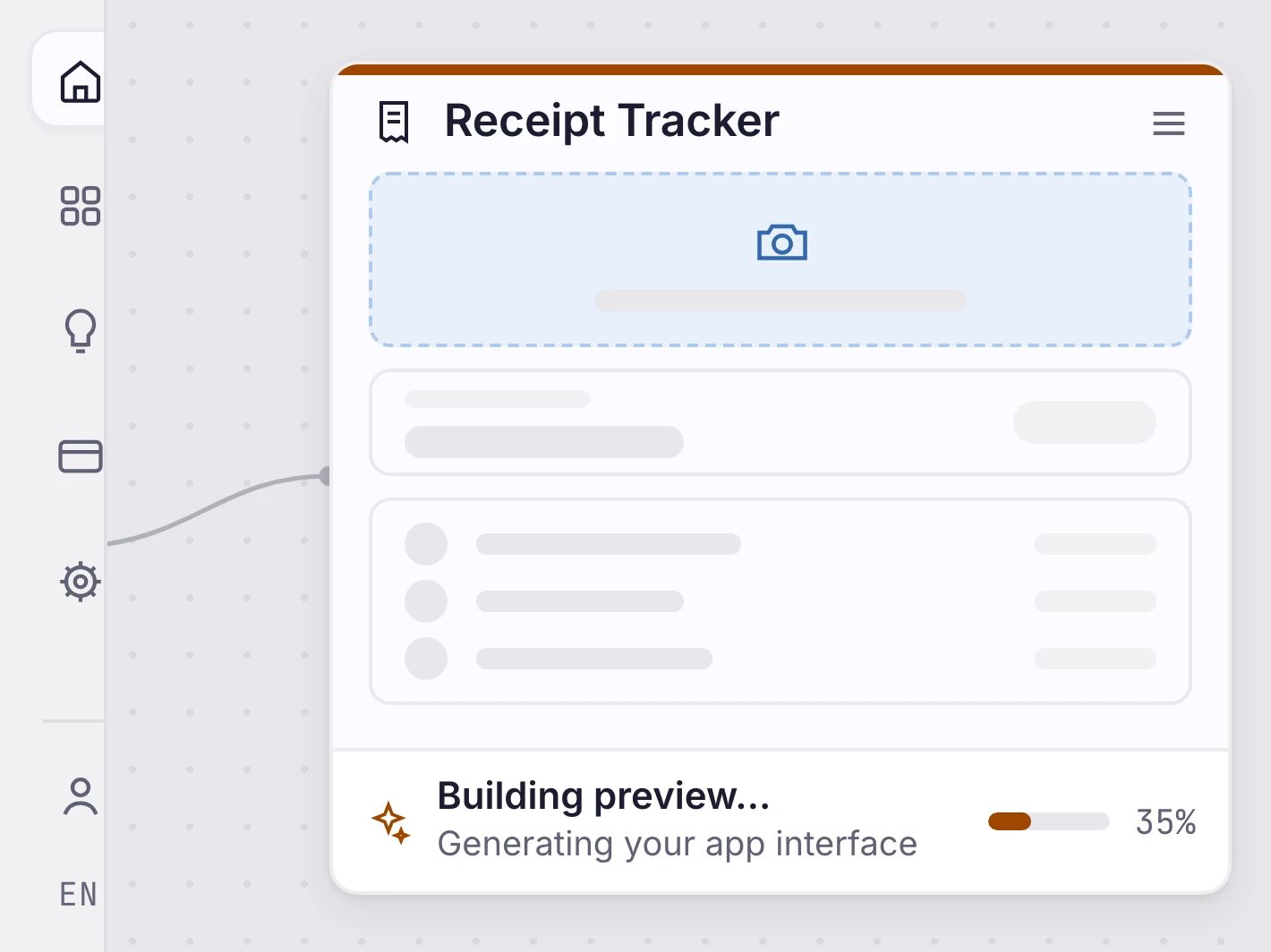
Generate the preview
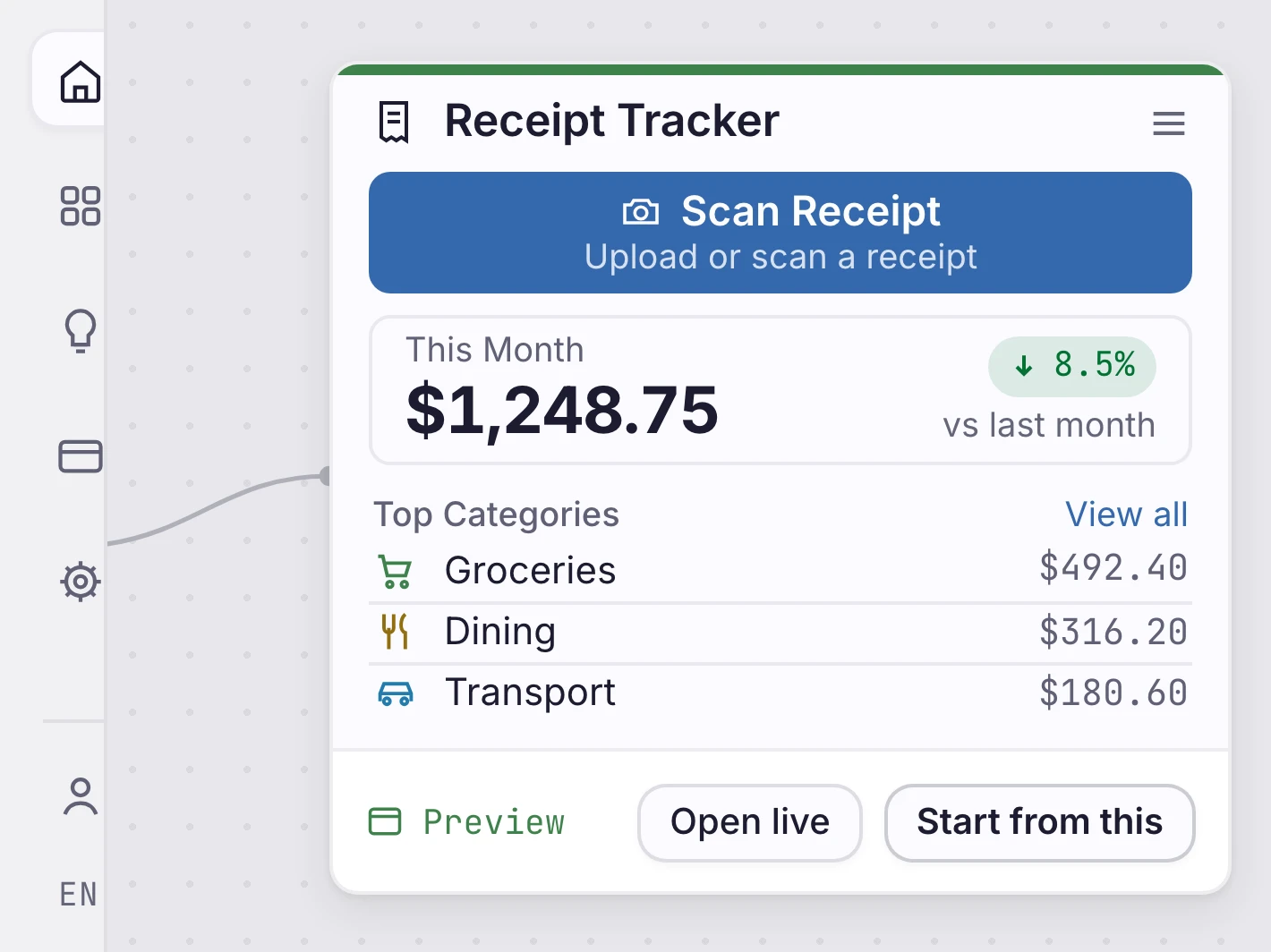
Inspect the result
Then shape it
Shape it into a pitch and a plan.
Once the idea holds together, you shape it into a pitch, break it into scopes, and track each one on a hill chart: the problem, the plan, and what is still a question.
The pitch
The problem, how big a bite to take, the shape of the fix, and what is out of scope.
Scopes
The work splits into pieces that finish on their own, each a slice of the idea.
A hill chart
Every scope climbs a hill: uphill is figuring it out, downhill is getting it done.
Straight answers
About the canvas.
What can I put on the canvas?
Notes, links, images, and slices of your data, each as a card you can move and connect. Paste a link and it becomes a card on its own.
Does the agent do the thinking for me?
It works alongside you. Orbit searches the web, pulls references, and turns your data into a view you can read, so you decide with more in front of you.
Where does the idea go next?
When it holds together, you shape it into a pitch and a plan on the same canvas. From there the agent builds it.
Will I lose my work?
No. The canvas saves as you go. Close the tab, come back tomorrow, and the board is exactly where you left it.
What are the pitch and the hill chart?
The pitch is the problem, the fix, and what is out of scope. The hill chart tracks each part of the plan from figuring it out to getting it done. Both start from what is on your canvas, and you edit them.
Start
Start with the messy idea.
Open a canvas, drop in what you have, and watch the shape appear.

 Créé avec Orbit