Turn one idea into an installable app.
Orbit creates the screens, data, workflows, and launch setup for web and phone.
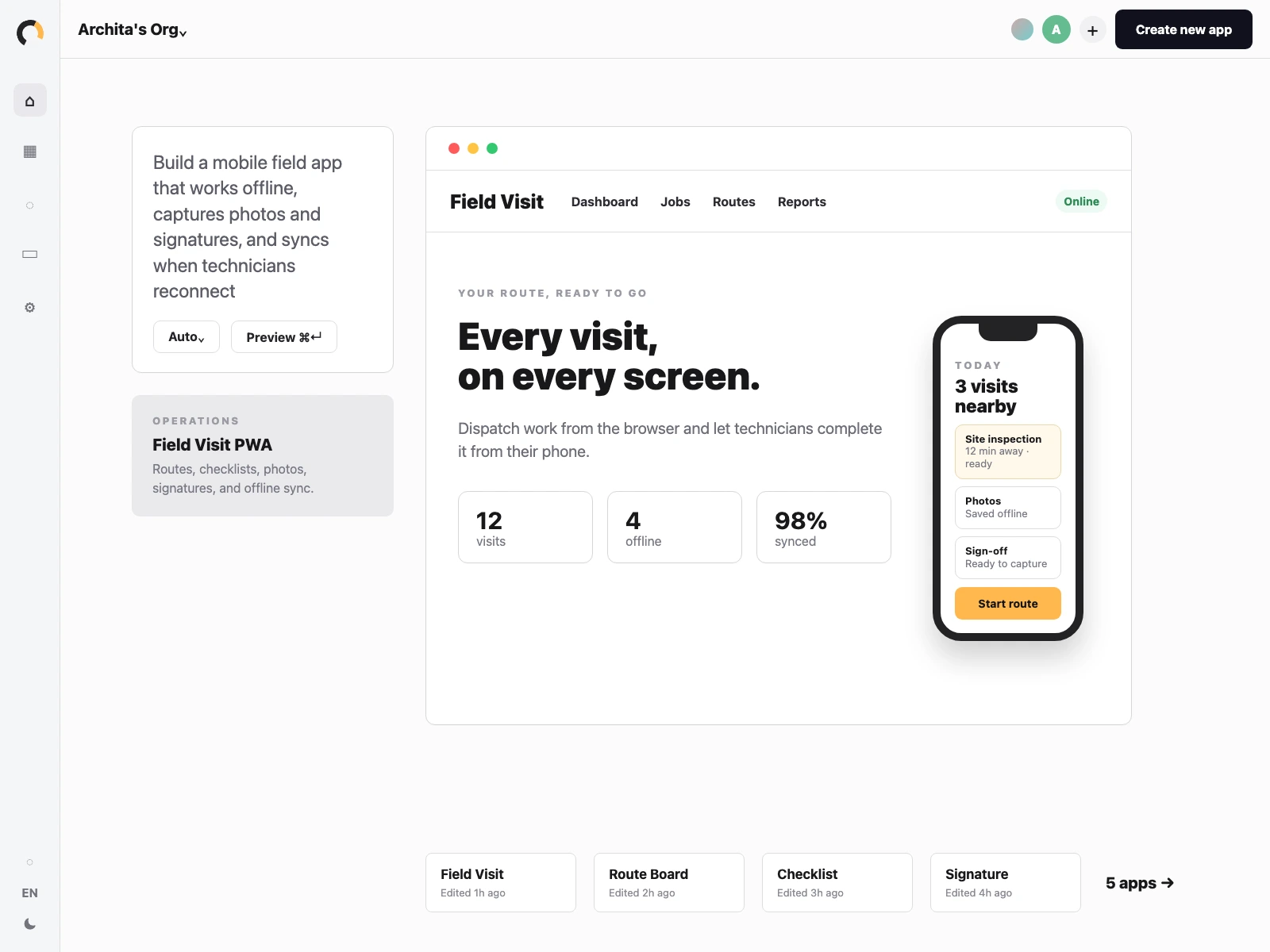
Orbit mobile app walkthrough
One app, every device.
Orbit keeps the mobile UI, web view, shared data, workflows, and launch setup connected as the app changes.
Start with one app.
Orbit keeps the mobile UI, web view, shared data, workflows, and launch setup connected as the app changes.
One app works across every device.
Responsive UI
Pages that work from desktop dashboards to phone screens.
Installable PWA
Home-screen install, mobile shell, offline cache, and app icon setup.
Shared data
One source of truth across browser, tablet, and phone.
Workflows
Offline capture, sync queues, notifications, and approvals.
Launch
Preview, production, HTTPS, domain, and install settings.
From idea to phone-ready app.
See one app go from a simple brief to a version your team can test on web and phone.
Build from a brief
Idea to first mobile app draft.
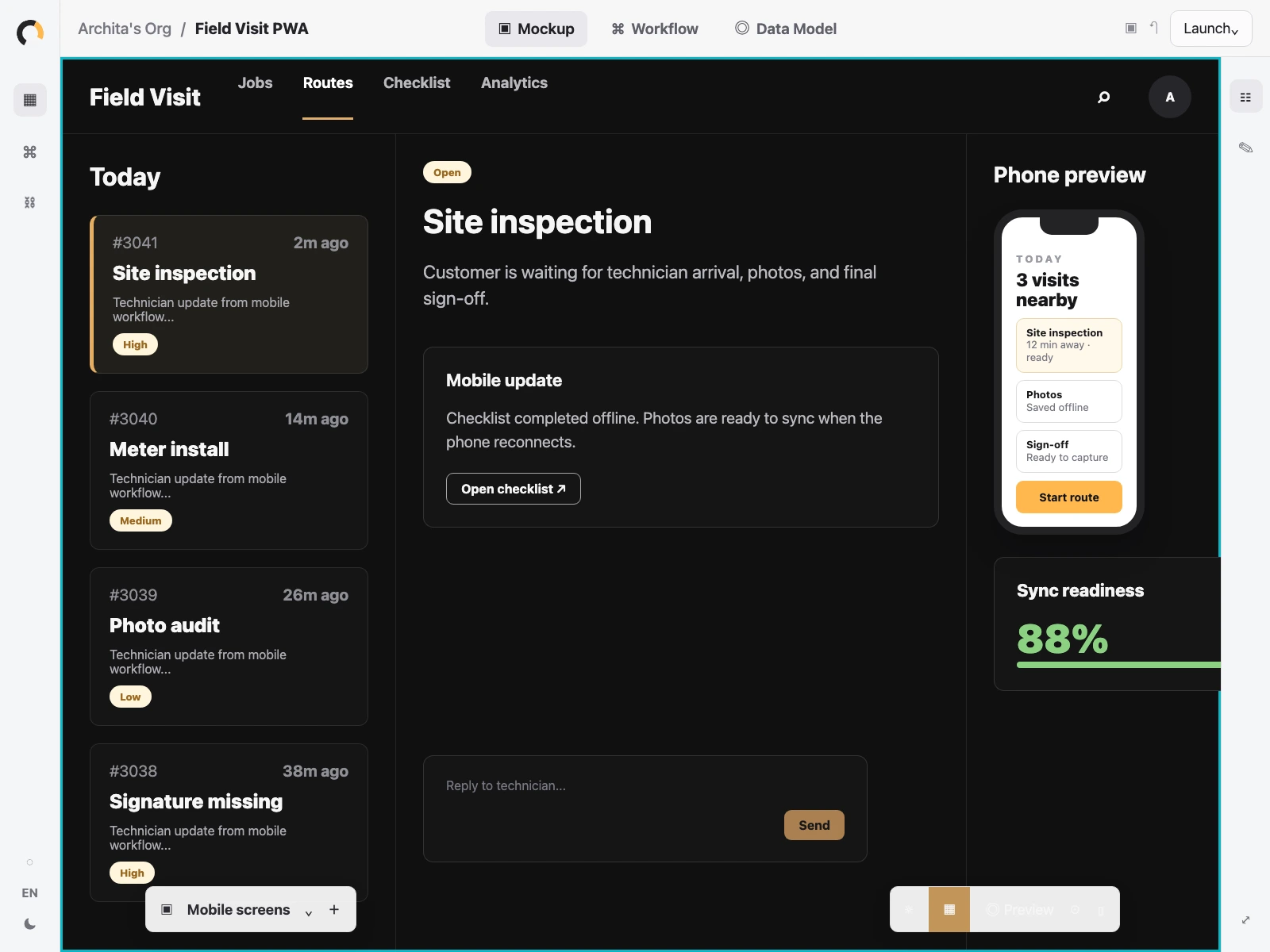
Preview on web and phone
Check the experience across devices.
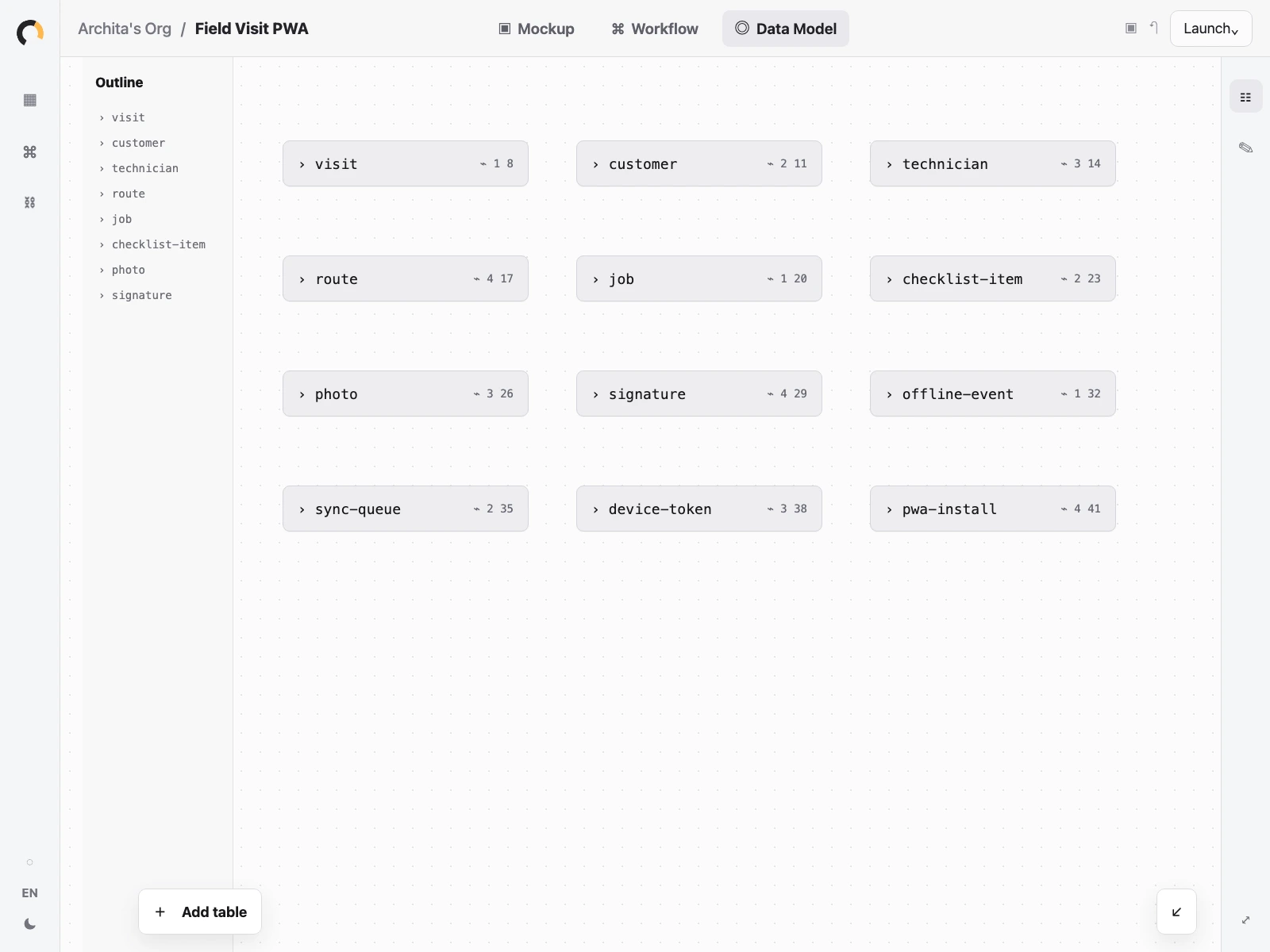
Use one source
Keep web and phone connected.
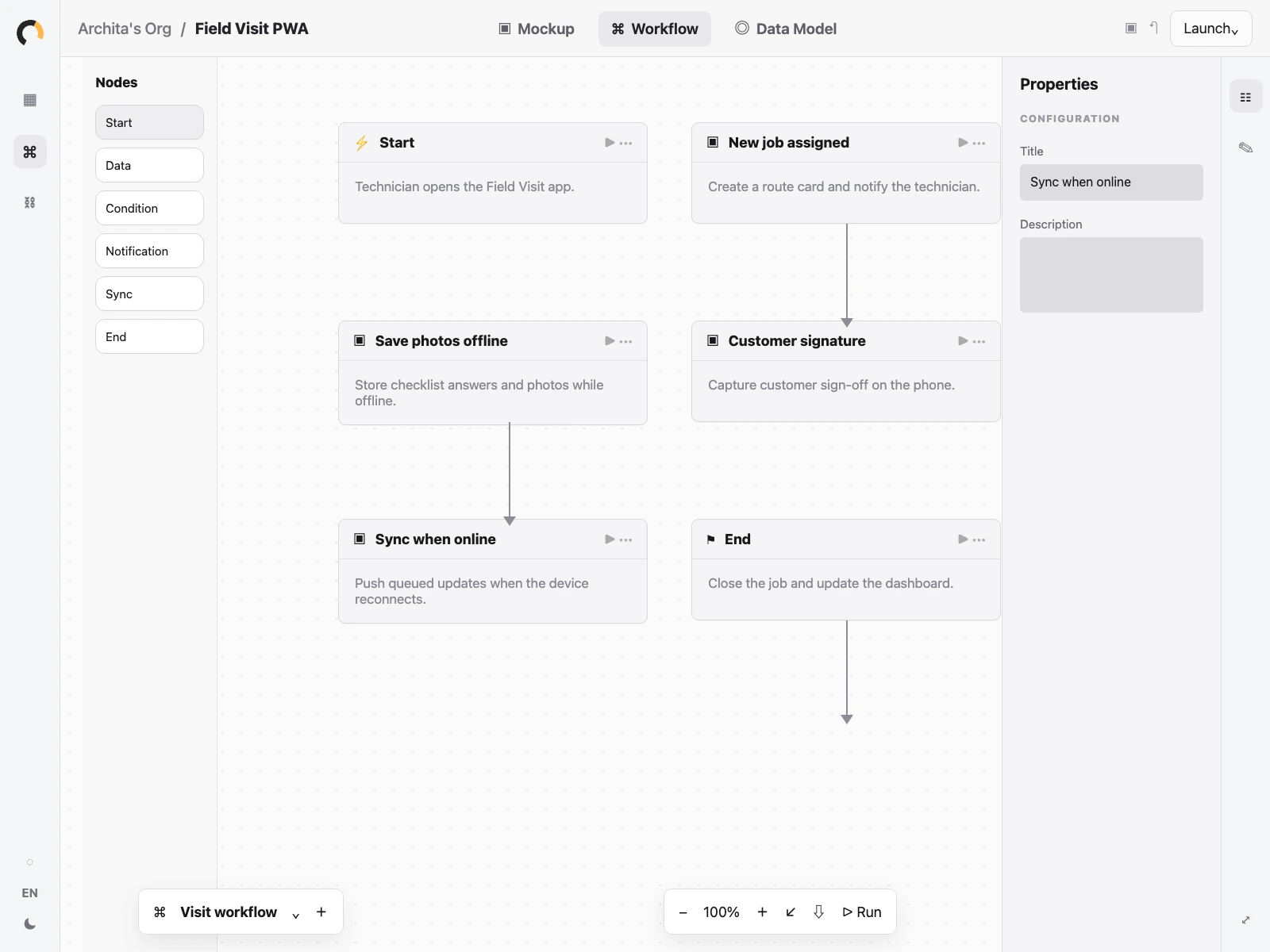
Handle field work
Plan offline capture, sync, and approvals.
Ship when ready
Move from preview to production.
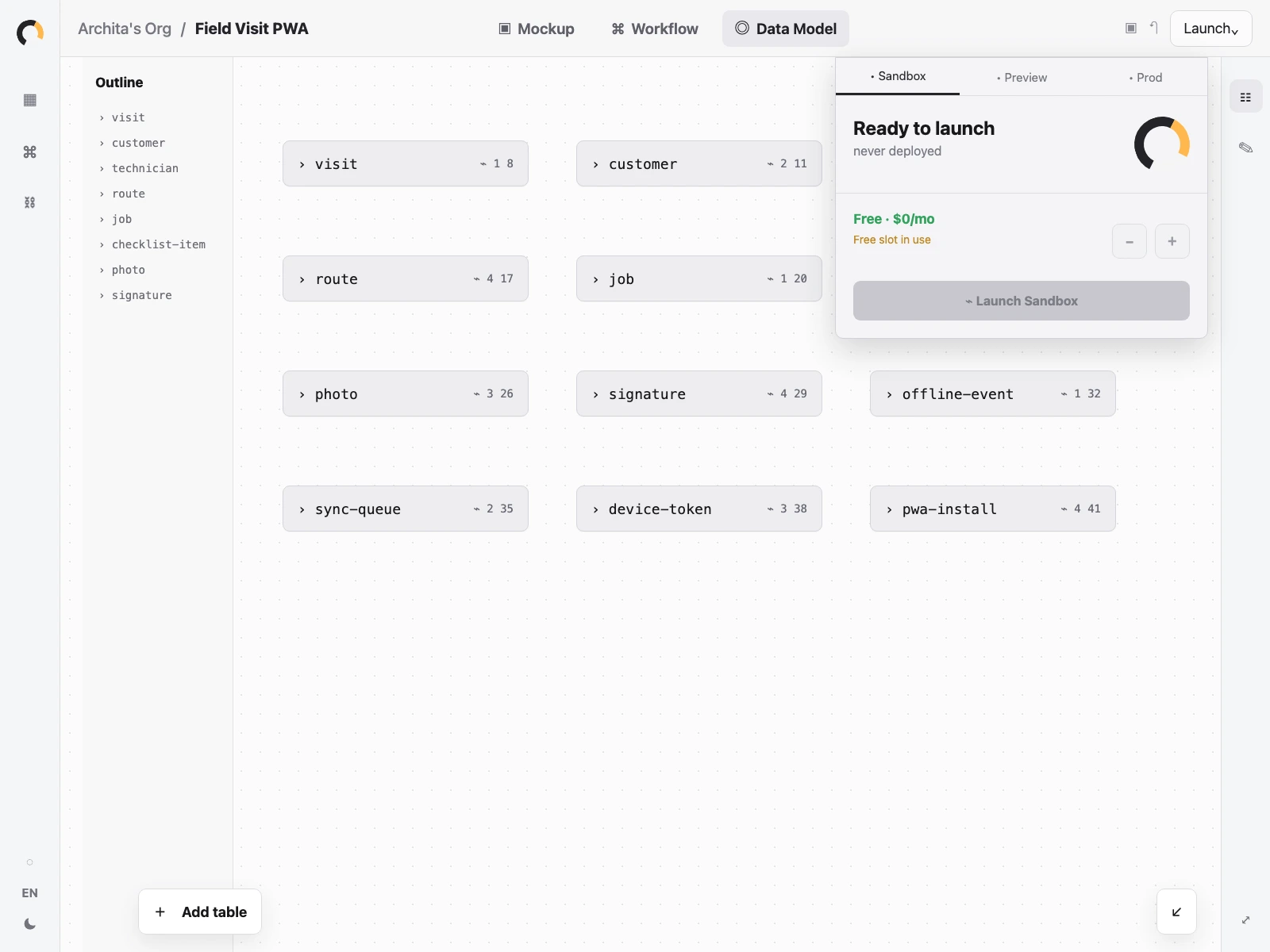
Get the mobile app ready for the field.
Review how it works on phone and web before your team starts using it.
Check the phone view
Preview the app on phone and desktop before it goes live.
Keep one record set
Jobs, customers, checklists, and updates stay together.
Set the field steps
Plan offline updates, alerts, approvals, and follow-ups.
Mobile apps, answered.
Is this a native mobile app or a Progressive Web App?
Orbit helps you build an installable web app that works across desktop and phone. It can feel like a mobile app, live on your domain, and keep the same data and workflows behind every screen.
Do I need separate web and mobile projects?
No. You shape one app in Orbit. The screens, data, workflows, and launch setup stay connected as you refine the desktop and mobile experience.
Can people install it on their phone?
Yes. Your app can be installable from the browser, with a home-screen icon and a focused mobile experience alongside the web version.
Can it work when the connection is unreliable?
You can design workflows for offline capture, queued updates, and sync when the device reconnects. That is especially useful for field teams and mobile-first operations.
Is the data shared across devices?
Yes. Web and mobile views use the same app data, so updates from a phone can show up for the team on desktop without rebuilding a second system.