Tell Orbit what you want to build.
Describe your app. Orbit drafts the data, screens, workflows, and launch setup so you can shape it into something real.
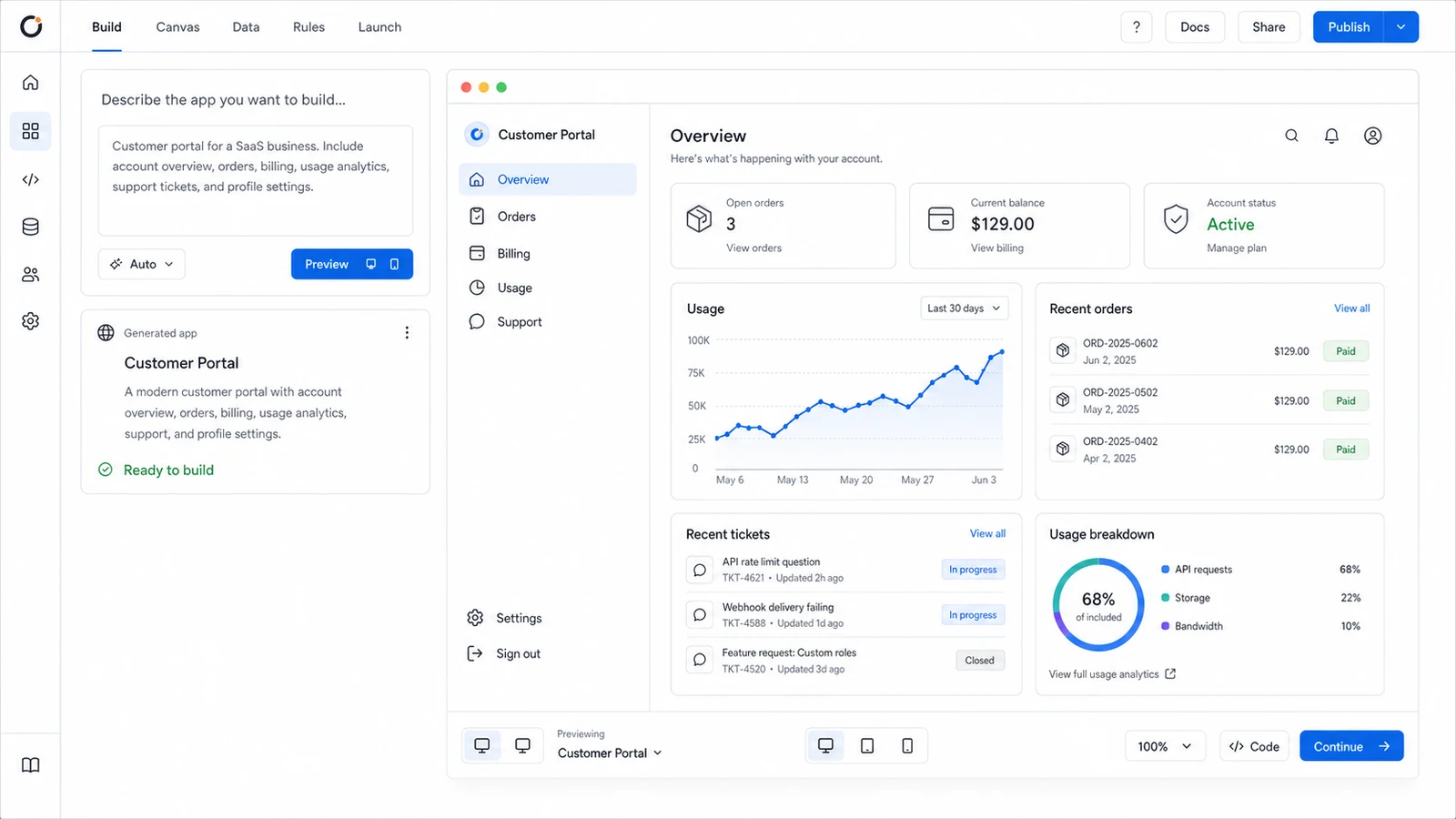
Orbit builds the whole app, not just the screens.
As your app changes, Orbit keeps the data, backend, and workflows connected.
Start with the app brief.
Tell Orbit what the app should do. The brief becomes the source for every layer that follows.
One idea becomes a working system.
Data takes shape
Tables, fields, and relationships form around the app you described.
Backend logic connects
Auth, APIs, jobs, and workflows attach to the data model.
Screens become usable
Pages and flows appear where your team can open, review, and refine them.
Intelligence gets context
AI can work from the app's data, screens, and workflows instead of guessing.
Launch is ready when you are
Hosting, HTTPS, and domain setup are already part of the path.
From idea to launch, in Orbit.
Walk through the same app as it moves from a brief to visual editing, data modeling, workflows, and launch.
Build from a brief
Idea to first app draft.
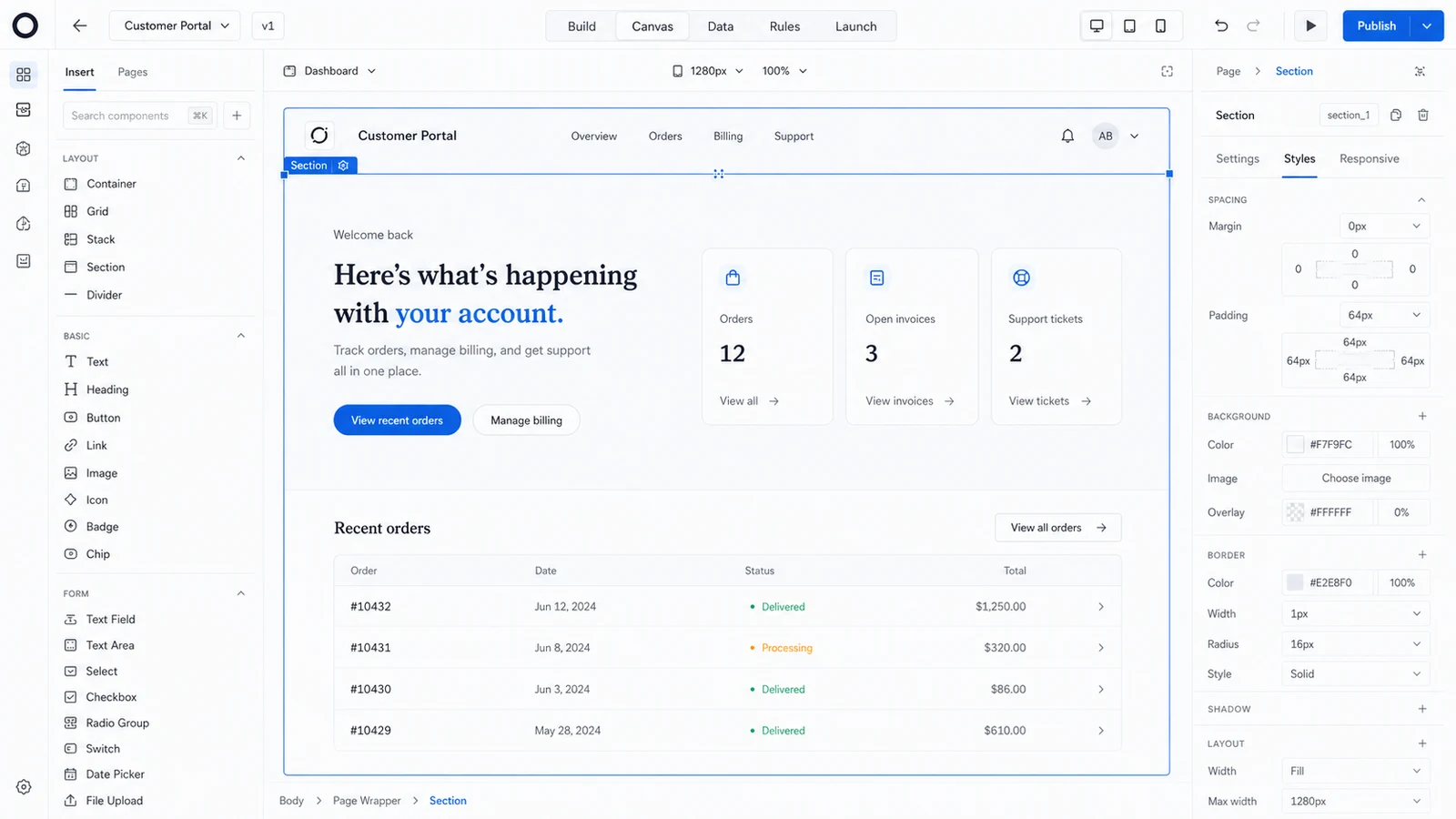
Shape screens visually
Edit on canvas.
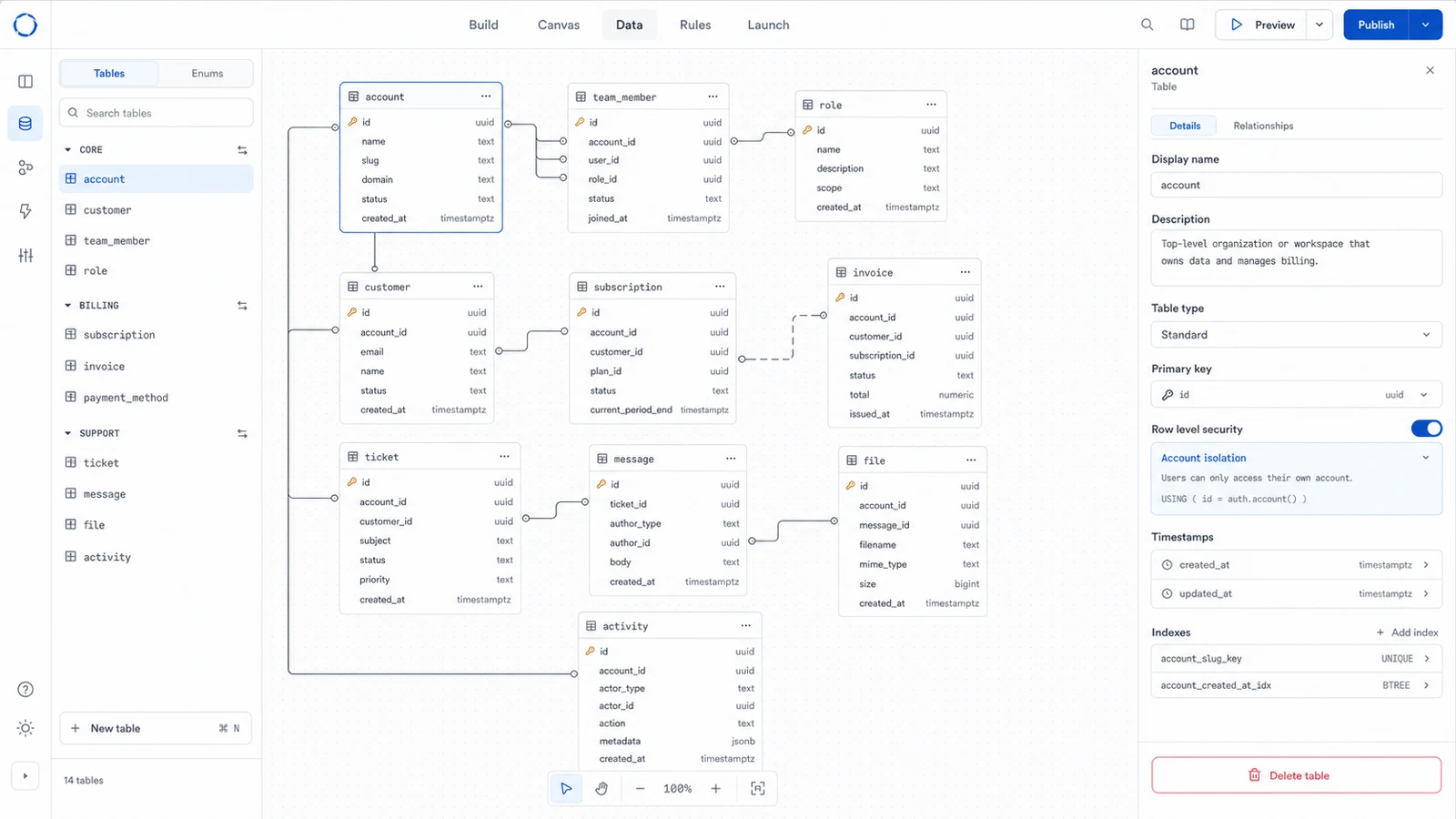
See the data model
Tables and fields.
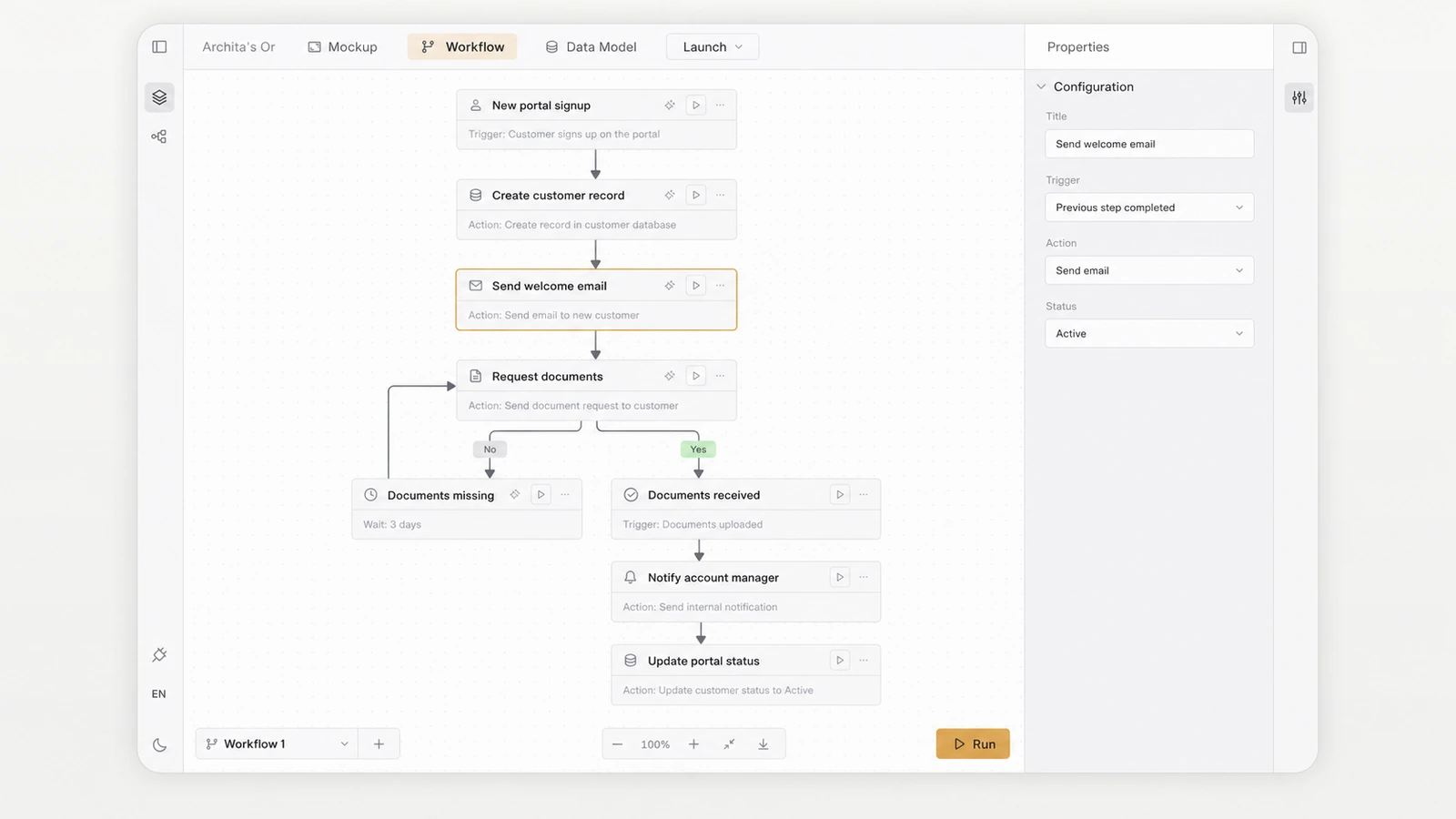
Wire workflows
Logic around data.
Launch when ready
Sandbox to prod.
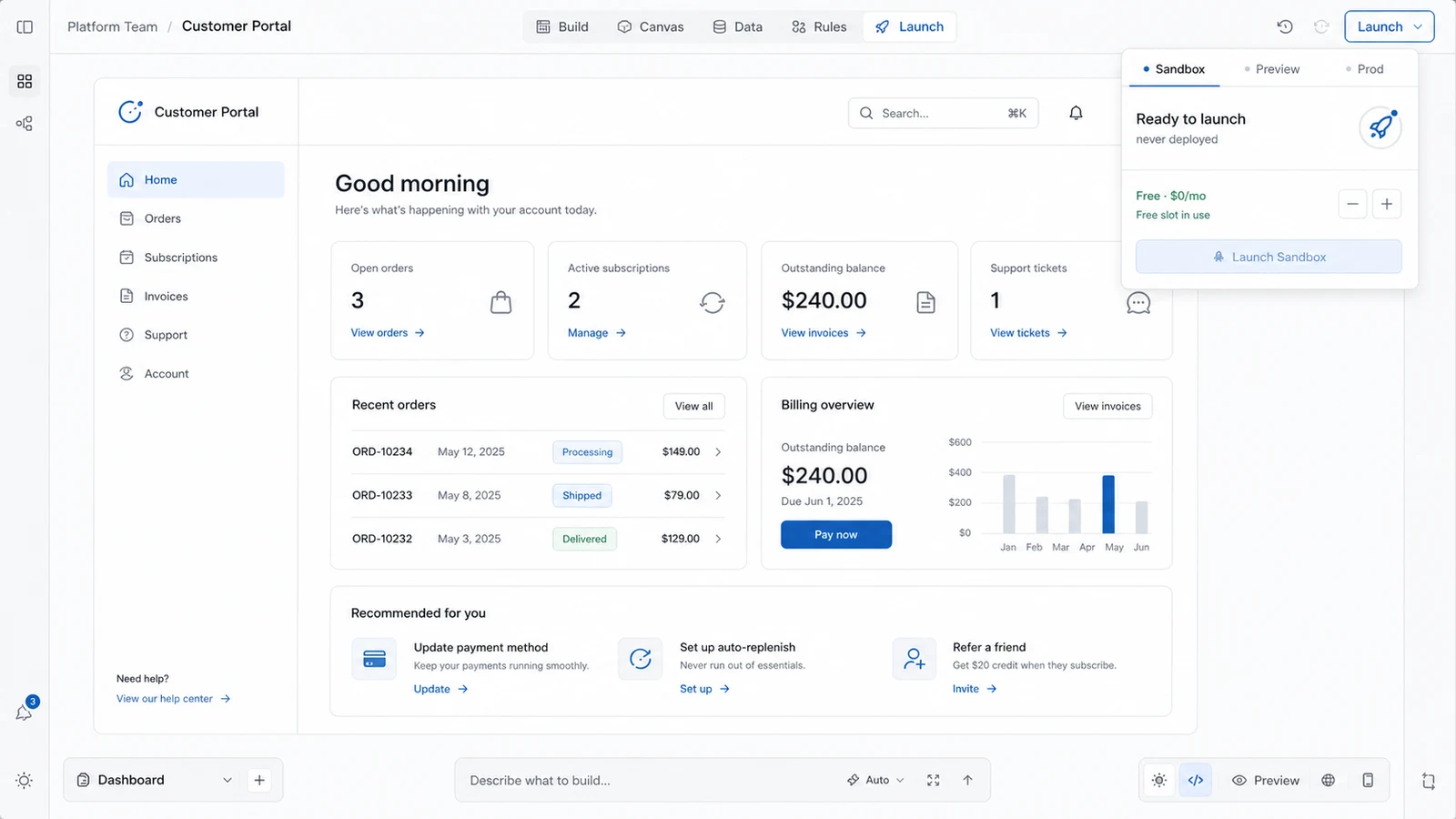
Shape it as you go.
Edit the screens, review the data, and adjust the workflows before you launch.
Edit the screens
Change each page and preview it live.
Inspect the data
Review the tables your app uses.
Tune the workflows
Update the steps before you launch.
Full-stack apps, answered.
What makes an app full-stack?
A full-stack app includes the screens people use and the systems behind them, like data, login, permissions, and backend logic. Orbit builds them together from one brief.
Do I get a real database?
Yes. Each app gets its own Postgres database. It is isolated for your app, and you can export or delete it whenever you need to.
Can I launch it on my own domain?
Yes. You can publish to a domain you own, with HTTPS handled for you. You can build and preview for free, then pay when you decide to keep the app live.