Agent tools connected to your real app.
Let Claude, coding agents, WhatsApp, CLI, and custom tools work from the same data, permissions, workflows, and actions.
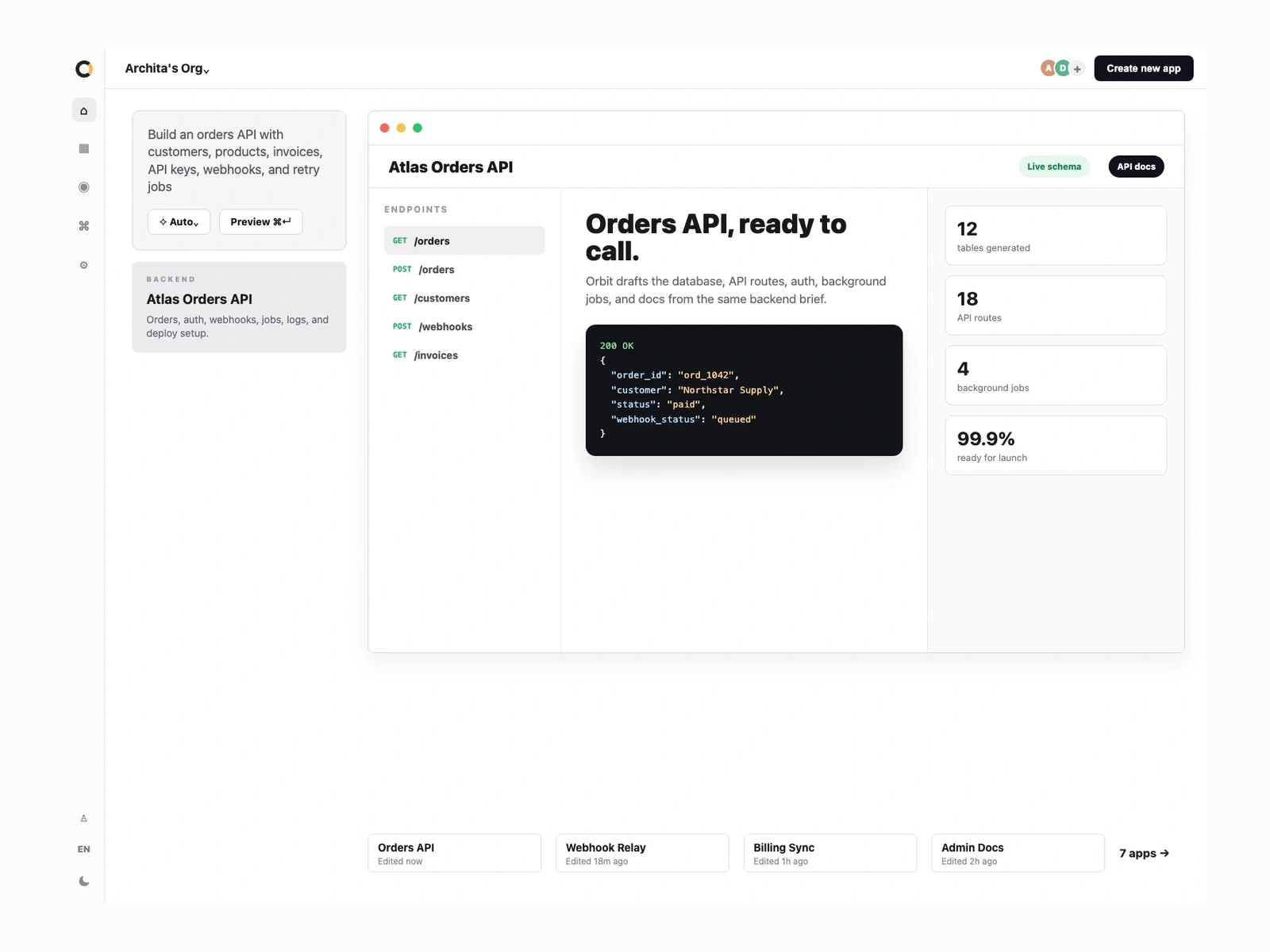
Agent tools built into the product.
Give agents access to the same actions, data, and workflows your team already uses.
Data
Agents use the same app records.
Tools
Clear tools agents can call.
Control
Set what agents can see and do.
Flows
Trigger tasks and approvals safely.
Launch
Launch with auth, logs, and domains.
From agent idea to working tools.
Describe what the agent should handle, then refine the tools, data, permissions, and launch setup together.
Describe the tools
Plain English to first contracts.
Review the contracts
Actions agents can call.
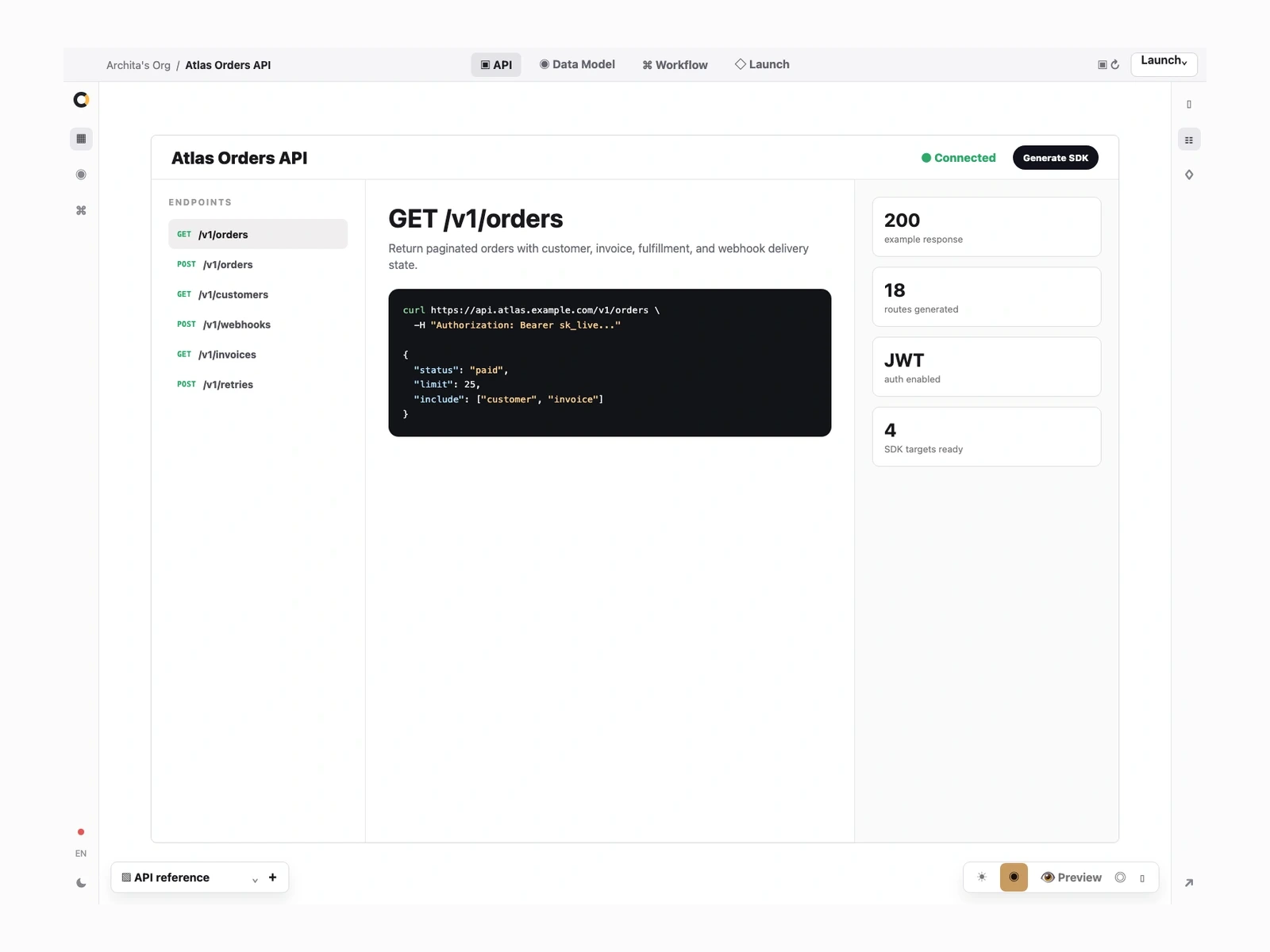
Ground it in data
The same records humans use.
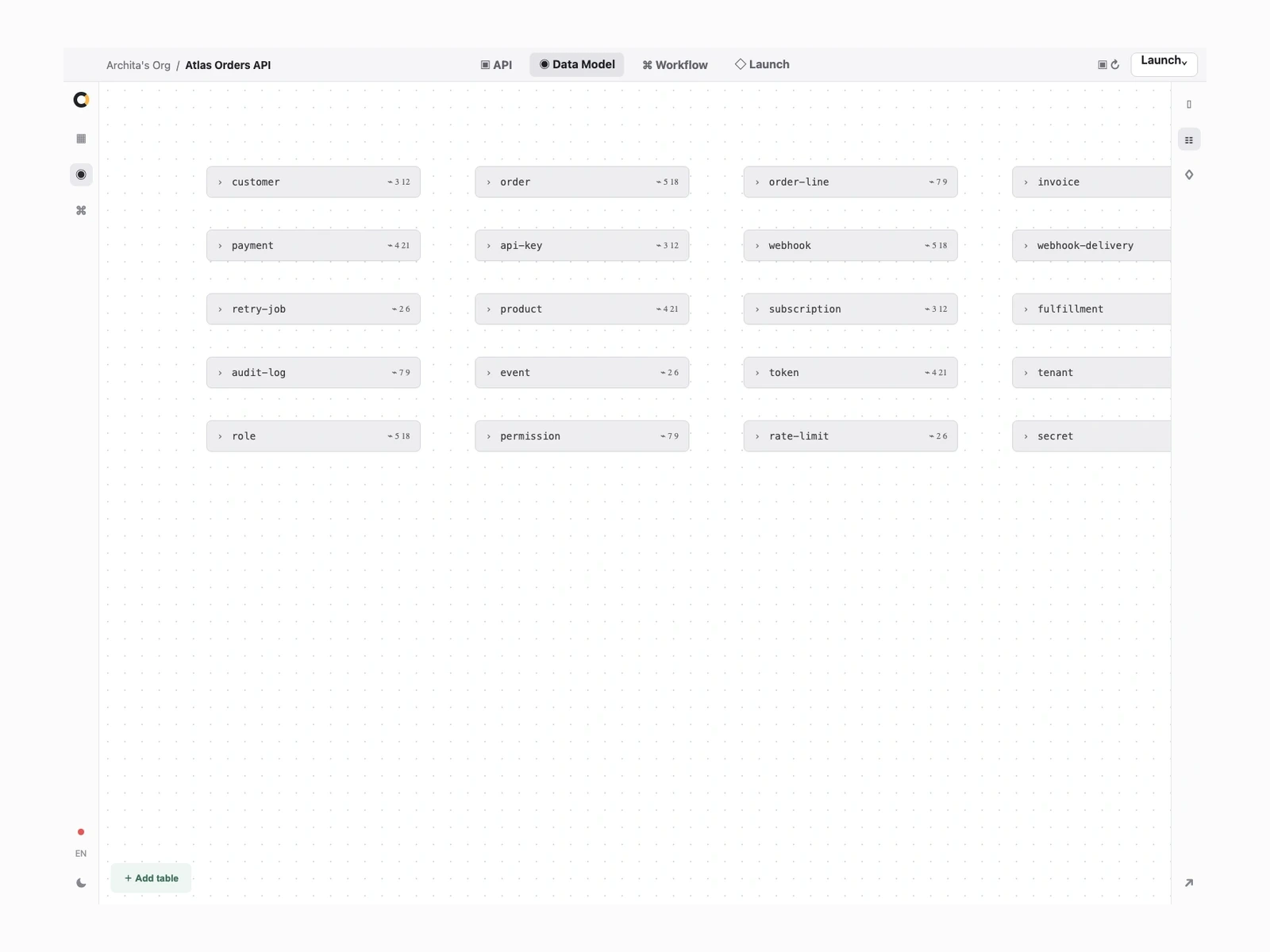
Add review paths
Approvals before risky writes.
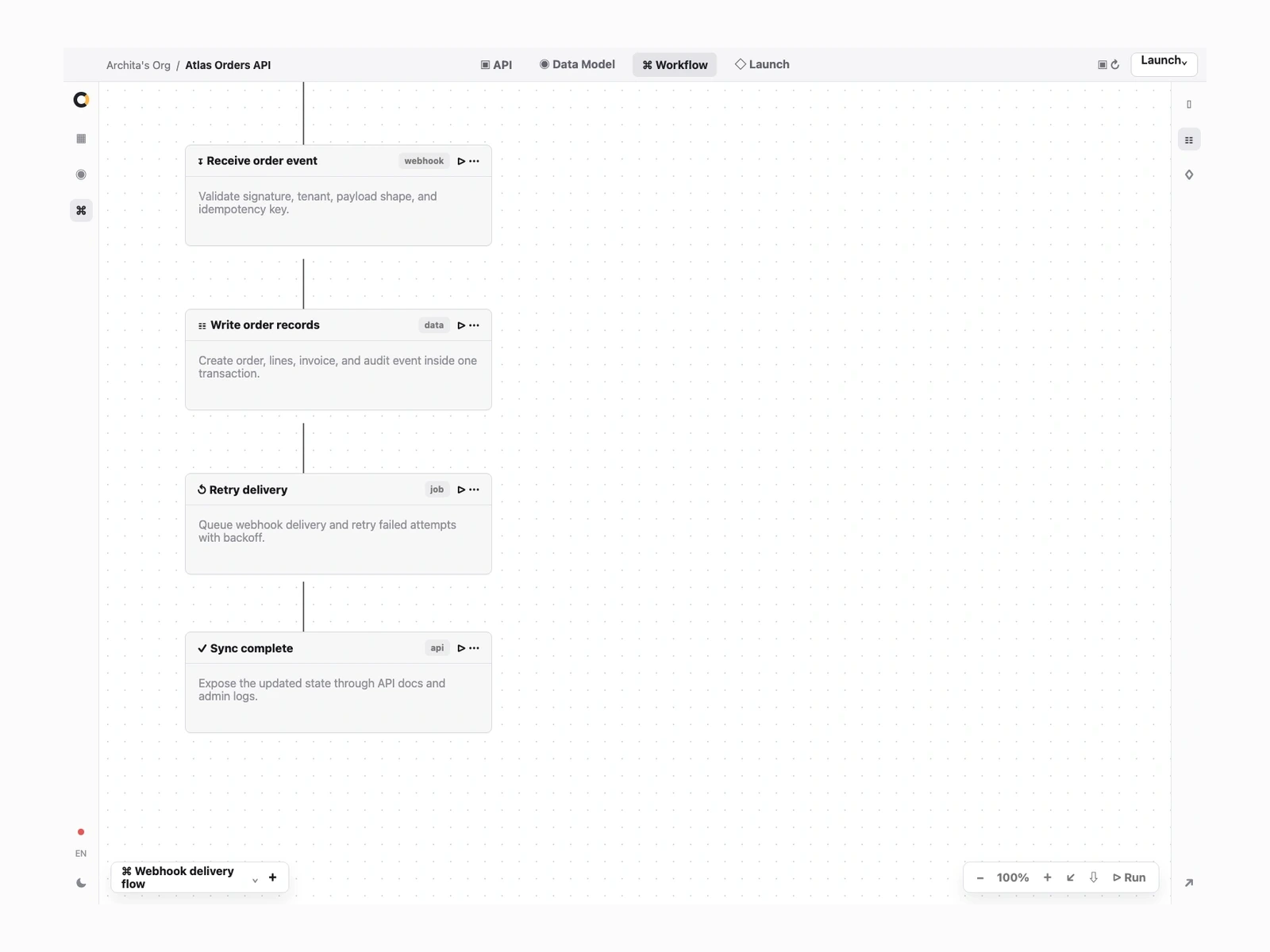
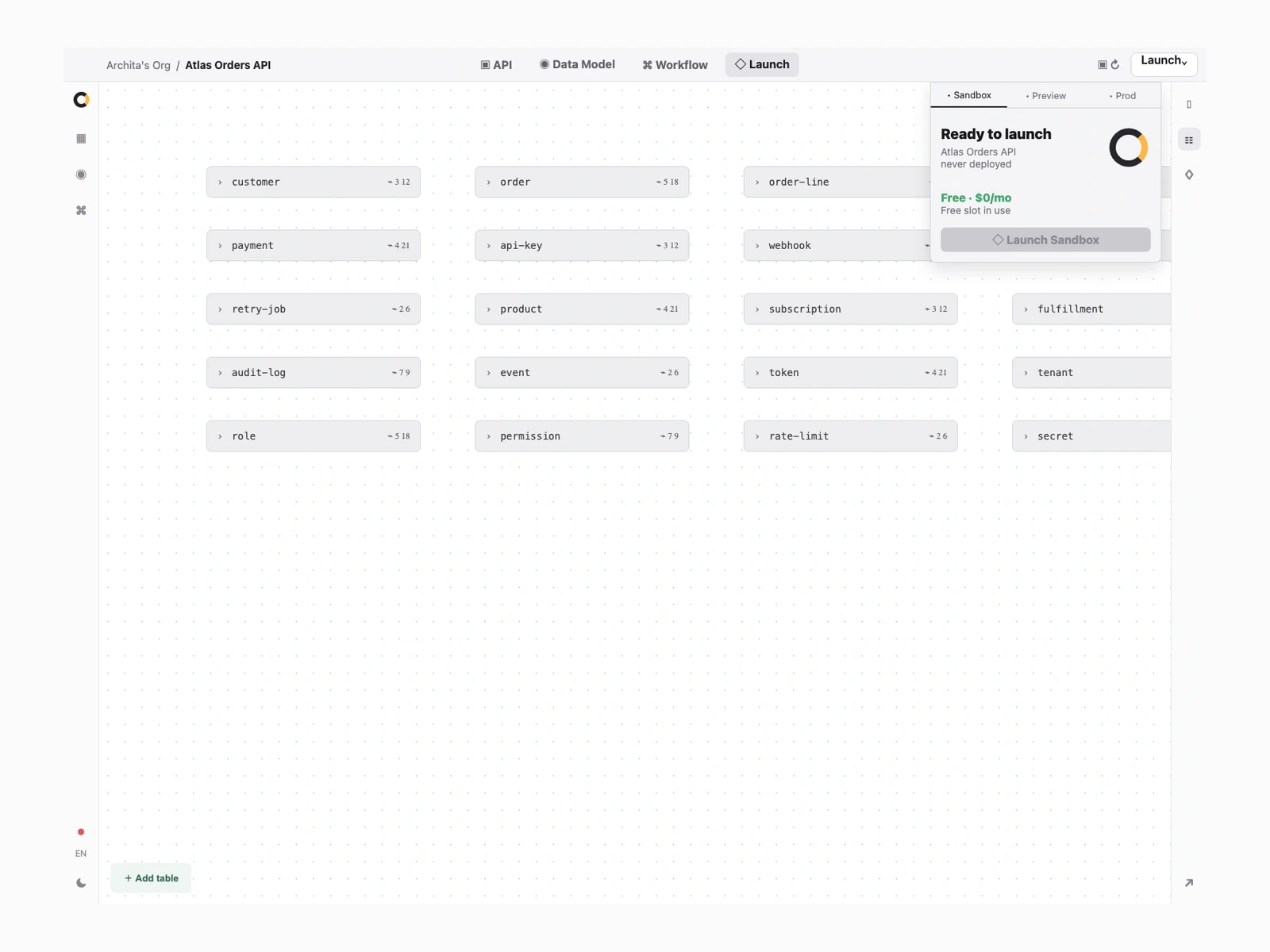
Launch the endpoints
Logs, auth, and domains.
Use your app from the tools your team already uses.
Use the same app behind assistants, automations, chat, command lines, and custom agent workflows.
Assistant workflows
Let assistants find records and take approved next steps.
Developer agents
Give coding agents the project tools and context they need.
Chat and CLI
Run app workflows from chat, terminals, or custom tools.
MCP-ready tools, answered.
What does MCP-ready mean?
Your app can expose tools and context that agent clients can call, instead of trapping work inside one UI.
Can the same app power chat, CLI, and custom agents?
Yes. Agent tools can share the same data model, permissions, workflows, and actions as the web app.
Do I need to build an API first?
No. Orbit can draft the data, actions, routes, and tool contracts together so agents and humans use the same system.
Can I control what agents can do?
Yes. Keep auth, approvals, scopes, and audit trails around every tool action.
Can I launch it on my own domain?
Yes. You can deploy the app and tool endpoints on your own domain with HTTPS handled for you.