

Platform · Workflows
Rules that run on their own.
Write the rule in a sentence. You get the steps, tested, to review.
- Read your rule0:01
- Add six steps0:05
- Test on Saturday’s orders0:09
- Running12:00
Unclaimed bakes, back on sale at noon.
You write the rule in one sentence. Orbit turns it into six steps and tests them on last Saturday’s orders.
- 12:00
Start
Every day at 12:00 · Asia/Kolkata
- 3 orders
Orders · List
Reserved, pickup before noon, not collected
- 3 passes
For each order
One pass per order
- +5 bakes
Bakes · Update
Stock + the order’s quantity
- 4 people
Waitlist · List
People waiting for this bake
- 4 emails
Resend · Send Email
Subject: your bake is back
- done
End
Returns released and emailed

Your croissants are back
2 butter croissants for Saturday 9:00. Reserve them before noon tomorrow.
Three ways in
Three ways a workflow starts.
On a schedule, on a change, or on a button.
Fri · 5 bakes back on sale
On a schedule
New row → pickup reminder sent
On a change
Mark as collected
Order closed · stock updated
On a button
Runs
Every run, written down.
Each run keeps its steps and its result.

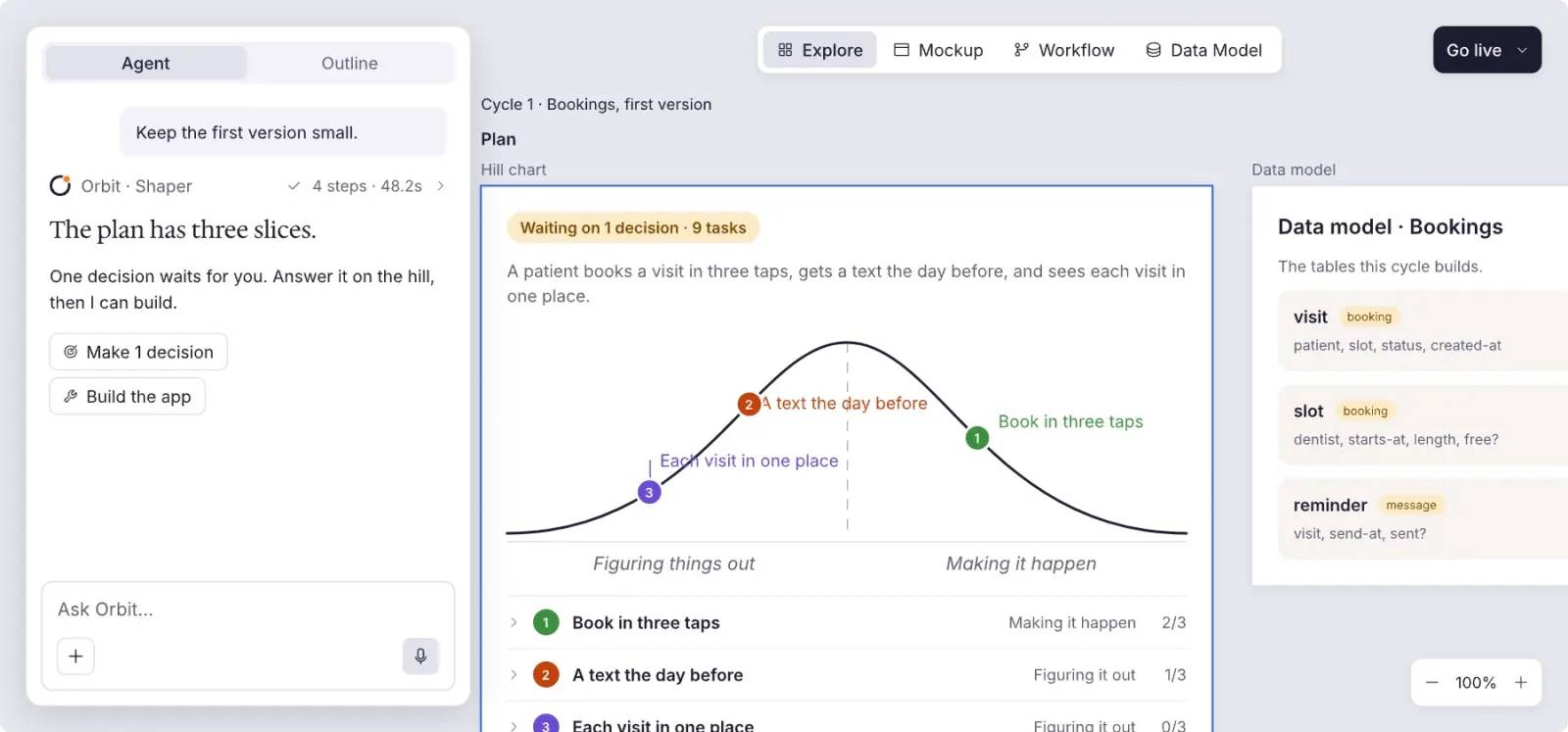
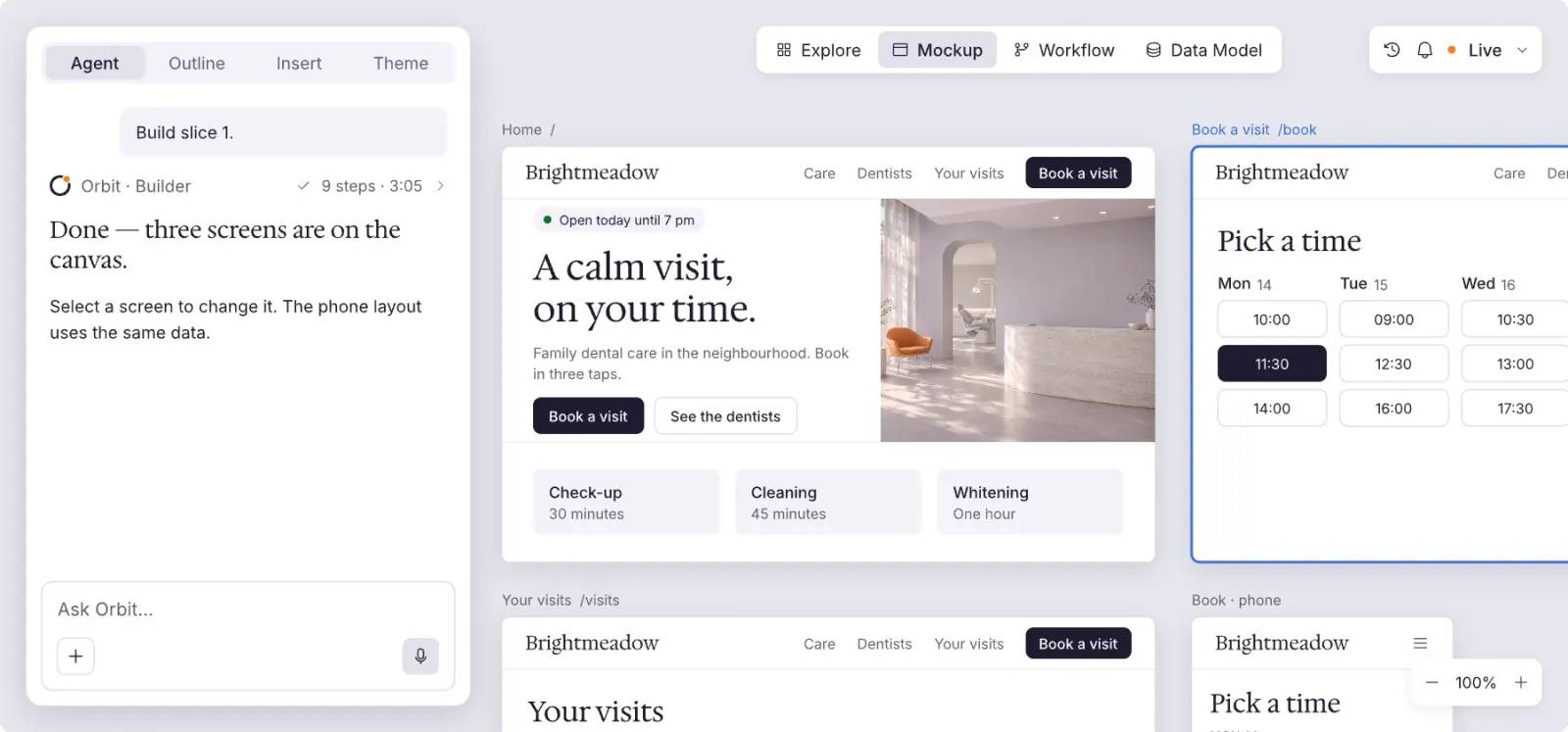
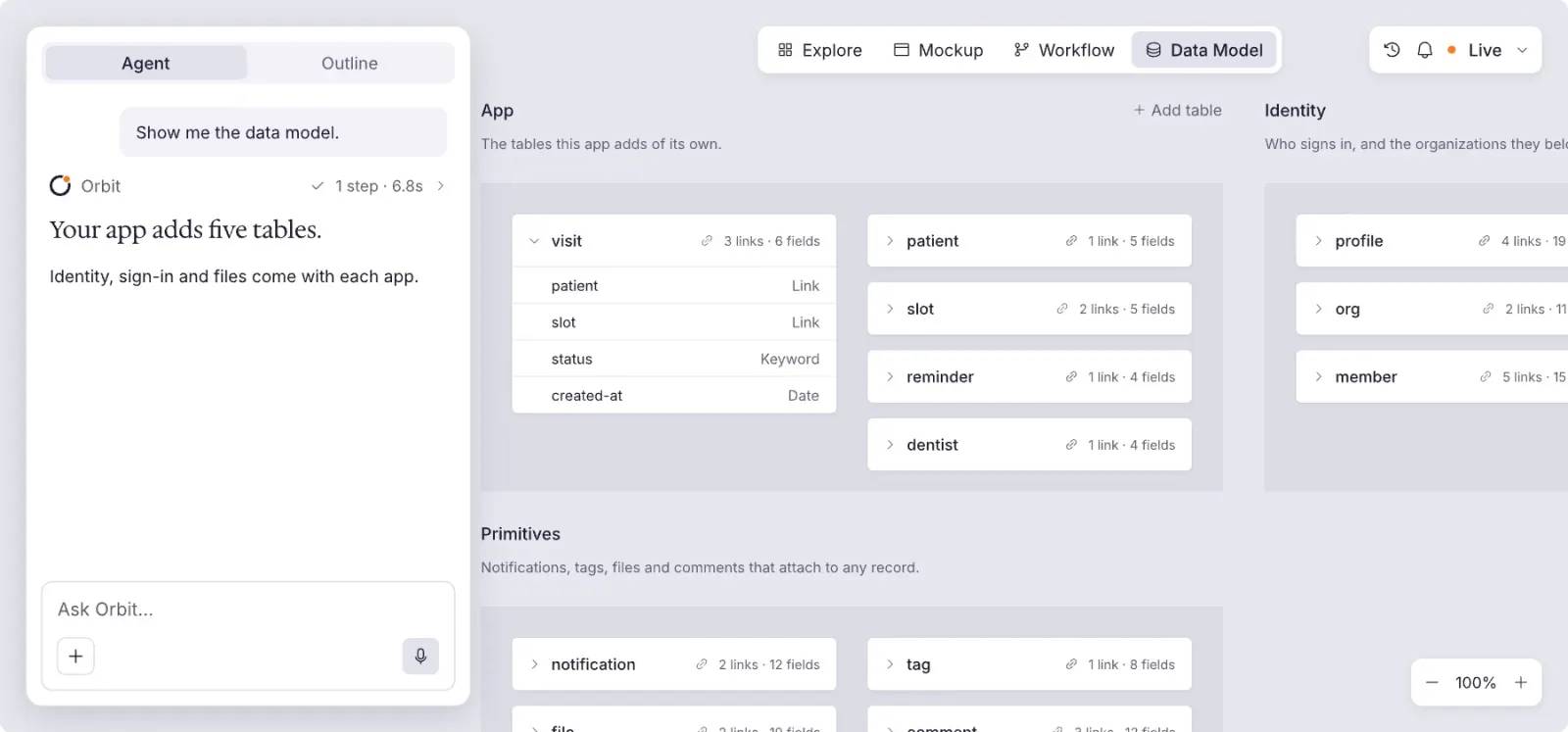
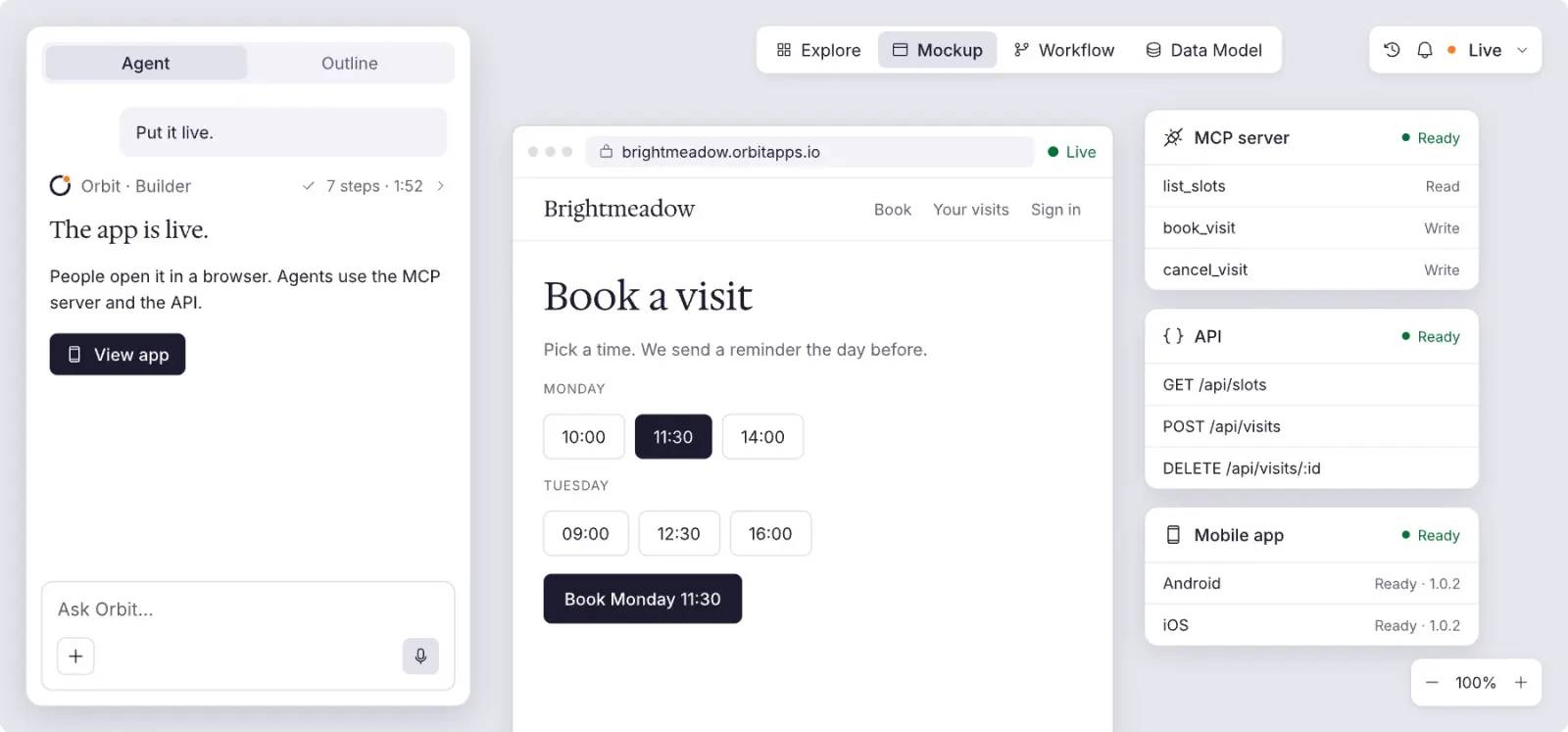
About Workflows.
Read and change the app’s data, send texts and emails, call other services, and ask an AI model. Each step is a node you can open.
Run it on your own data before it goes live, then open any step to see its inputs, its output and how long it took.
Orbit retries the workflow from a durable queue, backing off between tries, up to twenty times. A run that cannot finish is logged with the error, not lost.
Write the first rule.
Say it in a sentence.