

Platform · Screens
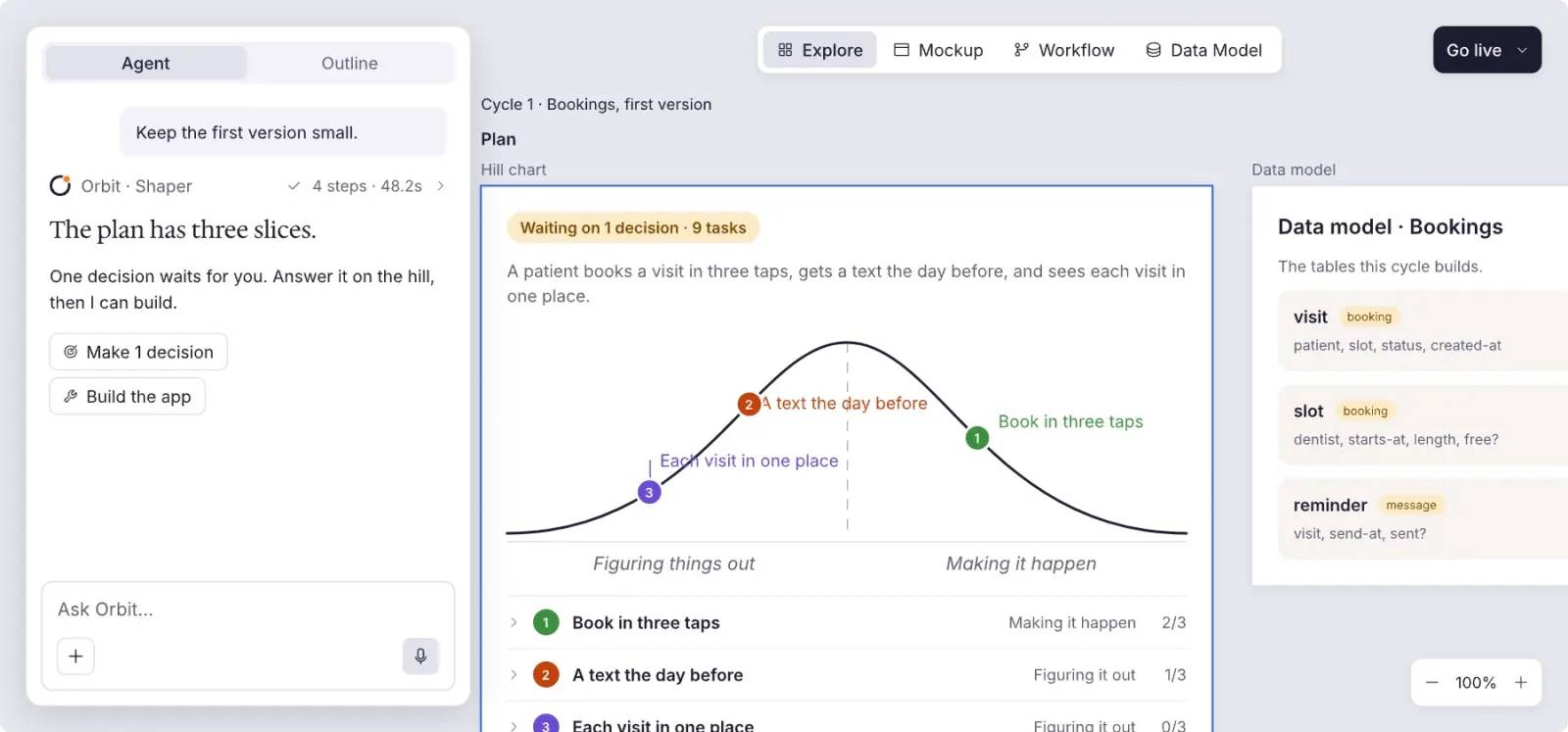
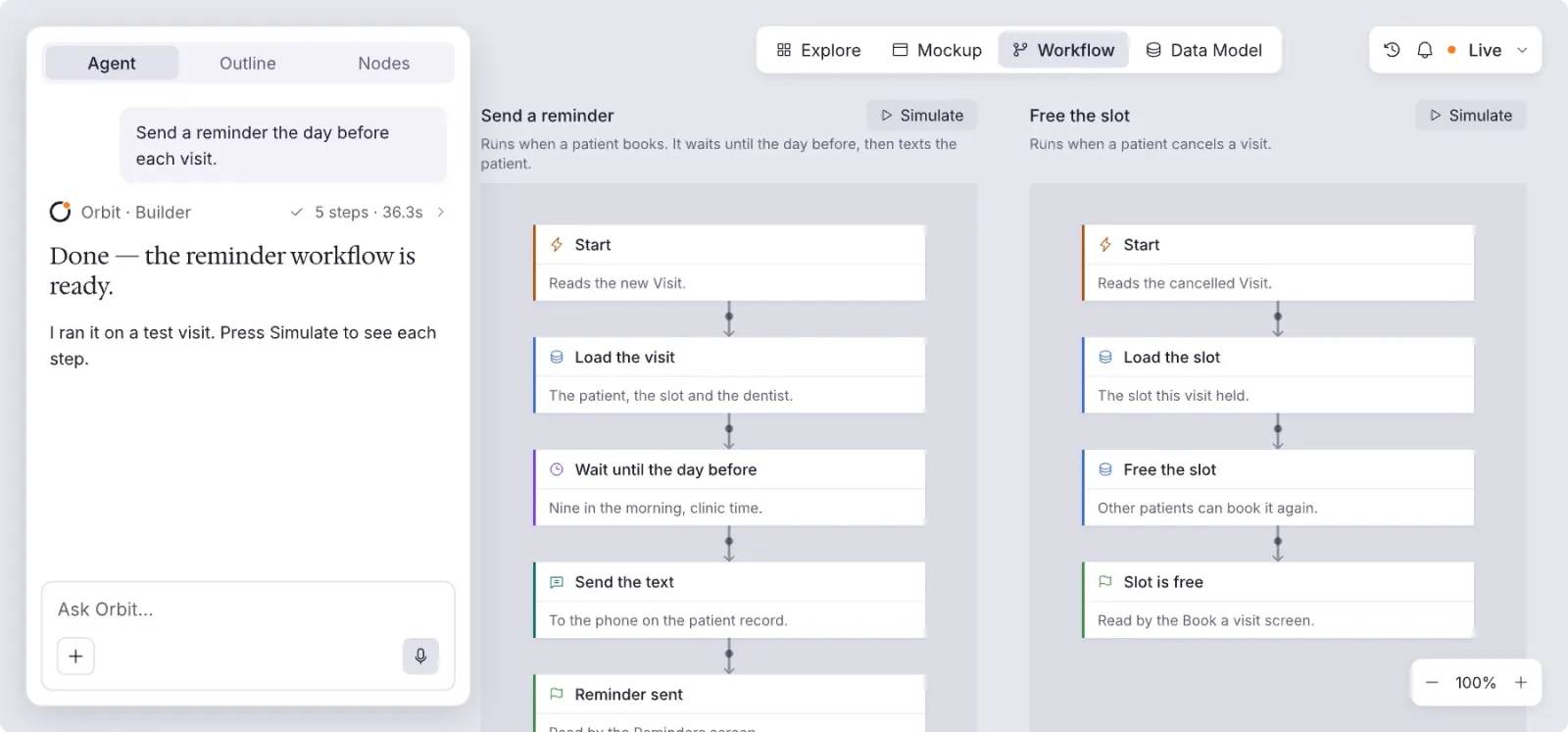
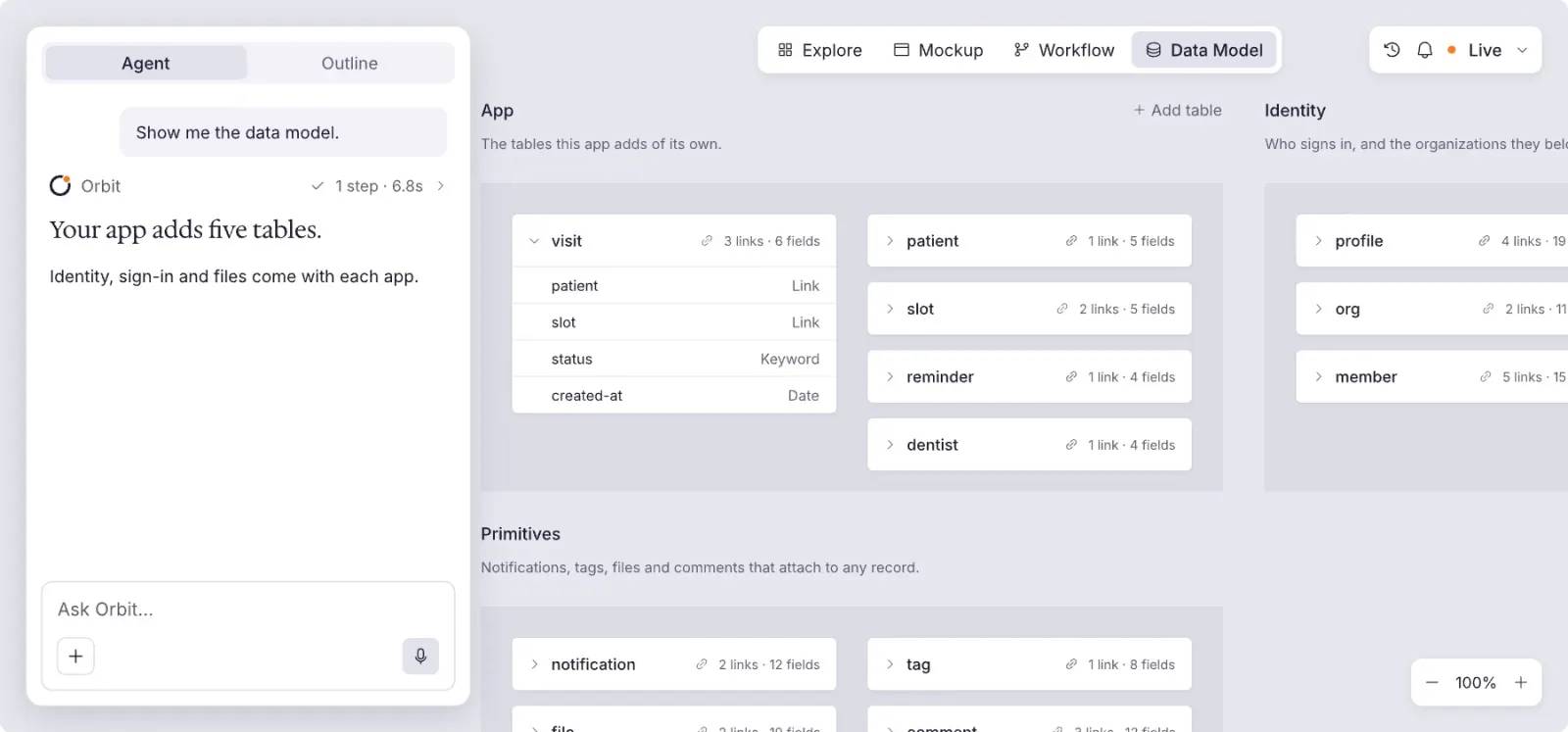
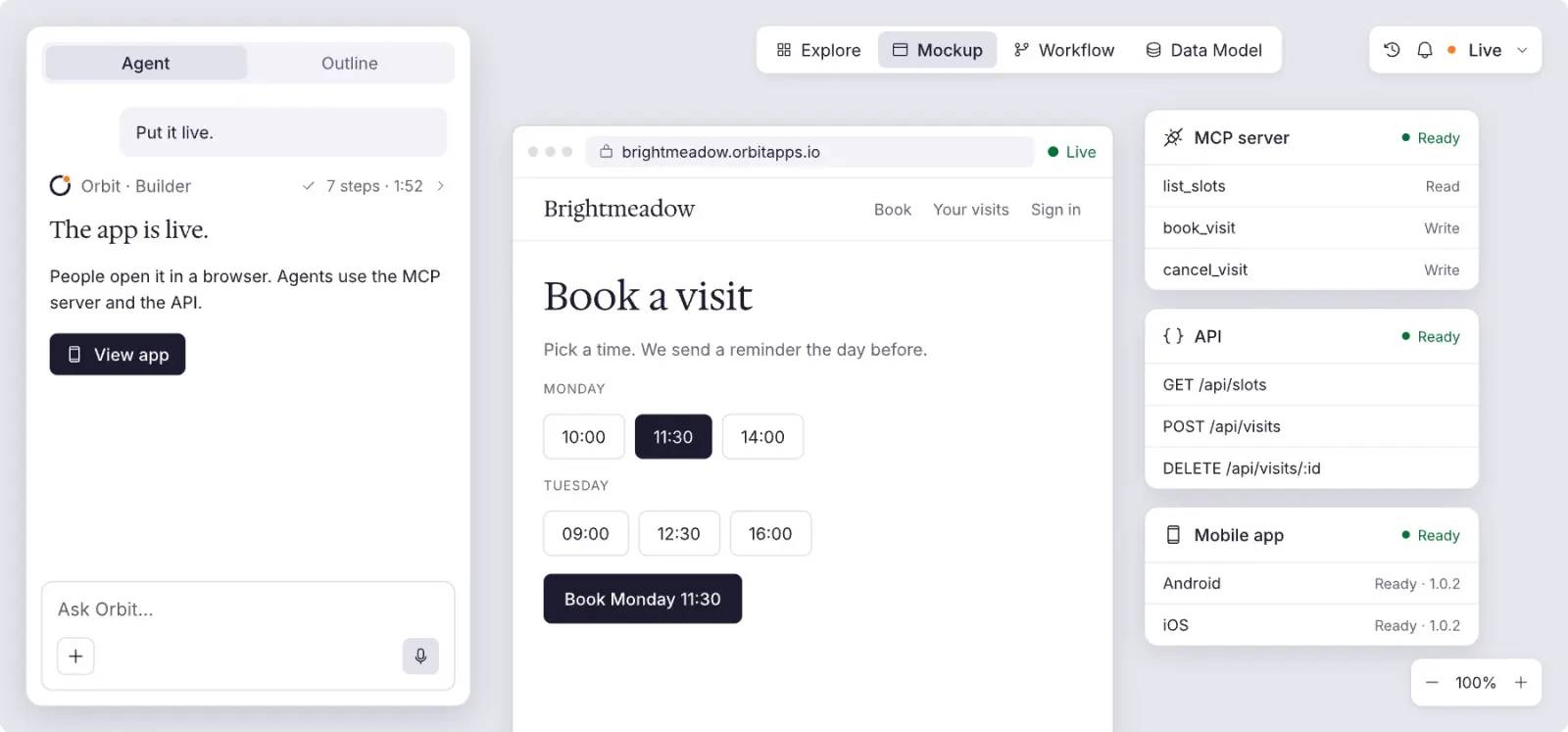
Screens you can see and change.
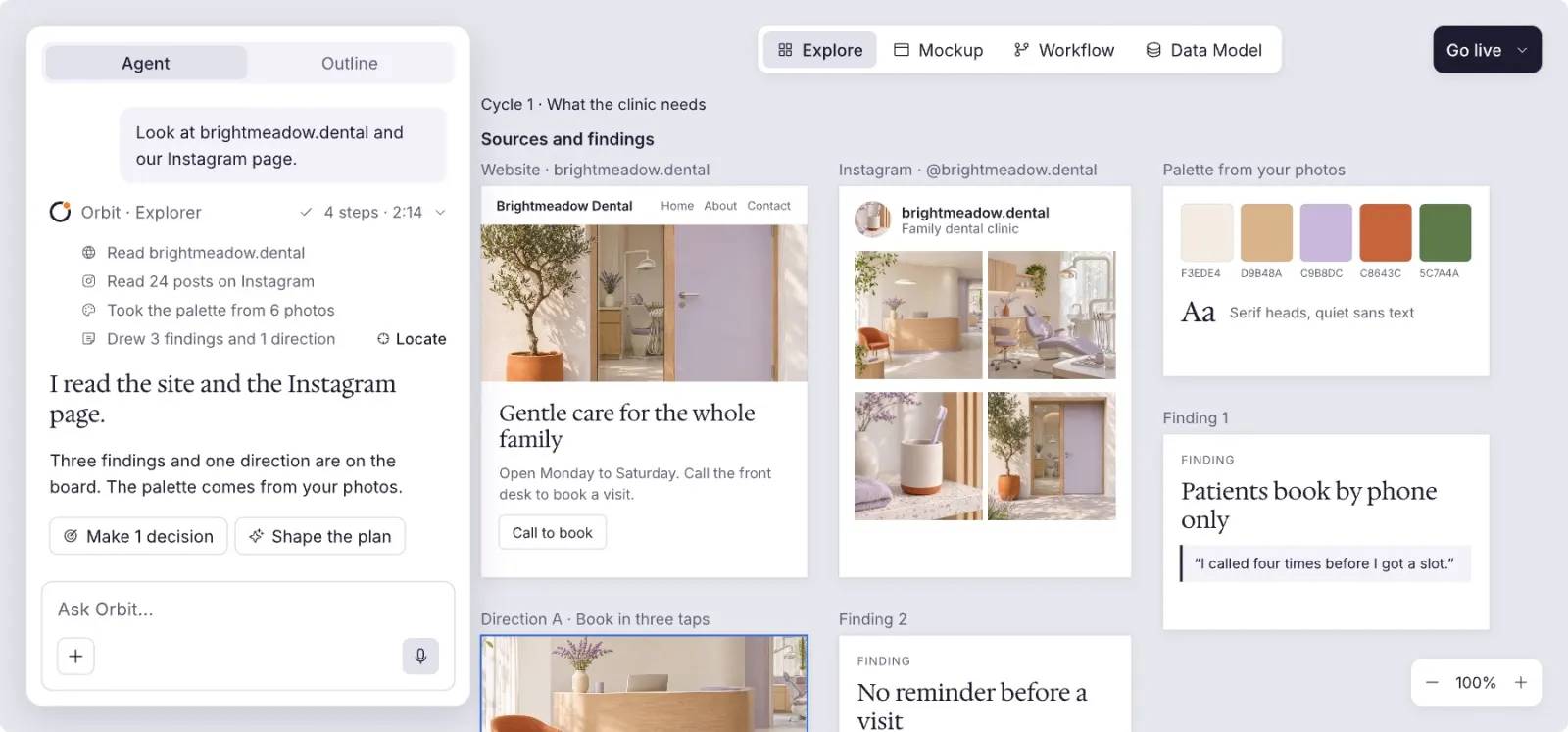
Every screen on a canvas. Change it in words or by hand.
- Read 142 texts0:01
- Translate 1380:02
- Add the EN · हिं switch0:03
- Live at /hi/0:04
Say what to change.
You ask for Hindi. Orbit translates 138 texts, keeps the name and the prices, and adds a switch to the header.
Saturday bread, set aside for you.
शनिवार की ब्रेड, आपके लिए अलग रखी।
Order by Friday night. Pick it up warm.
शुक्रवार रात तक ऑर्डर करें। गरम-गरम ले जाएँ।
 /Corner Loaf/Home

Keyboard
Keep your hands on the keys.
Every tool has a key.
- Undo
- ⌘Z
- Duplicate
- ⌘D
- Insert
- I
- Frame
- F
- Rectangle
- R
- Text
- T
- Wrap in frame
- ⇧F
- Wrap in stack
- ⇧A
- Next and previous layer
- JK
- Next sibling
- Tab
- Into children, or edit text
- Enter
- Select parent
- Esc
- Move up in parent
- ⌥↑
- Show or hide
- ⌘⇧H
- Lock or unlock
- ⌘⇧L
- Hold to read distances
- ⌥
The editor
Or change it by hand.
Insert, theme, inspect and test, in the same window.
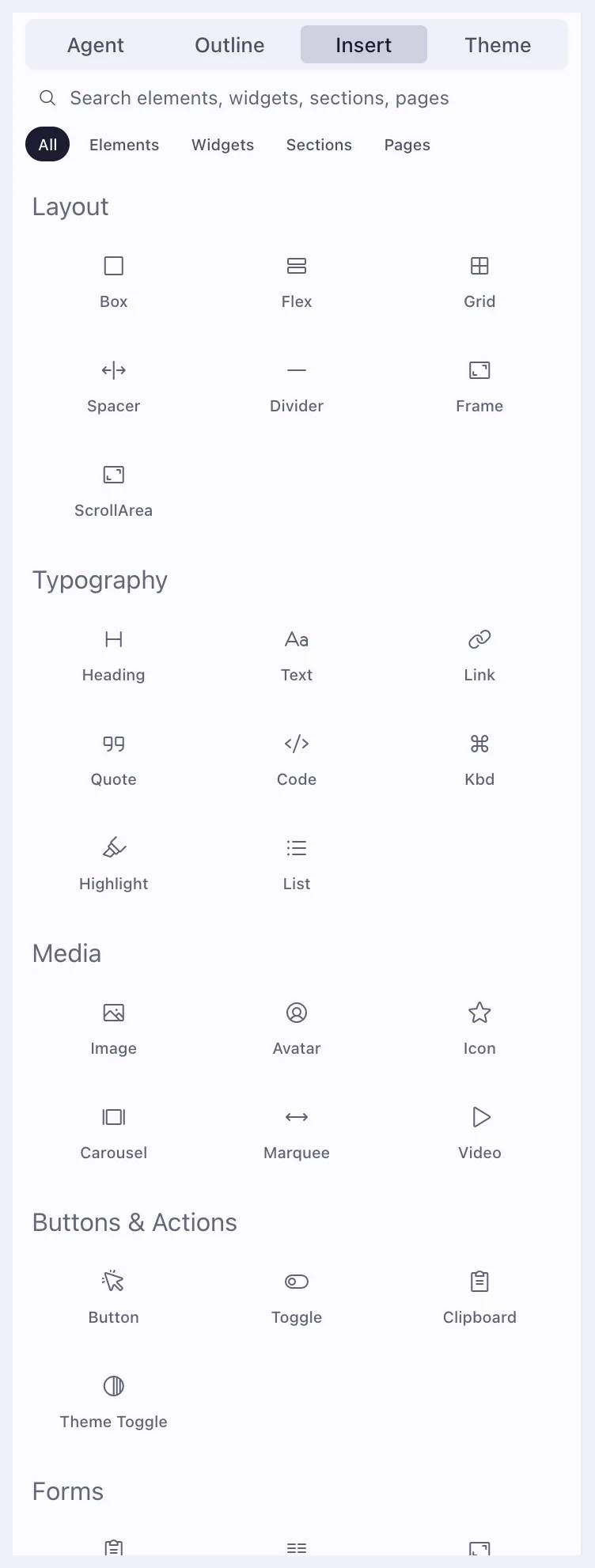
Insert
91 elements.48 sections. 21 pages.
Drop in elements, widgets, sections or pages.
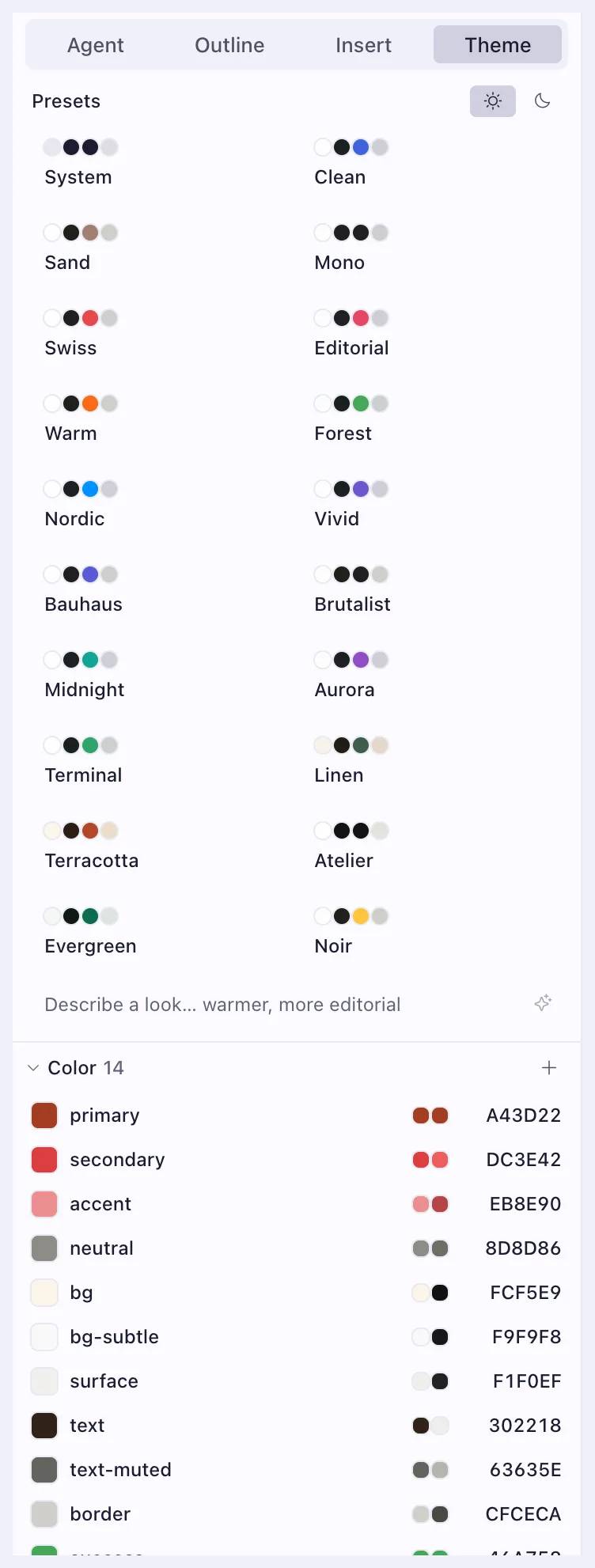
Theme
Twenty looks,one click.
Pick a look, or describe one.
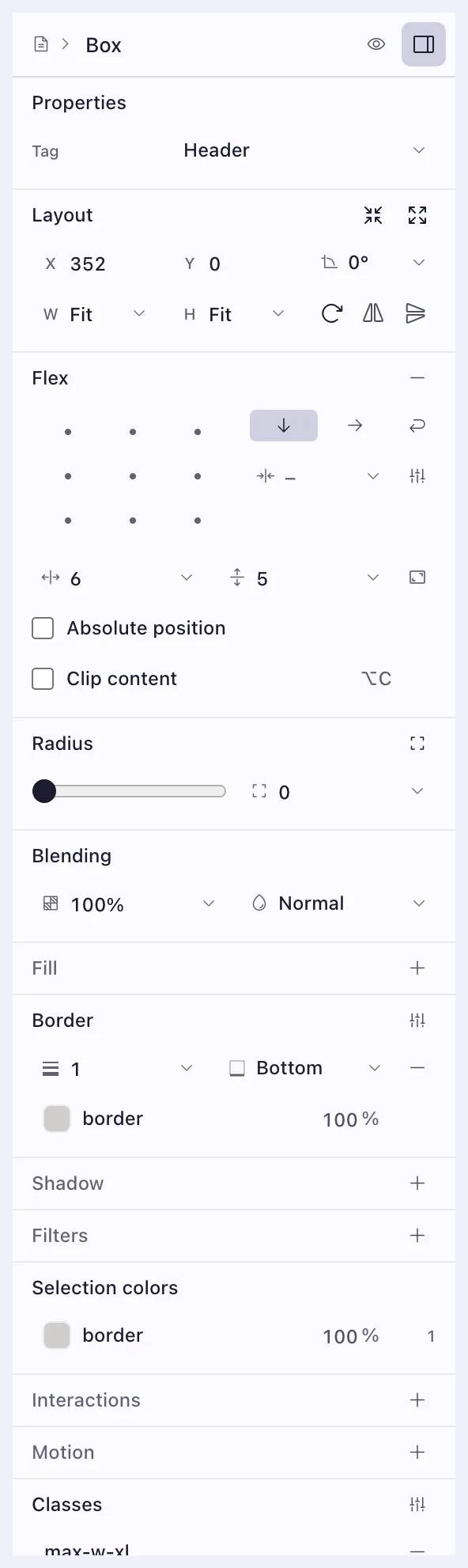
Inspector
Every property,in plain controls.
Select anything to change it.
Scenario
See every statewithout faking one.
It runs the app’s own logic.
View the page as
Device
Appearance
Signed in as
Hidden states
Signed in, Light ⌄
About screens.
Yes. Select anything on the canvas and change it, or ask for the change in words. Both edit the same screen.
Yes. View any page as web, iOS or Android, in light or dark, signed in or out, before anyone else sees it.
Yes. Pick one of twenty looks, or describe your own, and every screen takes it.
Draw the first screen tonight.
Paste a link or a few words.